
What to Do With Old VHS Tapes Before They Die
Your VHS tapes are on a clock. Magnetic tape decays, VCRs are nearly extinct in 2026, and the home movies inside those plastic shells are quietly running out of time. Here's the honest guide to digitizing them — and what to do once you have a hard drive full of unlabeled MP4s.
Patrick Moore, Founder • May 3, 2026

There's a cardboard box in our parents' basement that's been sitting on the same shelf since the Clinton administration. Forty-six VHS tapes. Some labeled in our mom's handwriting (Erin's 5th birthday — June 1991), some in our dad's shorthand (FAM TRIP 93 / GOOD ONES), and a heartbreaking number with no labels at all.
We took one of the unlabeled ones to the only working VCR in the family — our uncle's, in his garage, next to a snowblower. Half the audio was gone. A greenish wave rolled across the picture every few seconds. Twenty seconds in, it stabilized just long enough for us to see our grandfather, gone since 2014, picking up our cousin and laughing at something off-camera.
We watched the rest with a knot in our throats. Then we started Googling. VHS tapes don't last forever. The window for saving the footage on yours is shorter than you probably think.
If you only read one paragraph
The chemistry inside a VHS tape begins breaking down around year 10 and accelerates from there. A typical home tape from the late 80s or early 90s is now 30 to 40 years old. Working VCRs are nearly extinct — the last one was manufactured in 2016. Every year you wait, fewer machines exist and more of the magnetic layer has flaked off. This is not a project for "someday."
Your VHS Tapes Are Already Dying. You Just Can't See It Yet.
The tapes look fine. That's the cruel part. The shell hasn't cracked, the label is still legible, the spool turns. From the outside, a VHS tape from 1992 looks roughly the same as it did the day it was recorded.
The damage is happening on the magnetic ribbon inside, whether anyone watches it or not.
10–25 yrs
Realistic lifespan of a home VHS tape
The Library of Congress estimates magnetic tape begins meaningful decay around year 10–15. Hot or humid storage degrades it faster.
2016
The year the last VCR was made
Funai Electric, the last manufacturer of consumer VCRs, ended production in 2016. The remaining global supply is being cannibalized for parts.
~40 yrs
Age of an early-90s family tape today
A wedding video from 1990 is about 36 years old now. A baby's first birthday from 1985 is 41. The math gets uncomfortable fast.
100%
Of tapes will eventually fail
There is no archival-grade VHS and no climate trick that makes magnetic tape last forever. The only durable copy is a digital one.
The worst kind of decay is sticky-shed syndrome. The binder that holds the magnetic particles to the tape absorbs moisture over decades and turns gummy. When you play a sticky tape, the binder flakes off onto the VCR's heads and rollers — jamming the machine, shedding pieces of your home movie. One bad tape can take out an entire VCR, plus the next tape you put in.
Other failure modes pile on. Lubricant dries out. Tape stretches in spots that played a lot. Mold grows in damp basements. Cases warp in 110-degree attics. And even a pristine tape needs a working VCR — which haven't been manufactured since 2016, and the repair shops that service them are run mostly by single technicians in their 60s.
The question isn't will I digitize these someday. It's will I do it while my parents and grandparents can still tell me what's on the unlabeled ones.
How to Actually Digitize VHS in 2026
There are four practical paths. We'd recommend digitization to anyone with a box of tapes — even if you never spend a dollar with us. The footage matters more than which method you pick.
Mail-in: Legacybox / Capture / iMemories
Ship a box, get back a USB stick or cloud download in 4–8 weeks. Pricing runs roughly $15–$30 per tape. Quality is good — they use working professional VCRs and time-base correctors. Tradeoff: your originals leave the house. If the carrier loses the box, your wedding video is gone. Buy the optional shipping insurance every time.
Big-box retail: Costco / CVS / Walgreens (YesVideo)
Costco's photo center, CVS, and Walgreens all run on the same backend — YesVideo. Drop tapes at a store, they ship to a central facility, you pick up a thumb drive a few weeks later. Often $20–$25 per tape, cheaper with Costco coupons. Quality is fine for most home tapes; not the highest tier on the market.
Local transfer shop
Search "VHS to digital near me" — most metros have at least one independent shop. Pricing varies wildly, $10 to $40 per tape. Huge advantage: tapes never leave town. The local guy can hand-clean a fragile tape before running it. A mail-in queue cannot. Local shops are also the only realistic option for early formats (Hi8, MiniDV, Betamax).
DIY with a USB capture card
Cheapest if you have time. You need a working VCR (eBay, ~$80–$150 tested), a USB capture card (~$30–$60 — Elgato Video Capture or Diamond VC500), and free software like OBS. Total upfront: $120–$200, then zero per tape. The catch: capture is real-time. A two-hour tape takes two hours of your evening. Fine for 10 tapes. Punishing for 50.
A note on what we left off the list. Some services advertise "AI-enhanced" upscaling to 4K. Skip it. VHS was recorded at roughly 240 lines of vertical resolution — the source simply doesn't contain the detail a 4K version pretends to show. Get an honest 480p or 720p MP4, not a fake 4K.
Legacybox vs Capture vs Costco vs DIY
The numbers we'd want if we were standing over a box of forty-six tapes deciding what to do.
| Feature | Mail-in | Costco/CVS | Local shop | DIY USB |
|---|---|---|---|---|
| Cost per tape | $15–$30 | $20–$25 | $10–$40 | $0 after ~$150 gear |
| Turnaround | 4–8 weeks | 3–6 weeks | 1–3 weeks | Real-time per tape |
| Tapes leave the house? | Yes — mail | Yes — via store mail | No — drop off | No — never |
| Handles fragile/moldy tapes | Sometimes (extra fee) | Rarely | Yes — most flexible | Risky |
| Edit / chapter the footage | Limited | No | Sometimes (paid) | Full control |
| Best for | 50+ tapes hands-off | Costco members, casual qty | Fragile / rare formats | 10–20 tapes, technical |
Cost per tape
- Mail-in$15–$30
- Costco/CVS$20–$25
- Local shop$10–$40
- DIY USB$0 after ~$150 gear
Turnaround
- Mail-in4–8 weeks
- Costco/CVS3–6 weeks
- Local shop1–3 weeks
- DIY USBReal-time per tape
Tapes leave the house?
- Mail-inYes — mail
- Costco/CVSYes — via store mail
- Local shopNo — drop off
- DIY USBNo — never
Handles fragile/moldy tapes
- Mail-inSometimes (extra fee)
- Costco/CVSRarely
- Local shopYes — most flexible
- DIY USBRisky
Edit / chapter the footage
- Mail-inLimited
- Costco/CVSNo
- Local shopSometimes (paid)
- DIY USBFull control
Best for
- Mail-in50+ tapes hands-off
- Costco/CVSCostco members, casual qty
- Local shopFragile / rare formats
- DIY USB10–20 tapes, technical
The honest summary: mail-in is the right call for most people with more than 20 tapes. Below 10, DIY makes sense if you enjoy that kind of project. For anything fragile, rare-format, or sentimentally irreplaceable — the only footage of a deceased grandparent, your parents' wedding tape — the local shop is worth a 30-mile drive. They can hand-clean a tape before running it, which a mail-in queue cannot.
The cheapest way to digitize VHS tapes
The cheapest dollar-for-dollar path is a USB capture card and a $90 used VCR off eBay. About $150 upfront, zero per tape after. The catch is time — every two-hour tape takes two hours of your life. Worth it for a small box. Punishing for a large one. The cheapest method that respects your time is usually a Costco bulk deal during one of their photo-service promotions — we've seen 25-tape bundles drop to ~$15 per tape on sale.
The DIY Workflow That Actually Works
We did six of our forty-six tapes ourselves to learn what was on them before deciding which ones were worth paying to professionally restore.
The end-to-end DIY VHS digitization workflow
Buy a VCR you can actually trust
Search eBay for "tested VCR" or a prosumer model like the JVC SR-V101US that handles aged tapes better than a 1995 RCA. Budget $80–$150 with a return window. Avoid auctions where the seller writes "untested" or "for parts." A bad VCR on a good tape can shred it on contact.
Get a capture card and free software
The Elgato Video Capture (~$55) is easiest. The Diamond VC500 (~$35) is cheaper and works with OBS. Plug yellow/red/white RCA cables from VCR-out to the capture card, plug it into your laptop, install the bundled app or OBS, and you'll see a live preview of the tape.
Clean the VCR heads first
A head-cleaning cassette (~$10) run before a session removes the layer of crud the VCR picked up the last time it was used in 2003. Skip this and your first three tapes will look worse than they should.
Capture in real time, edge to edge
Press record on your software, press play on the VCR, walk away for two hours. Don't try to skip the boring parts — capture the full tape. Tapes have abrupt cuts to footage you forgot existed; if you fast-forward past them, you'll never see them.
Save as MP4 (H.264) at source resolution
480p MP4 with H.264 video and AAC audio. Don't upscale. Don't apply filters during capture — capture clean, process later. Files run roughly 1–2 GB per hour of footage.
Rename the file the moment capture finishes
Default filenames like VHS_Capture_2026-05-03.mp4 are anonymous in ten years. Rename to something a future-you will recognize: 1991-06-erin-5th-birthday-grandma-was-there.mp4. Date first, person, one-word context. This is the step that turns a hard drive of files into a findable archive.
Back up immediately, in two places
The minute the capture finishes, copy it to a second location — external drive, cloud, anywhere that isn't the same laptop you captured on. You spent two hours on that file. Don't let one drive crash undo it.
That's the technical loop. Where most home digitization projects fall apart isn't the capture. It's what comes next.
You Have 200 GB of Footage. Now What?
Here's the part nobody warns you about. After the capture phase — DIY or professional — you end up with a folder of files. Forty-six MP4s, give or take, around 200 GB total. And almost none of them are labeled in any way that actually makes sense.
Mail-in services hand back files named Tape_03_Final.mp4. DIY gives you VHS_Capture_2026-05-03_14-22-08.mp4. Even careful renaming usually only gets you to Mom_1991_Tape3.mp4 — which is more than nothing, but not enough for the next person who opens the folder to actually find anything.
The worst-case isn't tape decay — it's the digital orphan problem
Plenty of families pay $1,200 to digitize a box, get back a USB stick, plug it in once to verify it worked, and put it in a drawer. Ten years later the stick is found, the laptop that read it is gone, the format is half-deprecated, and nobody remembers which tape was the wedding and which was the birthday party. Digitization without context is just a different kind of dying.
This is the gap, and it's the reason we built Memory Murals.
We're not a digitization service. Legacybox is better at digitization than we'll ever be. The local guy with the head-cleaning cassette is the right call for fragile tapes. Use those services for the conversion. Then come to us for the part nobody else solves — turning a folder of unlabeled MP4s into a family archive that people will actually open in 2050.
Record a 30-second voice memo over each clip
Watch the tape, hit record, narrate what you're seeing. "This is Easter 1991 at Grandma's house in Akron. I'm in the green sweater. The dog in the corner is Buster. The man laughing off-camera is my Uncle Ray, who passed in 2002." Thirty seconds turns a mystery tape into a piece of family history that your grandkids can search and play back.
Tag who's actually in the footage
Add the people you can identify. Footage becomes findable by who's in it, not just by tape number. When your niece wants to see her great-grandmother in motion someday, she searches the name and the clip surfaces.
Connect related footage with Life Threads
The 1991 birthday tape, the 1995 vacation, and the 2003 graduation are pieces of the same person's story. Life Threads strings them together so the next generation can watch a life unfold across decades — not as a chronological dump, but as a connected narrative.
Keep it private, forever, no algorithm
No public feed, no ads, no recommendations to other accounts, no chance of your dad's 1989 wedding video ending up in a stranger's sidebar. Invite-only access for the family you choose. We wrote about what a real digital legacy looks like at length, and the short version is that "private" has to mean private — not "private until the platform changes its policy."
The honest two-step plan
Step 1 — digitize. Pick whichever service or DIY method fits your tape count and budget. Don't agonize. Legacybox, Capture, Costco, the local shop, a USB capture card from Best Buy — any of them is dramatically better than another year of those tapes sitting in a basement. Step 2 — give the files a real home. Once you have a folder of MP4s, that's where Memory Murals comes in. Upload them, narrate the context while it's still in your head, tag who's in each clip, let the next generation actually find what you saved. Start free.
Where the Files Live (and What to Do With the Tapes)
Two questions remain after digitization. Where do the files live, and what do you do with the originals?
For the files: two locations minimum, at least one not on the same laptop as your daily life. A 200 GB folder of family video should not live on a single SSD. One cloud copy plus one external hard drive in a closet. If one fails or gets locked, the other survives. Same 3-2-1 rule from the voicemail-saving guide — three copies, two storage types, one off-site.
For the tapes themselves: don't toss them yet. Keep the originals at least five years, in a cool, dry, dark spot. Closet works. Attic doesn't. Standing upright is better than lying flat. The originals are your fail-safe if the digital file gets corrupted, the format becomes obsolete, or you want a second professional pass later. After five years of confident digital storage with two backups in different places, you can let them go.
For tapes tied to a deceased loved one, the audio-preservation playbook for those memories applies here too — similar technical loop, different urgency.
Ask the Question While You Still Can
Of our forty-six tapes, eleven were unlabeled. Our mom could identify seven by squinting at the year and remembering what dress she wore. Our dad got three more from context only he understood. The remaining four were genuine mysteries until we played them.
If our parents weren't around anymore, we'd still have the digital files. We just wouldn't know what they were. That's a category of loss no digitization service can fix, because the answer wasn't on the tape — it was in someone's head.
So the move, in order: find the box. Sit with the oldest person in your family who remembers the tapes. Have them hold each one and tell you what it is, on a phone recording. That conversation is the most important fifteen minutes of this whole project. Then digitize.
Order matters. Asking first means the unlabeled tapes get labeled. Digitizing first means a lot of tapes never get fully understood, no matter how clean the capture is.
That box of forty-six tapes lived on the same shelf for thirty years. We finally pulled it down because of one cracked-corner cassette and a knot in our throats and our grandfather laughing on a tape we almost couldn't read.
The tapes don't get less fragile. The VCRs don't get less rare. The people who can tell you what's on the unlabeled ones don't get younger. The best version of this project is the one that happens this month, not the perfect one in your head for another decade.
Whatever digitization path you pick — mail-in, big-box, local, DIY — pick it this week. Then make sure the footage doesn't end up as another folder of unlabeled MP4s in a drawer. That's the part we exist to solve.
Ready to give your digitized tapes a real home? Try Memory Murals free →
Get 50 questions to ask your parents — before the stories are gone
The exact prompts families use to draw out the stories nobody ever wrote down. Free, straight to your inbox.
No spam. Unsubscribe anytime.
Frequently asked questions
How long do VHS tapes really last?
Honestly, 10 to 25 years for typical home recordings — most tapes from the 80s and 90s are already past that window. The Library of Congress estimates meaningful decay begins around year 10 to 15 and accelerates from there. Storage matters a lot: a tape in a climate-controlled closet may play fine at 35 years; one in a hot attic can be unreadable at 15. There's no archival-grade VHS. If your tape still plays today, treat that as a gift, not a guarantee.
Is Legacybox safe to ship VHS tapes to?
Generally yes. Legacybox, Capture, iMemories, and YesVideo (the Costco and CVS backend) have all shipped hundreds of thousands of boxes. The real risk isn't the company — it's the carrier. Always pay for shipping insurance, photograph every tape before sealing the box, and keep a written list of what's inside. For truly irreplaceable tapes, drive them to a local transfer shop instead — a few hours of your time for the peace of mind that the box never enters the mail system.
Can I digitize VHS at home for under $50?
Almost, but not quite. The cheapest realistic setup is a working used VCR off eBay ($80 to $150) plus a USB capture card ($30 to $60). You'll come in around $110, not $50. Trying to find a VCR under $50 usually means an untested unit that may damage the first tape you put in. If you only have one or two tapes, it's cheaper to pay $20 per tape at Costco than invest in gear you'll never use again.
What file format should digitized VHS tapes be saved in?
For most families: MP4 with H.264 video and AAC audio at 480p or 720p. It plays on every modern device, takes up reasonable space (1 to 2 GB per hour), and will be readable for decades. Skip the "AI-upscaled 4K" offers — VHS source resolution is too low for true 4K. For your most important tapes, ask the service for an additional uncompressed master (ProRes or MOV) and use the MP4 day to day while keeping the archival file in cold storage.
What about Hi8, MiniDV, or Betamax tapes?
Most digitization services handle Hi8 and Video8 well, usually at a higher per-tape price because the playback machines are rarer. MiniDV is best handled by a local shop because it needs a working camcorder and a FireWire adapter. Betamax is specialty-only — a handful of operators in major cities still do it. 8mm film reels are a different beast entirely (physical film, frame-by-frame scanning) and actually age better than VHS.
What do I do with VHS tapes after they're digitized?
Keep them at least five years before throwing them out. Store upright in a cool, dry, dark place — closet shelf, not attic, not damp basement. They're your insurance if the digital files get corrupted, the storage device fails, or you want a higher-quality re-capture later. Do a quick health check of your digital files once a year: pick three random clips, play them, confirm they open. Files don't usually fail loudly. They fail quietly.
About the author
Patrick Moore, Founder of Memory Murals
Patrick Moore is the founder of Memory Murals. He built it after realizing how much of his own family's history had quietly slipped away — to help families preserve their stories, voices, and photos while they still can.
Related Stories
How-To Guides
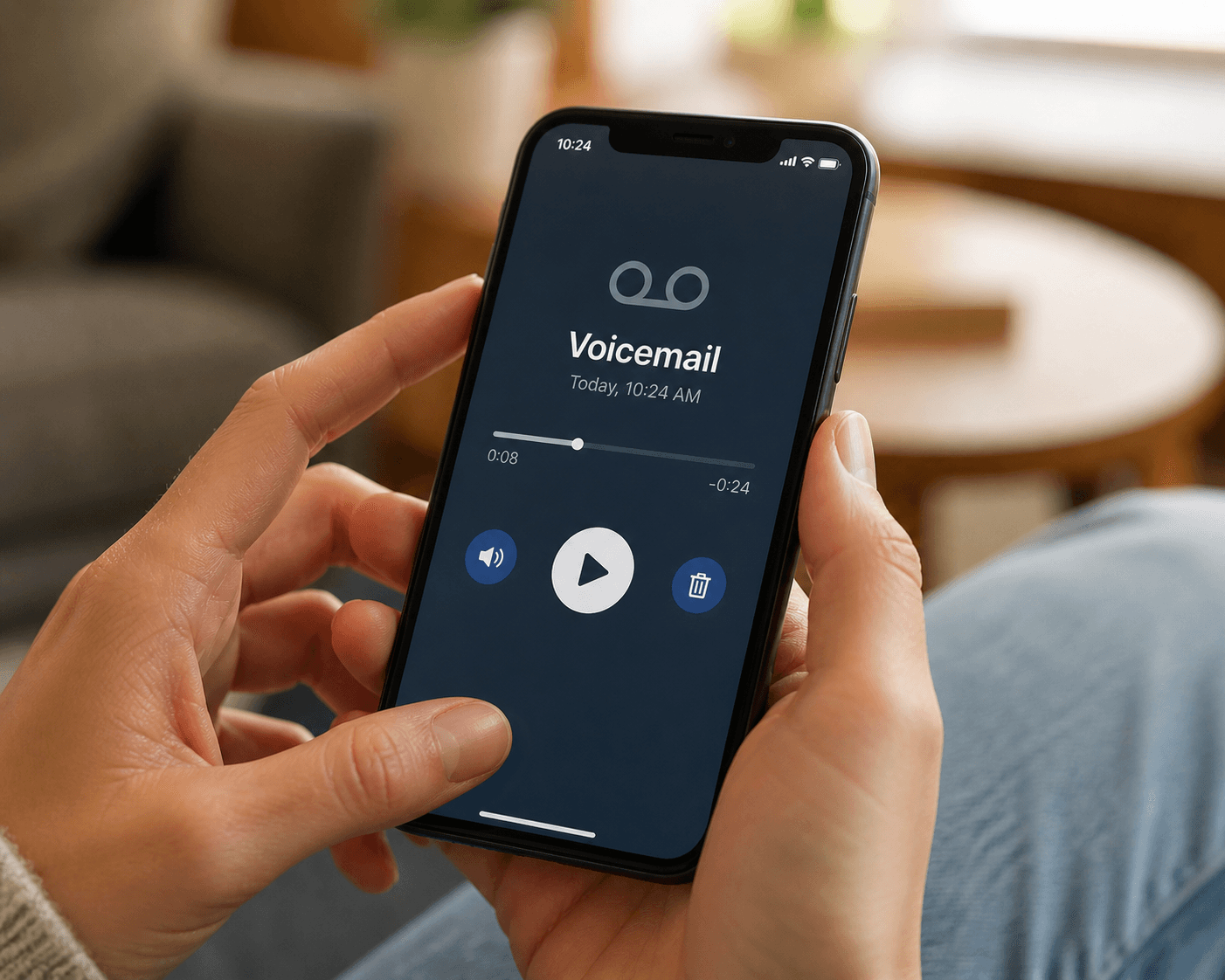
How to Save the Voicemails Worth Keeping (Before Your Phone, Carrier, or Number Loses Them)
There are voicemails on your phone right now that you'd cross a city to recover if you lost them — your kid's voice from a phase that's already over, a partner singing into the answering machine, a grandparent's holiday call. Here's how to save them in five minutes, before your phone, your carrier, or your number takes them away.
The Memory Murals Team • May 3, 2026
How-To Guides
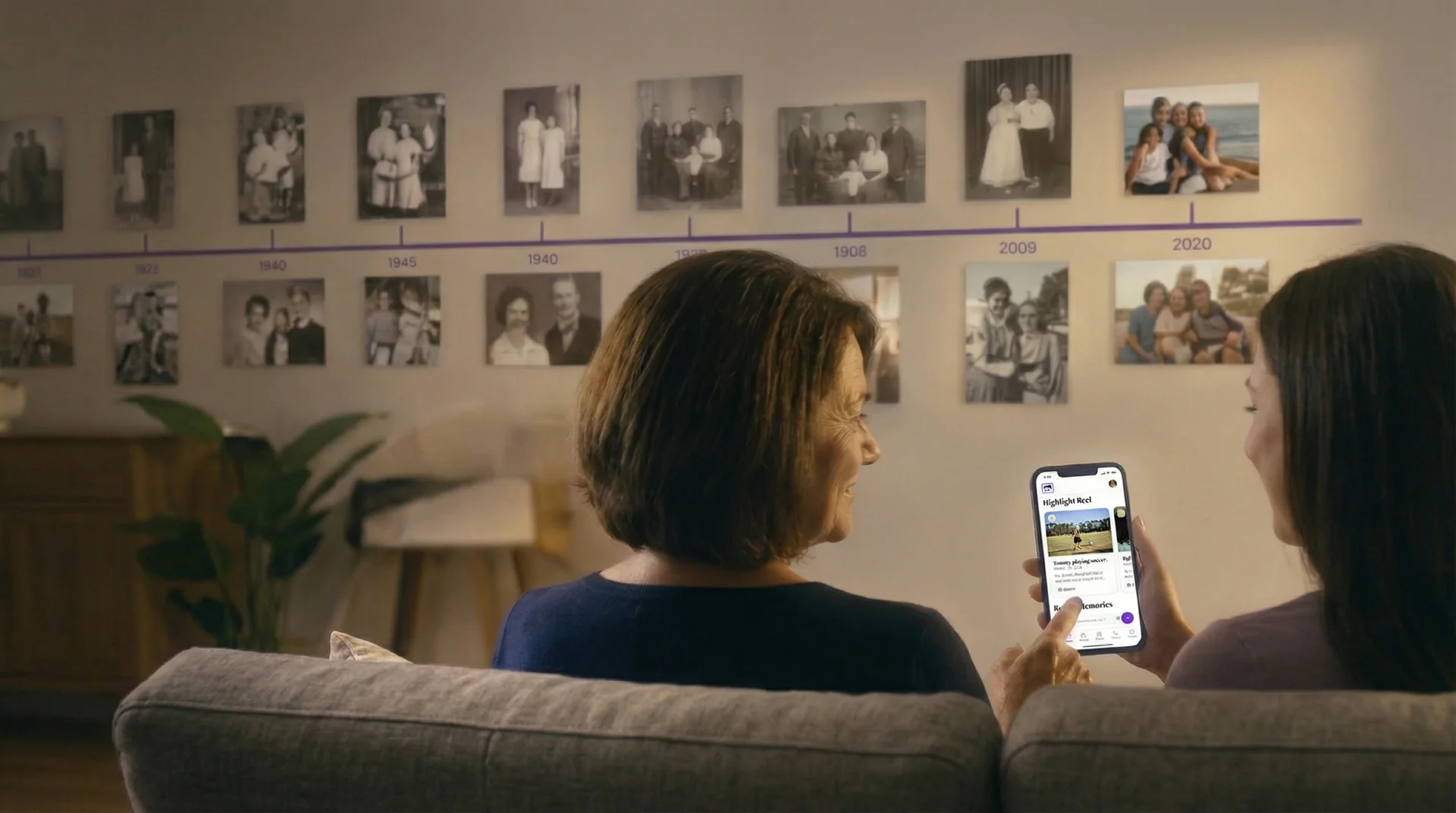
How to Save a Deceased Loved One's Voicemail Before It's Gone Forever
Your phone carrier is counting down to the day your loved one's last voicemail disappears forever. Most families don't know this until it's too late. Here's exactly how to save it — on iPhone and Android — before the clock runs out.
The Memory Murals Team • April 19, 2026

How-To Guides
How to Organize Family Videos: A Step-by-Step Guide to Digital Archiving
Overwhelmed by decades of home movies on phones, tapes, and hard drives? This guide provides a clear, step-by-step process to gather, digitize, and organize your family videos. Learn how to create a lasting digital archive that's easy to navigate, safe from loss, and ready to be enjoyed.
Patrick Moore • September 21, 2026
Now give it somewhere to live.
The file you just saved outlasts nothing on its own. Put it where your family can still find it in thirty years.