
How to Audit Your Family's Digital Footprint
If your family had to recover your photos, voicemails, and stories on a Wednesday afternoon with no warning, how much would they actually find? Most families don't know. Here's the 5-step audit to find out before it matters.
The Memory Murals Team • May 15, 2026

Here's a question almost no family answers honestly: if your kids had to find every photo, voicemail, and recorded story of your family this Wednesday afternoon — not after you're gone, just now, with no warning and no time to prepare — how much would they actually be able to put their hands on?
Most adults have no real answer. There's a vague sense that the photos are "in iCloud" and the voicemails are "on my phone" and grandma's voice memos are "somewhere." The honest version is messier. Photos are scattered across four accounts on three platforms. The only voicemail of your dad is on a phone you traded in two years ago. The wedding video lives on a hard drive in a desk drawer that hasn't been plugged in since 2022. Mom's iPad has the only audio recording of your grandmother because she made it on a whim during a Sunday visit and never told anyone.
This post isn't about fixing any of that. It's about doing the audit first — getting the honest inventory before you decide what to do. You can't build a durable digital legacy without knowing what's already in it.
The 30-second verdict
The audit is a 4-hour project, not a year-long one. Five steps: list every account, map access, check deletion clocks, find single-points-of-failure, note what's not digitized yet. Most families come out the other side with three or four genuine surprises and a clear sense of what to fix first.
The audit is not the morbid part
Most people read "digital legacy planning" and skip to the next thing. The framing is responsible for that. Legacy suggests funerals. Planning suggests lawyers. Digital suggests a tech project. None of those is the actual work.
The audit is none of those things. It's an inventory. Where things currently live, who can get to them, what's at risk. It doesn't require legal advice. It doesn't require deciding anything about the future. It just requires telling yourself the truth about the present.
The morbid version comes later — that's the work of building a permanent archive and a succession plan, and it has its own playbook (we'll point to it once you've finished the audit, because the audit is the prerequisite). You can't choose where your family's memories should live until you know where they currently live.
If you've avoided this work because it felt big, the reframe is: it's a Saturday morning, not a project. Coffee, a notebook or a notes app, and a willingness to look. That's all.
Your family's digital footprint has four layers
Before the audit itself, it helps to know what you're auditing. Most digital-legacy advice treats your "footprint" like a single thing. It isn't. It's four distinct layers, each with different risks and different audit tactics.
Layer 1: Active accounts you control today. iCloud, Google Photos, your active email accounts, your phone's local storage, the social platforms you still log into, the dedicated apps you use weekly. These are visible to you and (mostly) under your control. The risk here is concentration — one account often holds far more than you realize.
Layer 2: Inactive accounts you've half-forgotten. The old Yahoo email from your twenties. The Dropbox you set up in 2014 and stopped paying for. The MySpace photos. The Flickr account from before they changed pricing. The Picasa export folder. The Snapfish prints you ordered in 2011. These are at the highest risk because nobody's checking on them — and they often contain the photos from a specific era of your life that exists nowhere else.
Layer 3: Physical media not yet digitized. Boxes of prints. VHS and Hi8 tapes. SD cards in drawers. Negatives in envelopes. Old microcassette recorders. The cassette tape your grandfather made in 1989. These aren't strictly digital footprint, but no audit is complete without naming them — because the clock on physical media is real (most consumer photo prints show noticeable fading within 20-30 years, and magnetic tape degrades faster).
Layer 4: Memories distributed across other people's devices. Mom's iPad. Your sister's iPhone. Your father's email archive. The Google Voice account your uncle uses. The shared text thread where your aunt sent the only photos from the 2019 reunion. This layer is the most commonly missed and often holds the most irreplaceable material — because it's the stuff other people captured of your family.
Each of these four layers gets audited differently in the steps below. None of them can be skipped.
Step 1: List every account that holds family memories
Open a fresh document. Write down every account, app, drive, and service that contains any family photos, voice memos, videos, or stories. Don't filter. Don't decide yet whether anything's important. The point of step one is exhaustive listing, not curation.
The categories worth thinking through:
- Cloud storage — iCloud, Google Photos, Google Drive, Dropbox, OneDrive, Amazon Photos, Box, Backblaze. Include free tiers you haven't touched in years.
- Email accounts — every photo you've ever emailed is in one of these. Gmail, Outlook, the old Yahoo, the work email if you've sent family photos through it. Check sent folders for attachments.
- Social media — Facebook (especially the auto-uploaded photos), Instagram, the dead Twitter, LinkedIn if you posted family stuff, BeReal if you ever used it.
- Dedicated memory and photo apps — FamilyAlbum, Tinybeans, StoryWorth, Memory Murals, Heirloom, voice-recording apps, journaling apps that include photos.
- Messaging apps — iMessage threads with voice memos, WhatsApp family groups with years of photos, Signal, Telegram, Facebook Messenger.
- Physical devices — your current phone, old phones in a drawer, laptops, tablets, external hard drives, USB sticks, SD cards.
- Services that have changed or ended — Picasa exports if you ever ran one, dead Flickr account, old Snapfish or Shutterfly libraries, MobileMe legacy data, any "I think I had an account there" service.
The honest target list is 8 to 12 active accounts and 4 to 8 inactive ones for most adults. If your list is shorter, you missed some. Common misses: the Gmail attachment archive, the SD card from your DSLR, the messaging-app voice memos.
For the definitional version of what "digital legacy" even means as a category, our piece on what is a digital legacy covers the conceptual ground. For now, just list.
Step 2: Map who else can access each one
For each account on your list, write one of five labels:
- Only me, password in my head. The riskiest category. If you forget the password, the account is gone — and if something happens to you, the account is gone for the family.
- Only me, password in a password manager. Better than #1 if someone has emergency access to the password manager. Worse than #1 if nobody else knows the manager exists.
- Me plus one trusted person (usually a spouse). The most common pattern for active accounts. Reasonable for shared archives but creates a co-dependent failure mode if both people lose access at once.
- Multiple family members. Rare. Usually only true for actively-shared services like a family iCloud or a dedicated family-archive tool with multi-account access.
- Designated successor via platform-specific tool. Apple Legacy Contact. Google Inactive Account Manager. Facebook Legacy Contact. Most adults have set up zero of these.
This step is uncomfortable because it usually reveals that almost everything sits behind a single password that only you know. That's the most common audit finding. It's also the highest-leverage thing to fix later.
For the family-archive tools that natively support multiple access levels — view-only relatives, contributor relatives, full co-owners — our walkthrough on view-only family archive access covers the permission model that makes posthumous access something other than a court-order problem.
Step 3: Check the deletion clocks
This is the step most people don't know to do. Many platforms have policies that quietly delete inactive content. You agreed to them when you signed up; you've never thought about them since.
The major ones in 2026:
- Google Inactive Account Manager — accounts go through a deletion sequence after a configurable inactive period (3 to 18 months, depending on what you've set). If you've never set this up, the platform default applies and you should look it up.
- Free-tier overflow — iCloud, Dropbox, OneDrive all quietly drop your account back to the free tier if a payment fails. Files above the free tier get queued for deletion (typically within 30 days for iCloud).
- Voicemail retention — carrier-specific, but most major US carriers keep voicemails for 14 to 30 days for new messages and around 30 days for "saved" ones. The voicemail from your dad that you've been meaning to save is on a clock you didn't agree to.
- Social-media inactivity — Facebook keeps accounts active indefinitely; Instagram has historically deleted long-inactive accounts; Twitter/X has changed policies multiple times. Don't assume "they'll keep it forever."
- Old phone backups — iCloud backups expire after 180 days if the device hasn't connected. Google's Drive-based device backups are similar. The backup of your old phone may already be gone.
For each account in your list, look up its current policy and write down the clock if there is one. The point isn't to panic — it's to know which items have a real deadline. (Our deeper piece on what happens to your photos when you die walks through the platform-by-platform reality if you want the long version.)
Step 4: Find your single-points-of-failure
A single-point-of-failure is anything where, if it fails, a meaningful chunk of the archive is gone. The diagnostic questions:
- Is there one account holding more than half the family photos? (iCloud or Google Photos is the typical answer.)
- Does one person know all the passwords?
- Is there one physical device the archive ultimately syncs to?
- Does one email address own the recovery path for most of the other accounts?
For each "yes," ask the follow-up: if that one thing failed today, what would be gone?
This isn't a planning exercise yet. It's a diagnostic. Most families discover that the large majority of their family's photo history is controlled by a single iCloud or Google account, with no co-owner, no successor, and no backup outside that platform. That's the most common single-point-of-failure in 2026 and a major reason archives don't survive their owners.
Step 5: Note what isn't digitized yet
The audit isn't complete without naming the analog. Walk the closets. Check the basement. Open the box on the shelf in the spare bedroom you haven't touched in three years. Write down:
- Boxes of prints — roughly how many photos, what eras, what condition.
- VHS, Hi8, or other video tape — how many, whose camcorder, anyone's whose machine still plays them.
- Audio cassettes or microcassettes — the answering machine tapes, the recorded interviews, the songs and prayers grandma recorded in 1990.
- Film negatives — often in envelopes from the original developer, often the highest-resolution version of photos you only have as 4x6 prints.
- Old memory cards — SD cards from old cameras, even old CompactFlash cards. These hold high-resolution originals that the prints can't reproduce.
- Documents — handwritten letters, recipe cards, journals, the box of cards your grandmother saved.
You're not committing to digitizing any of it yet. You're just naming what exists. The annual rate of analog decay is small but real, and a finished audit is one that includes the things that haven't been touched in twenty years and won't reach the next twenty without help.
The four discoveries most families don't expect
After hundreds of conversations with families doing this work, certain findings repeat. If your audit surfaces any of these, you're in good company:
1. A dead or locked account holding photos you forgot about. The Yahoo Mail you used in 2007 still has 400 family photos as attachments. The Picasa account you exported in 2016 wrote files to a folder you've since lost. The old Flickr Pro account expired and you don't know if the photos came back when you let it lapse. These are the highest-priority recovery items because the deletion window is shortest.
2. The only copy of something irreplaceable lives on one other person's device. The voice memo of your grandfather is on your sister's old iPhone. The video of your daughter's first steps is on your spouse's phone — and you're realizing you've never asked them to send it to you. The reunion photos exist only in your aunt's iCloud. This finding is uncomfortable because it surfaces dependencies on people you may not have a clean way to ask. Ask anyway.
3. The "backup drive" hasn't been turned on in years. A lot of external hard drives sitting in American homes haven't been powered on in years. Some are bad. Most still work but contain files the owner has forgotten about and can no longer find on any other device.
4. The voicemails are about to disappear. Most carriers retain voicemails for 14 to 30 days. The voicemail from your dad that you've been meaning to save — there's a real chance it's already gone. If the audit surfaces voicemails worth keeping, save them immediately. Don't finish the audit first.
The pattern across all four: most families have more material at risk than they predicted, and more material worth saving than they remembered they had. The audit surfaces both at the same time.
What to do with the inventory you just built
The audit is the prerequisite, not the answer. After you finish it, two questions naturally follow.
The first is where this should all live. Not which technical tool — that's a smaller question. Which kind of place. A private archive controlled by your family? A public-ish photo feed? A platform whose business model conflicts with long-term preservation? The audit usually pushes families toward "private, owned by us, designed for preservation rather than engagement," and the case for why is what we wrote up in why privacy is the heart of Memory Murals.
The second is how to make whatever you pick actually durable. Ownership, succession, redundancy — the three principles that decide whether an archive survives its owner. The full operational version is in our guide on building a permanent digital legacy that lasts — 3-2-1 backup, exportability checks, written succession plan, annual verification.
The audit is what makes both of those next steps tractable instead of overwhelming. You're no longer trying to "build a digital legacy" in the abstract. You're moving a specific set of identified files from a specific set of identified risks into a specific kind of durable home. That's a Saturday-afternoon project, not a year of avoiding the topic.
What we built and what we didn't
If you're going to consolidate after this audit, the place we built is Memory Murals. It's a private family archive — photos, voice recordings, stories, and the context that connects them — designed for the multi-decade question rather than the daily-share question. The audit usually surfaces three things our platform handles natively: the need to consolidate scattered photos, the need to preserve voice (which most platforms can't do well), and the need for view-only relative access so family members can read the archive without being able to edit it.
What we didn't build, and aren't going to pretend we did: a tool for managing your inactive Yahoo account or recovering deleted iCloud photos. Those are separate jobs and the audit will help you identify which separate jobs you actually have. We're one piece of the eventual durable archive, not all of it.
Frequently asked questions
The audit is the part you can do today
Most families never get to the durable-archive part because they never finish the audit. The two get bundled together in their head as one impossibly large project, and the project gets postponed indefinitely.
They aren't one project. The audit is its own thing, takes about four hours total, and is the only part of this work that has to come before everything else. You can do it this weekend. You don't need to commit to a tool first. You don't need to write a will. You don't need to talk to anyone except possibly your spouse.
When you finish it, you'll know things you didn't know on Friday: where the photos actually live, what's locked, what's at risk, what's only on Mom's iPad. You'll have a list. The list is the start.
What happens after the list — picking a home, building succession, running the 3-2-1 backup — is the work the permanent-archive guide referenced earlier was written for. The audit is the door you walk through to get there. Walk through it.
Ready to consolidate what the audit surfaced into one private place? Try Memory Murals free → — voice, photos, and stories together, owner-controlled, with view-only access for relatives. No credit card required.
Related Stories

Why Privacy is the Heart of Memory Murals
In an age of oversharing, Memory Murals was built on privacy. Learn why your family's story deserves a space free from ads, algorithms, and public scrutiny.
The Memory Murals Team • December 10, 2025
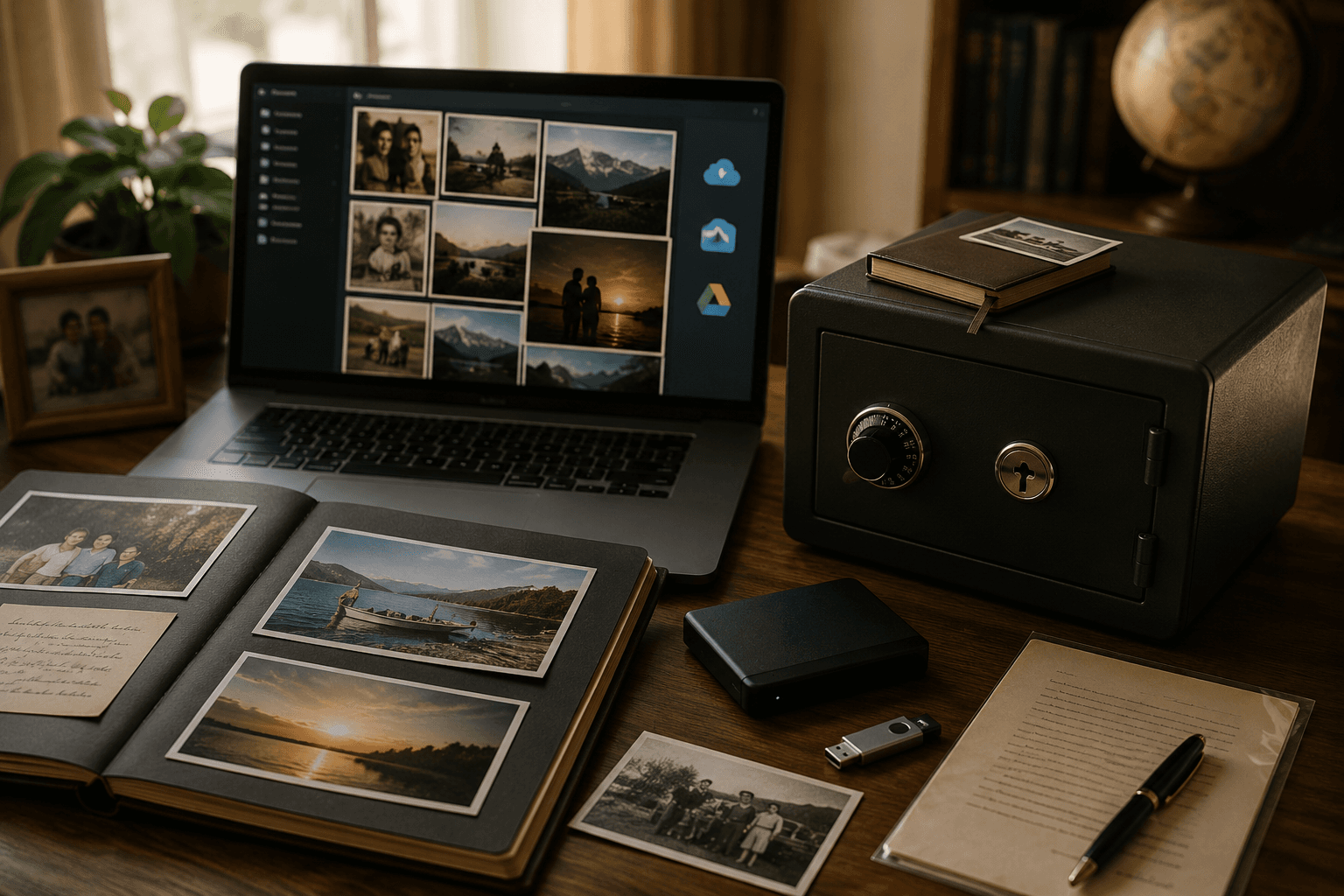
How to Build a Permanent Digital Legacy That Won't Disappear When You Do
Most digital legacies don't survive their owners — accounts go dark, subscriptions lapse, files vanish during account migrations nobody noticed. Here's how to build an archive that actually lasts past you.
The Memory Murals Team • May 10, 2026
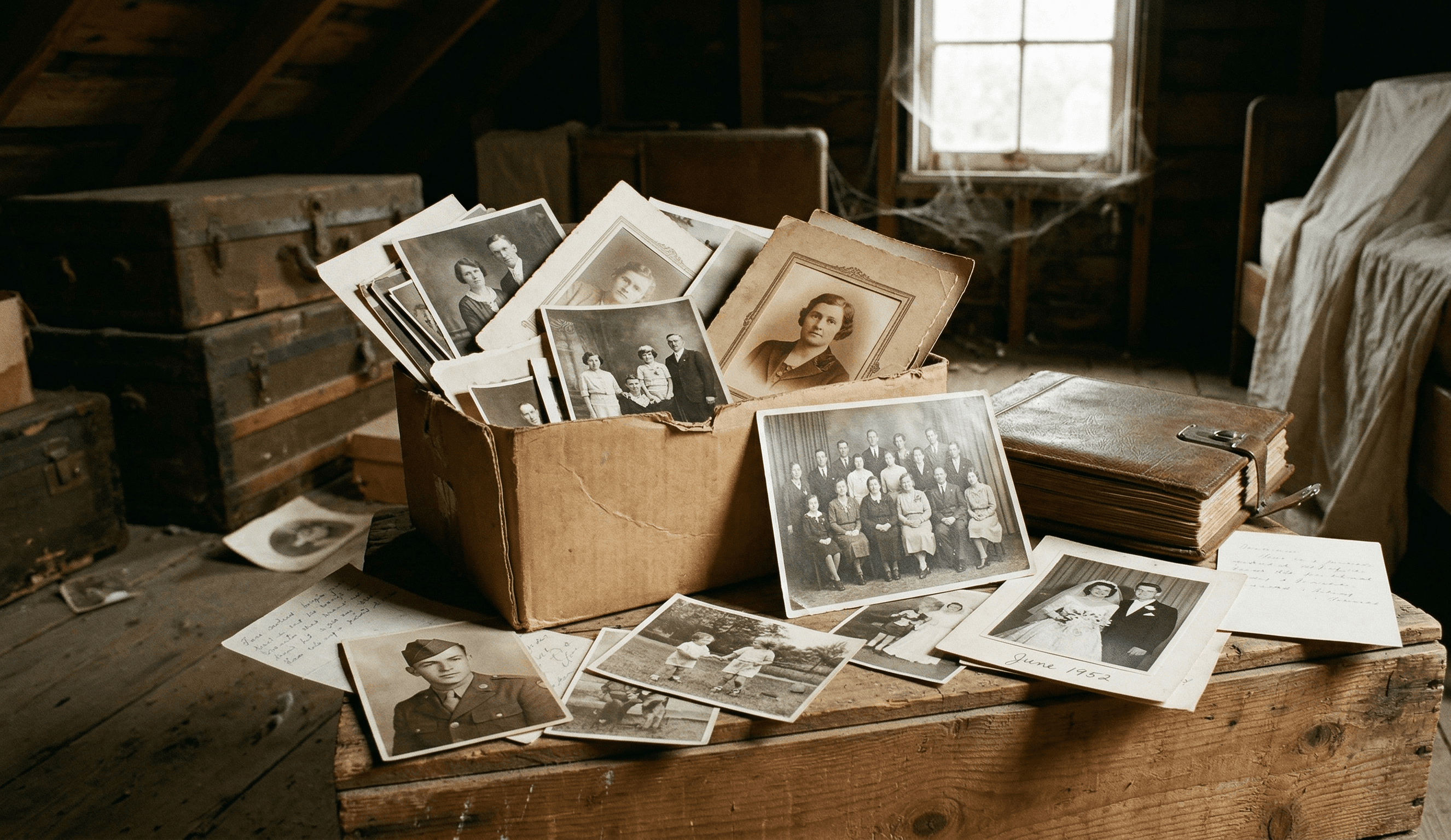
What Happens to Your Family Photos When You Die?
When someone dies, their iCloud, Google Photos, and social media don't transfer to family. One woman spent three years fighting Apple for her husband's wedding photos. Here's what actually happens to your digital memories — and how to make sure your family never loses them.
The Memory Murals Team • April 8, 2026