
QR Codes for Photo Albums
Bring your old photo albums to life by adding QR codes that link to digital stories. This guide shows you how to connect a printed photo with a voice recording or video, creating a bridge between your physical heirlooms and your private digital archive. It's a simple way to hear the story behind the smile, right from the album page.
Patrick Moore, Founder • June 22, 2026
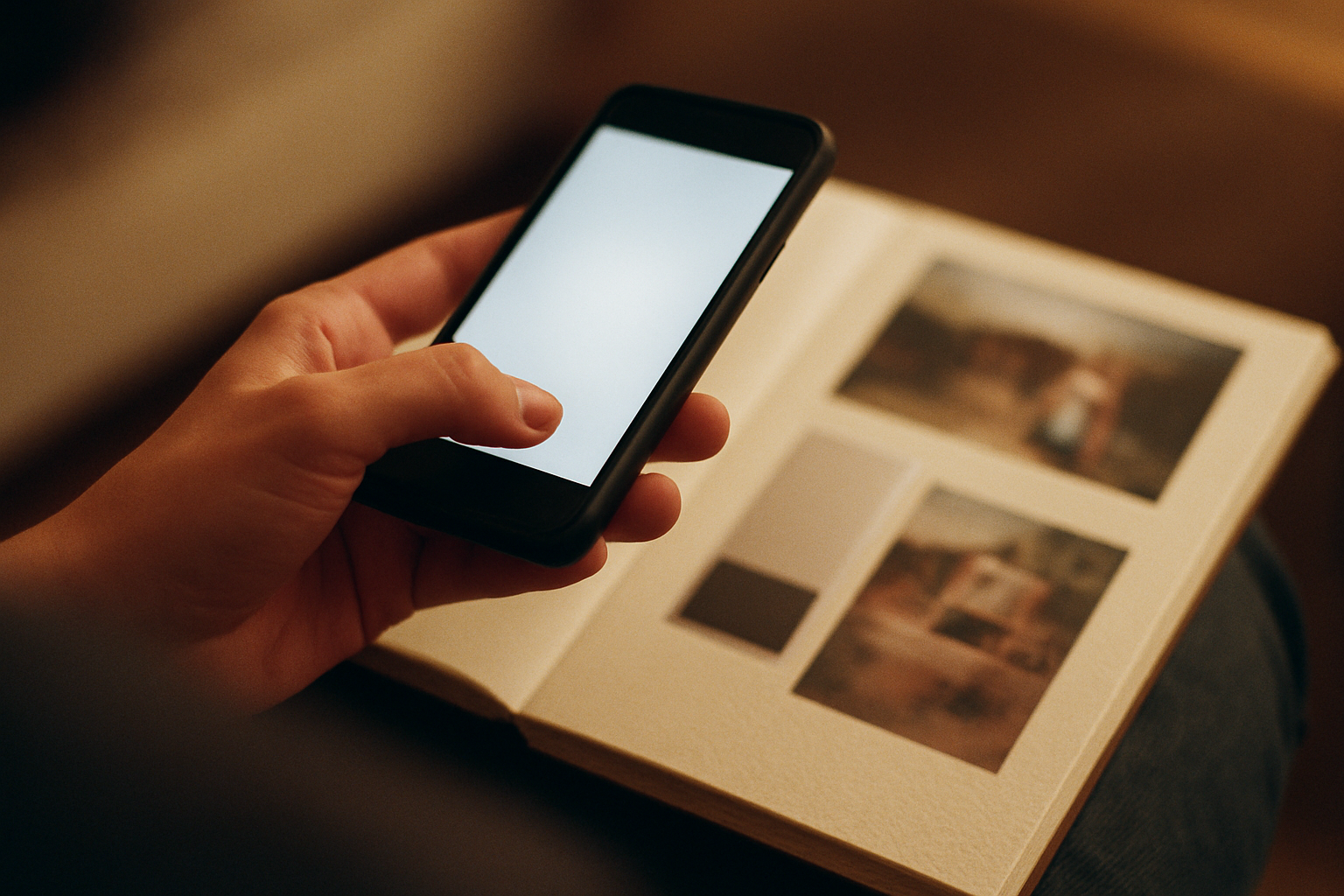
Last Tuesday, I was in my parents’ attic, navigating the familiar obstacle course of holiday decorations and forgotten furniture. I was looking for my dad’s old slide projector but found something else: my grandmother’s wedding album. It’s a heavy, faux-leather book with yellowing, sticky pages. Inside, a 22-year-old version of my grandma, whom I only knew with soft white hair, smiles at a man I never met—my grandfather.
I’ve seen these photos a hundred times. But sitting there in the dusty quiet, I felt a familiar pang of frustration. The image is here, but the story is gone. What was she thinking in that moment? What did my grandfather whisper to make her laugh like that? The photo is a clue, but the memory it points to feels lost to time.
This gap between the physical object and the living story is something we all feel when looking through old boxes of photos. We have the what, but we’ve lost the who, the why, the how. What if we could close that gap? What if you could point your phone at that wedding photo and hear your grandmother’s voice telling you about the day, her voice full of the same joy you see on her face?
That’s not science fiction. It’s a simple, powerful way to enrich the heirlooms we already have. By adding QR codes to your photo albums, you can link a silent, two-dimensional image to the living, breathing story behind it.
The short answer
To create a QR code photo album, first record a voice memo or video telling the story behind a specific photograph. Upload that digital file to a private, permanent home like Memory Murals to get a stable sharing link. Next, paste that link into a free online QR code generator and download the image. Finally, print the QR code onto a small, archival-quality sticker and place it in your album next to the corresponding photo, instantly making your physical album interactive.
The Best of Both Worlds
For generations, the photo album has been the cornerstone of family memory. There’s a magic to its physicality—the weight of the book, the crinkle of the protective sheets, the serendipity of flipping through pages and rediscovering a forgotten moment. It’s a tactile experience that a phone screen can’t replicate. Many of us are wrestling with what to do with parents' photo collection because we know these objects are precious.
But physical albums are also static. They are silent. The stories live only in the minds of those who were there, and as time passes, those voices fade. A digital archive, on the other hand, can hold so much more: the sound of your dad’s laugh, the video of your daughter’s first steps, the full, unabridged story of how your parents met. Yet, scrolling through a camera roll can feel impersonal and overwhelming.
Adding QR codes is the bridge. It lets you keep the cherished physical object while layering it with the depth and richness of a digital story. It’s an act of translation, turning a silent artifact into a living conversation.
Physical Albums
They offer a tangible connection to the past. You can hold them, share them on the couch, and discover memories without needing a charged device or an internet connection. Their physical nature encourages slow, communal looking.
Physical Albums
They are vulnerable to fire, flood, and decay. More importantly, the stories behind the photos are not attached and are easily lost. A photo of a person you don't recognize is just an image, not a memory.
Digital Archives
They can store multimedia like audio and video, are easily backed up, and can be shared securely with family anywhere in the world. They offer powerful organization and search capabilities that physical albums lack.
Digital Archives
They can feel sterile and detached from the real world. The sheer volume of digital photos can be overwhelming, and without careful curation, precious memories can get lost in a sea of screenshots and duplicates.
Creating Your First QR-Coded Story
This project might sound technical, but it’s surprisingly straightforward — approachable enough that a 70-year-old can be adding stories to their old albums within an hour. Here’s how to do it.
From a Photo to an Interactive Memory
Choose a Photo & a Story
Start small. Don't try to do the entire collection at once. Pick one photograph that you know has a great story behind it. Maybe it's your parents on their honeymoon, or a candid shot from a family reunion 20 years ago. If you're helping a parent or grandparent, use it as a gentle starting point to ask questions. You can find some wonderful prompts in our guide on questions to ask your grandparents before it's too late.
Record the Audio or Video
The simplest tool is the one you already have: your smartphone. Use the built-in voice memo app to record audio. For the best quality, sit in a quiet room, hold the phone about six inches from the speaker's mouth, and speak clearly. Don't worry about perfection; a little hesitation or an emotional crack in the voice is what makes it real. This is about capturing authenticity, not producing a podcast. If you need tips on drawing out stories, our guide on how to interview your parents can help.
Securely Host Your Digital File
This is the most important step for longevity. You need to store your recording somewhere that provides a permanent, stable link. A link from a personal cloud drive can break if you reorganize folders. A social media link is even worse—it's public, and the platform could disappear or change its policies. You need a home built for this. At Memory Murals, every story you upload gets its own private, permanent URL that will never change. This ensures your QR codes will work for decades to come.
Generate the QR Code
Once your file is uploaded to Memory Murals (or a similar service), copy its unique shareable link. Then, go to a free online QR code generator (there are many, like QR Code Generator or Canva's tool). Paste your link into the generator and it will instantly create a QR code image. Download this image (usually as a PNG or JPG file) to your computer.
Print and Place the Code
Print your downloaded QR code image onto archival-quality sticker paper. You can fit many codes on a single sheet. I recommend a size of about 1 inch by 1 inch—large enough to be easily scannable but small enough to be discreet. Carefully cut out the sticker and place it on the album page next to the photo. Don't place it on the photo itself. Now, open your phone's camera, point it at the code, and watch the magic happen.
Best Practices for a Lasting Project
Once you get the hang of it, this process is addictive. As you build out your interactive albums, here are a few things I've learned that will help ensure your project stands the test of time.
Use Archival-Quality Materials
The adhesive in regular office stickers can degrade over time, yellowing and potentially damaging your precious album pages and photos. Invest in acid-free, archival-quality label sheets. They are designed for scrapbooking and preservation and will ensure your QR codes stay put without harming your heirlooms.
Test Every Single Code
Before you close the album, test every code you place. Scan it with your phone to make sure it links to the correct story. It's a simple step that can save you from the future frustration of discovering a broken link when sharing the album with family.
Consider a 'Key' Page
For older relatives who might not be familiar with QR codes, consider adding a small introductory note on the first page of the album. A simple explanation like, "Point your phone's camera at any square code to hear the story behind the photo!" can make the album more accessible to everyone.
Organize Your Digital 'Back End'
As you add more stories, keep your digital archive organized. In Memory Murals, we encourage you to give each recording a clear title and description (e.g., "Dad's story about the 1967 Ford Mustang photo"). This not only helps you find things later but also provides context for future generations who will inherit the archive.
A Note on Permanence
A QR code is just a visual representation of a web link. It has no memory of its own. If the link it points to ever breaks, the QR code becomes useless. This is the single biggest risk in a project like this. It's why choosing the right digital home for your stories is so critical. You're not just storing a file; you're creating a permanent digital legacy that lasts, and that requires a foundation built on stability and privacy.
This is exactly why we built Memory Murals. Each story, photo, or voice note you add to your family's private Legacy gets a stable, permanent link that won't change or break. You can generate a QR code knowing the memory it points to will be safe and accessible for generations. We handle the digital preservation so you can focus on the stories. If you're ready to start building your own interactive family archive, you can start a free trial and create your first QR-coded memory in minutes.
When I finally finished adding the first few QR codes to my grandmother's wedding album, I brought it downstairs to my dad. I showed him the photo of his mother laughing. Then I had him scan the code next to it. A recording I'd made of him a week earlier began to play, his own voice filling the quiet living room, telling the story of how his father, a notoriously serious man, had whispered a terrible joke right as the photographer snapped the picture.
My dad’s eyes welled up. The photo wasn't just a static image anymore. It had a voice. It had its story back. That's the power of this simple project. You're not just organizing photos; you're re-infusing them with the life they represent, ensuring the voices of the people you love will echo for generations to come.
Get 50 questions to ask your parents — before the stories are gone
The exact prompts families use to draw out the stories nobody ever wrote down. Free, straight to your inbox.
No spam. Unsubscribe anytime.
Frequently asked questions
What is a QR code photo album?
A QR code photo album is a traditional physical album enhanced with modern technology. Small, scannable QR codes are placed next to photos. When scanned with a smartphone, these codes open a link to a digital file, such as a voice recording of someone telling the story behind the photo, a short video clip, or a written memory. It effectively bridges the gap between your tangible heirlooms and a rich, private digital family archive, making the album interactive.
How do I create a QR code for a voice recording?
First, record the audio using your phone's voice memo app. Next, upload this audio file to a secure, permanent hosting service like Memory Murals, which provides a stable, shareable link for each memory. Then, use a free online QR code generator, paste the shareable link into it, and download the generated QR code image. You can then print this image on a small sticker to place in your album.
Can I add QR codes to old photo albums without damaging them?
Yes, you can add QR codes safely by using the right materials. Print your QR codes on small, acid-free, archival-quality labels or paper. These materials are designed for preservation and won't yellow or damage your photos or album pages over time. Avoid standard office stickers or tape, as their adhesive can degrade and harm your precious heirlooms. Place the sticker on the album page or a paper insert, not directly on the photograph itself.
Where is the best place to store the digital files for QR codes?
The best place to store digital files for QR codes is a private, secure service dedicated to long-term preservation, not a public social media platform or a standard cloud drive. A service like Memory Murals is built for this purpose, ensuring the links remain stable and the content private. Using a personal cloud drive can lead to broken links if files are moved or the service changes, while social media lacks the privacy and permanence needed for a family archive.
Are QR codes for photos permanent?
A QR code itself doesn't expire, but its function depends entirely on the link it points to. The code is only as permanent as its destination URL. If the webpage, video, or audio file it links to is deleted or moved, the QR code will no longer work. This is why it's critical to host your digital memories on a platform designed for long-term digital legacy, which guarantees link stability and prevents your interactive album from breaking over time.
About the author
Patrick Moore, Founder of Memory Murals
Patrick Moore is the founder of Memory Murals. He built it after realizing how much of his own family's history had quietly slipped away — to help families preserve their stories, voices, and photos while they still can.
Related Stories
Pillar Articles
Memorial QR Codes (2026): $20–$300 Explained — What You Actually Get
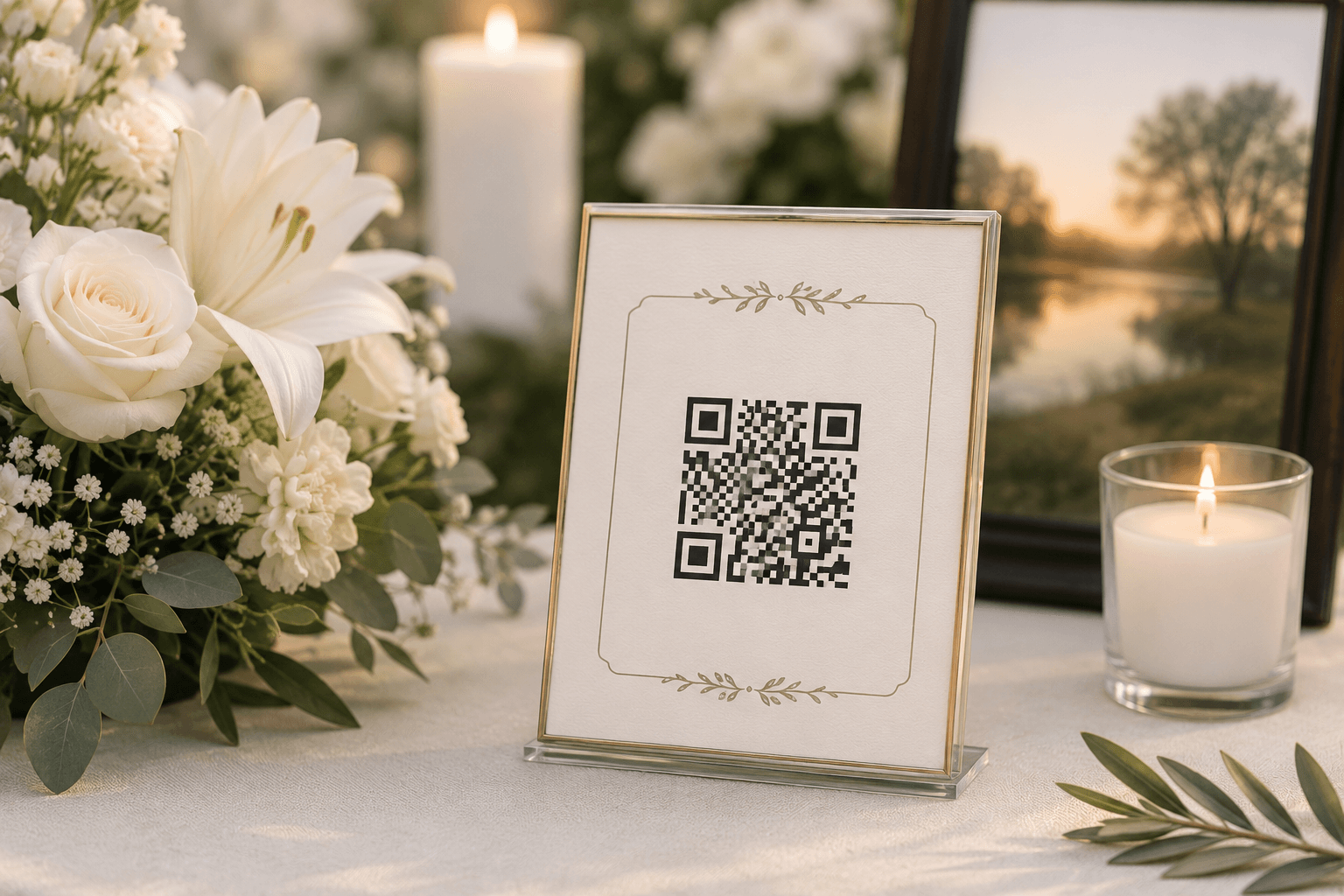
Memorial QR codes run $20 for vinyl labels up to $300+ for ceramic and stainless medallions, and they all link a gravestone to a digital memorial page. The honest explainer — how they physically work, what you actually get at each price tier, the durability question nobody answers in the marketing copy, and the four things to confirm before you buy.
The Memory Murals Team • May 11, 2026
Comparisons
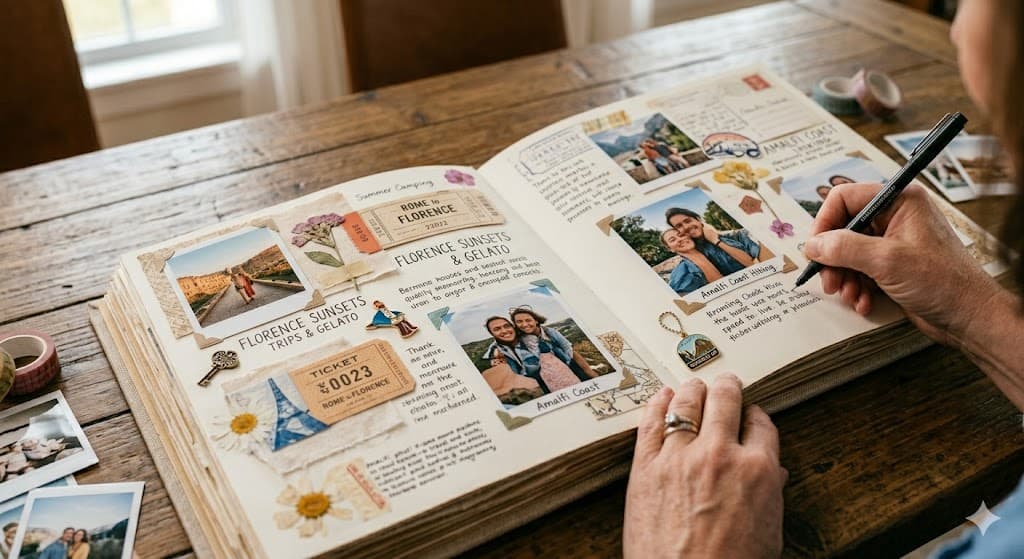
Digital vs Physical Memory Books: Which Preserves Your Family's Legacy Longer?
Deciding between digital and physical memory books for your family's stories? Explore which method offers greater longevity and preserves more of your precious moments.
Patrick Moore • March 27, 2026

How-To Guides
How to Create a Digital Estate Plan for Your Family Memories
What happens to your family's digital photos, videos, and stories when you're gone? Recent news about data breaches and changing cloud services highlights the need for a plan. This guide offers practical steps to create a digital estate plan specifically for your family memories, ensuring they are preserved and passed on securely.
Patrick Moore • August 10, 2026
Now give it somewhere to live.
The file you just saved outlasts nothing on its own. Put it where your family can still find it in thirty years.