
How to Digitize and Archive Family Letters
Old handwritten letters are the most fragile — and most story-rich — thing in the box. Here's how to digitize them safely (phone, flatbed, or mail-in), and how to archive them so the meaning survives, not just the image.
Patrick Moore, Founder • July 1, 2026
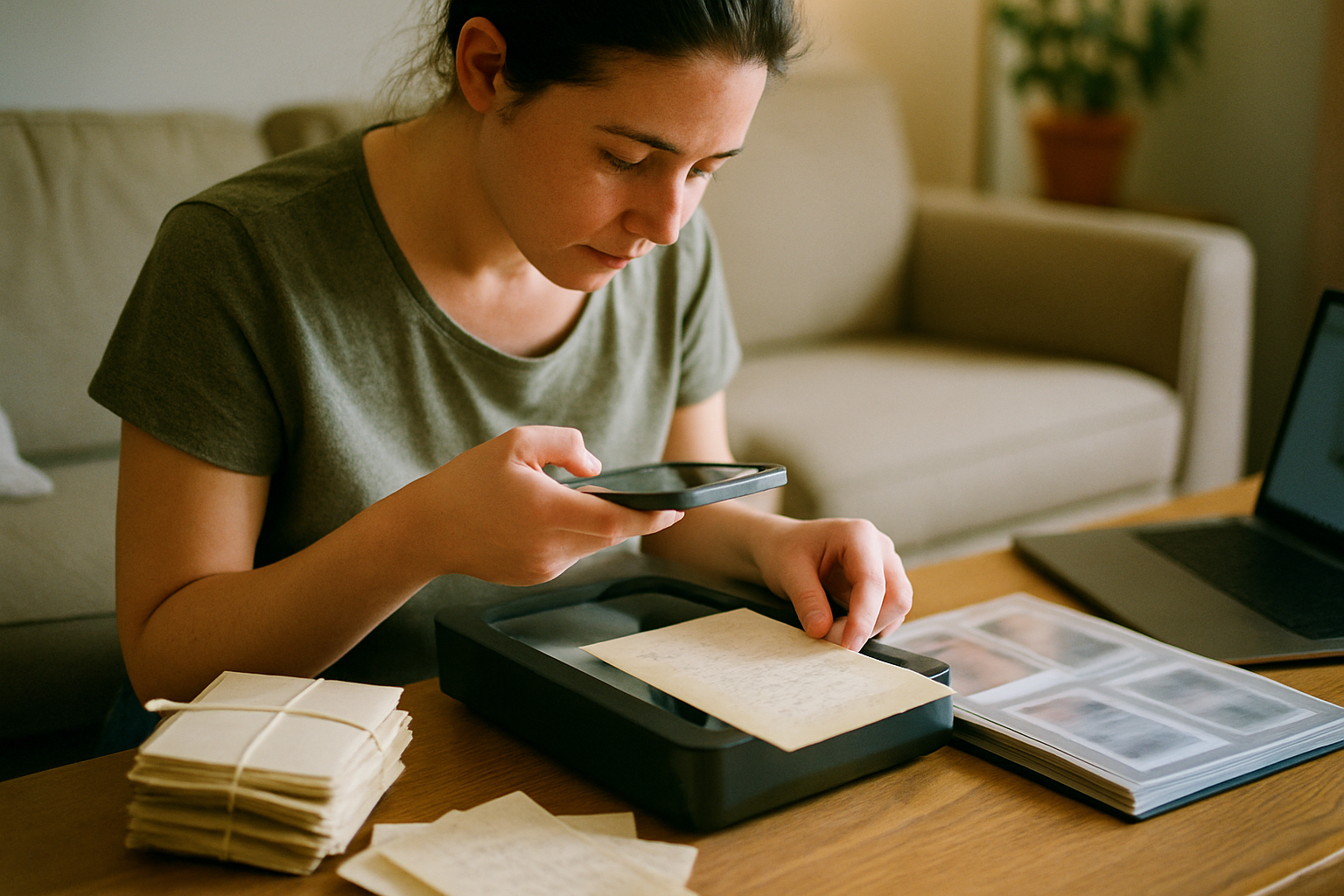
My mother kept a cigar box of letters my grandfather sent my grandmother during the two years the Navy had him in the Pacific. Forty-odd letters, most on that thin airmail paper that feels like it might dissolve if you breathe on it. The ink had gone brown. Two of them had already split along the fold.
I almost did the dumbest possible thing: I almost fed the first one through the little sheet-feed scanner I'd bought for receipts. It would have cracked the paper in half. I caught myself, put it down, and spent an evening figuring out how to do this without destroying the very thing I was trying to save.
Here's the version I wish someone had handed me first.
The 30-second answer
To digitize old family letters safely: use a phone-scan app or a flatbed — never a roller/sheet-feed scanner — at 300–600 DPI, and flatten fragile letters gently under a book for a day first. For a large collection or very brittle paper, a mail-in service handles it hands-off. But the scan is only half the job: attach the story to each letter — who wrote it, when, and ideally a short voice recording of someone reading it aloud — so the meaning survives, not just the image. A folder of unlabeled scans is barely better than the shoebox.
The rest of this guide covers the safe-handling rules, the three ways to actually scan them, and — the part everyone skips — how to archive letters so they still mean something to someone who never met the writer.
Before you scan a single letter
Aged paper cracks along its folds. Do not run old letters through anything with rollers (sheet-feed scanners, wand scanners, document feeders). Do not force a stiff fold flat. Do not use tape, glue, or lamination to "fix" a tear — it's irreversible and destroys the original's value. When in doubt, a gentle phone scan is always the safer call than a higher-quality method that stresses the paper.
How do you handle old letters without damaging them?
The paper is the priority. Before any device touches them, a few rules that keep fragile letters intact:
Clean, dry hands — skip the gloves
Conservators now generally prefer clean, dry bare hands to cotton gloves for paper — gloves reduce your grip and dexterity, which causes more tears than a little skin oil ever would. Wash and fully dry your hands, and handle letters by the edges over a clean, flat surface.
Relax folds slowly, never force them
A tightly folded letter can be eased flat under light, even weight (a book on clean paper) over 24–48 hours. If a fold resists, stop — scan it folded and stitch it digitally. A crease you can see beats a crack you caused.
Work in soft, even light
If you're phone-scanning, do it in bright indirect daylight, not direct sun (UV and harsh glare both hurt) and not under a single hard lamp that throws shadows across the page. Even, diffuse light makes brown ink far more legible.
Keep originals after you scan
Digitizing is a backup, not a replacement. Store the originals flat in acid-free folders, out of attics and basements (heat and damp are the enemies). The scan protects against loss; the original is still the artifact.
What's the best way to actually digitize letters?
Three real options, same as with photos — but letters change the math because text needs more resolution and the paper is usually more fragile. The mechanics overlap heavily with our guide to digitizing old photos at home; here's the letter-specific version.
| Method | Best for | Watch out for |
|---|---|---|
| Phone + scan app | Fragile letters, small batches, brown/faint ink | Needs even lighting; steady hands for crisp text |
| Flatbed scanner | Sturdier letters, archival-quality masters | Don't press the lid closed on brittle paper |
| Mail-in service | Large collections, hands-off convenience | Per-item cost adds up; you ship the originals |
Phone + scan app
- Best forFragile letters, small batches, brown/faint ink
- Watch out forNeeds even lighting; steady hands for crisp text
Flatbed scanner
- Best forSturdier letters, archival-quality masters
- Watch out forDon't press the lid closed on brittle paper
Mail-in service
- Best forLarge collections, hands-off convenience
- Watch out forPer-item cost adds up; you ship the originals
For most families with a box of a few dozen letters, the phone-scan route wins: it's free, it's the gentlest on the paper, and apps like Google PhotoScan, Photomyne, or Adobe Scan auto-crop and flatten the perspective. Reserve the flatbed for letters sturdy enough to lie flat, and reserve a mail-in service for the situation where you have hundreds of documents and no free weekends — the same trade-off we cover in our rundown of mail-in digitizing services.
How to digitize a fragile family letter with your phone
A safe, repeatable routine for brown-ink, folded, or brittle letters.
- 1
Prep the paper
Ease any folds flat under a book for a day; lay the letter on a clean, matte, contrasting surface near a window with soft daylight.
- 2
Set up the shot
Open a scan app (Google PhotoScan, Photomyne, or Adobe Scan); hold the phone parallel to the page so the whole letter is square in frame, no shadow from your body.
- 3
Capture high-res
Shoot at your camera's highest resolution — aim for the equivalent of 300–600 DPI; take a second frame of any faint paragraph up close.
- 4
Check legibility
Zoom to 100% and confirm the handwriting is readable; re-shoot with more even light if any line is lost in glare or shadow.
- 5
Name and date it
Save with a meaningful filename (writer-recipient-year) instead of IMG_0442 — this five-second habit is what makes the archive usable later.
- 6
Attach the story
Add who wrote it, to whom, and why it mattered — ideally a short voice note of someone reading it aloud.
Should you transcribe old letters too?
Scan first, always — the image preserves the handwriting, the paper, the crossed-out words, the pressed flower someone tucked inside. But cursive is becoming a language younger generations genuinely can't read, so transcribing the letters with difficult handwriting keeps the actual words legible and, crucially, searchable.
You don't have to type them from scratch. Handwriting-recognition and AI tools can produce a rough transcription you then correct against the scan — far faster than starting cold. Keep the scan as the artifact and the transcription as its searchable companion, stored together so neither drifts away from the other.
How do you archive letters so the story survives?
This is the step that separates a preserved family history from a folder of image files — and it's the reason digitizing alone isn't enough. A scan proves a letter existed. It doesn't tell your grandchild that your grandfather signed every one "Yours until the stars burn out," or that your grandmother kept them in order for sixty years.
So attach the context to each letter: who wrote it, who received it, roughly when, and the story around it. The most powerful form is a voice recording — have the person who remembers the letter read it aloud, or explain what was happening when it was written. Pairing the handwriting with a living voice is what makes it land. (Our voice transcription feature turns those recordings into searchable text automatically, so the spoken story becomes findable too.)
The test that matters
Imagine a great-grandchild opening your letter archive in 2075, having never met anyone in it. Can they tell who these people were and why the letters mattered — or are they looking at pretty handwriting in a language they can't read, from strangers? If it's the second one, you've done Job 1 (the scan) and skipped Job 2 (the meaning). The context is the preservation.
Keeping the scans, the transcriptions, and the voice recordings together in one private place is exactly the job a family archive is built for — the full setup is in our guide to creating a private, secure family archive. And if letters are only one slice of what you're preserving, our family history preservation overview maps how documents, photos, and stories fit together.
The bottom line on digitizing family letters
Handle the paper gently, scan with a phone or flatbed (never rollers) at 300–600 DPI, transcribe the hard-to-read ones so the words stay legible, and — the part that actually matters — attach the story to every letter so a stranger fifty years from now understands what they're looking at. The letters are the most fragile thing in the box and often the richest. They deserve more than a scan and a shrug.
Ready to keep your letters and their stories in one private archive? Start free →
Get 50 questions to ask your parents — before the stories are gone
The exact prompts families use to draw out the stories nobody ever wrote down. Free, straight to your inbox.
No spam. Unsubscribe anytime.
Frequently asked questions
What's the safest way to scan a fragile old letter?
For anything brittle, yellowed, or torn, use a phone-scan app (Google PhotoScan, Photomyne, or Adobe Scan) rather than any device with rollers — flatten the letter gently under a book for a day first if it's curled, then photograph it in soft, even daylight away from direct sun. Never run an old letter through a sheet-feed or wand scanner: the rollers can crack aged paper along the fold lines. A flatbed is fine and higher quality for sturdier letters — just don't press the lid fully closed on anything delicate.
What resolution should I scan handwritten letters at?
Scan documents at 300–400 DPI minimum, and 600 DPI if the handwriting is faint or you want to zoom in on detail later. Text needs more resolution than photos to stay crisp when enlarged, so err higher for letters than you would for prints. Save as high-quality JPG for everyday viewing, or PDF/TIFF if you want an archival master. If you're phone-scanning, shoot in the highest resolution your camera allows and get the whole page square in frame with even lighting.
Should I unfold and flatten old letters before scanning?
Gently, and only if they'll allow it. Let a tightly folded letter relax under light, even weight (a book on top of clean paper) for 24–48 hours before scanning — never force a brittle fold open, because aged paper cracks along creases. If a letter is too fragile to flatten, scan it as-is in sections and stitch them digitally rather than risk the original. The original always wins the tie: a slightly imperfect scan beats a torn heirloom every time.
How do I preserve the story behind a letter, not just the scan?
Attach context to each digitized letter: who wrote it, who received it, roughly when, and why it mattered. The strongest version is a short voice recording — have the person who remembers the letter read it aloud or explain its backstory, so the handwriting is paired with a voice and a story. A folder of 200 unlabeled letter scans is only marginally more useful than the box they came from. The context is what turns an image file into something a grandchild can actually understand.
Is it better to transcribe old letters or just scan them?
Do both if you can, but scan first — the scan preserves the handwriting, the paper, the crossings-out, the coffee stain, all of which carry meaning a transcription loses. Then transcribe the ones with hard-to-read handwriting so the words stay findable and legible for future generations who can't read cursive. Modern handwriting-recognition and AI tools can draft a transcription you correct, which is far faster than typing from scratch. Keep the scan as the artifact and the transcription as the searchable companion.
About the author
Patrick Moore, Founder of Memory Murals
Patrick Moore is the founder of Memory Murals. He built it after realizing how much of his own family's history had quietly slipped away — to help families preserve their stories, voices, and photos while they still can.
Related Stories
Pillar Articles
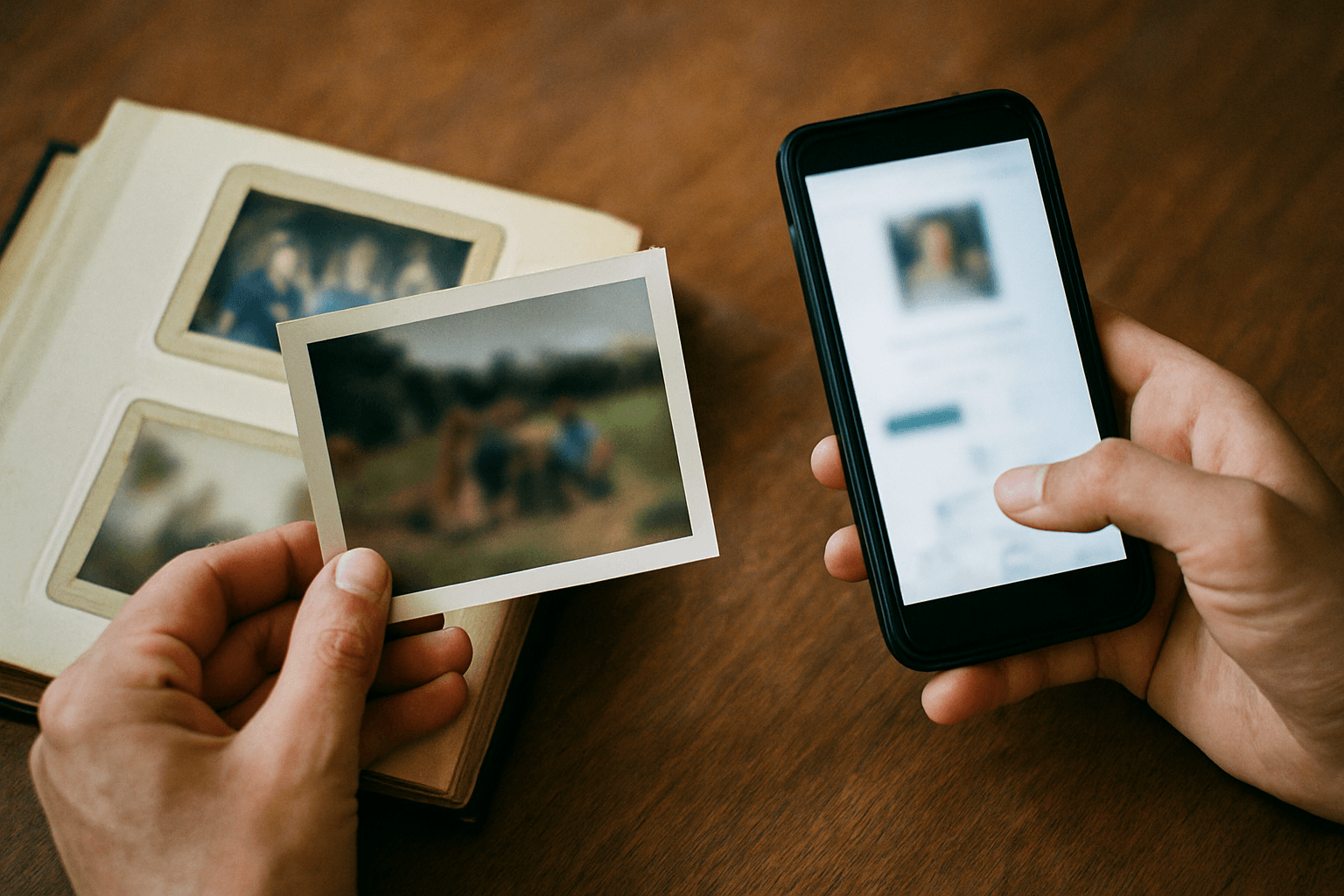
Family History Preservation Services vs. Genealogy Platforms: Which Actually Protects Your Old Documents?
Ancestry and MyHeritage help you research a family tree. Legacybox and EverPresent digitize your originals. Neither one preserves the story behind the documents. Here's how the three categories actually differ — and how to pick for securing old family papers.
Patrick Moore • July 1, 2026
Comparisons
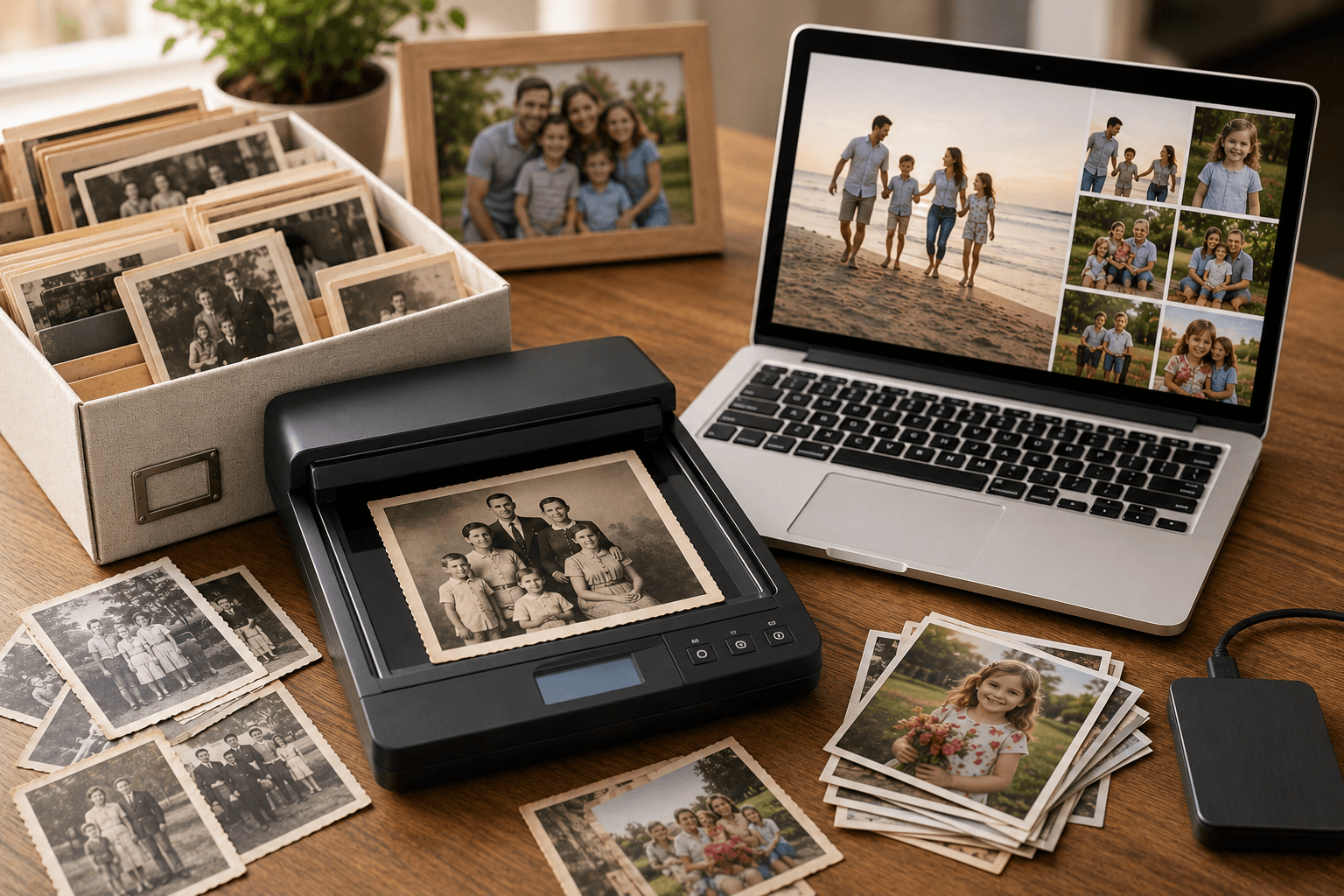
Best Photo Scanning Services for Old Family Photos (2026)
When you have a thousand photos and zero free weekends, paying a service makes sense. But 'per item' isn't 'per photo,' turnaround ranges from a week to three months, and almost nobody tells you what happens to your files. Here's the honest comparison.
Patrick Moore • May 27, 2026

How-To Guides
How to Ask Family Members for Old Photos (With Scripts to Copy)
The photos you want are in someone else's closet. Here's how to ask relatives for them so they actually say yes — who to ask first, what to ask for, word-for-word scripts, and what to do when someone won't let the originals leave the house.
Patrick Moore • September 11, 2026
Now give it somewhere to live.
The file you just saved outlasts nothing on its own. Put it where your family can still find it in thirty years.