Google Photos Backups End Soon: Your Family's Next Steps
The way Google Photos backs up to Google Drive is changing on August 10, 2026. This urgent deadline requires action to ensure your family's cherished memories aren't at risk. Here’s a clear guide on what's happening, what you need to do now, and how to create a truly private home for your photos.
Patrick Moore, Founder • August 8, 2026
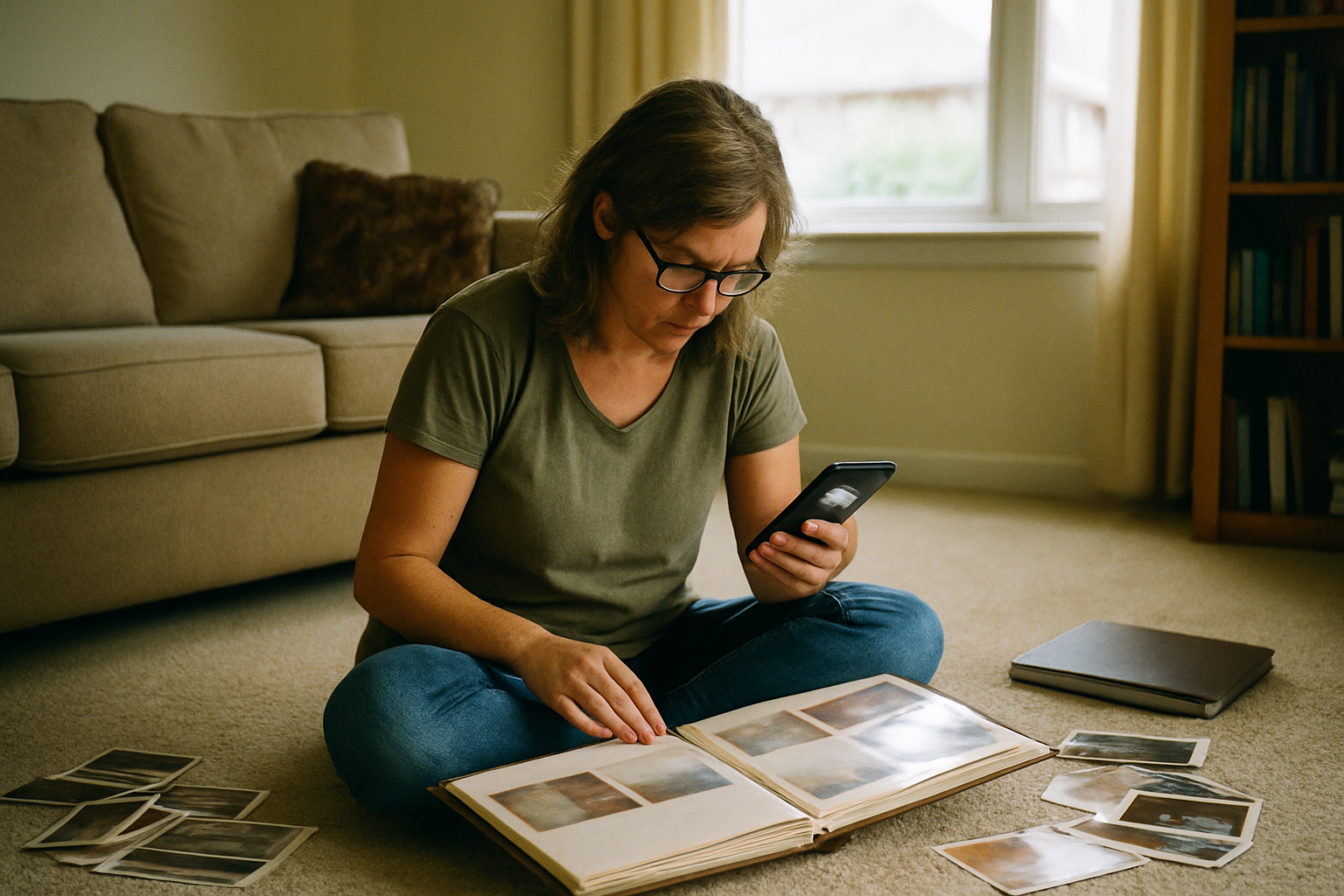
It’s a familiar, comforting feeling. You snap a photo of the kids at the park, a video of grandpa telling a story, or a quick picture of a cherished family recipe card. Seconds later, a notification confirms it’s been backed up to the cloud. Safe. Secure. Out of sight, out of mind.
For years, Google Photos has been the default digital shoebox for millions of families, a seemingly bottomless and effortless archive. We’ve trusted it to hold everything from blurry baby photos to the last pictures we have of a loved one.
But the digital landscape is constantly shifting. As reported by The Economic Times, a significant change is coming to how Google Photos works, and the deadline is just two days away: August 10, 2026.
This isn't just a minor settings tweak; it’s a fundamental change to a key backup feature many people rely on without even realizing it. And it serves as an urgent reminder: when it comes to our most precious memories, we need to be intentional, not just passive users.
The short answer
On August 10, 2026, the automatic backup and sync between Google Photos and Google Drive is ending. This means your photos will no longer have that extra layer of redundancy by default. To protect your memories, you must act now to download a complete archive of your photos and decide on a dedicated, long-term home for them. This change highlights the growing need for a truly private photo archiving strategy that you control.
Understanding the Google Photos & Drive Sync
For a long time, Google Photos and Google Drive worked hand-in-hand. For many users, photos uploaded to the Photos app would also sync to a specific folder in Google Drive. This created a simple, automatic, two-location backup. If something happened in one place, you had a copy in the other. It was a safety net.
The change happening on August 10 removes that safety net. The direct, automatic sync between the two services is being discontinued. Your existing photos will likely remain where they are, but new photos won't have that automatic cross-platform backup.
This might seem like a small technical detail, but its implications are significant for long-term preservation. It puts the full responsibility of creating a redundant backup squarely back on your shoulders. If your Google account is ever compromised or you accidentally delete a crucial album, that second copy you thought you had might not be there.
Your 2-Day Action Plan: Secure Your Photos Now
Assess Your Current Setup
Before the deadline, log in to your Google account and navigate to your settings for both Photos and Drive. You don't need to be a tech expert; just look for any information related to backups or syncing. The goal is simply to understand how your account is currently configured so you know your starting point.
Download a Complete Archive
The single most important action you can take is to download a complete, local copy of your entire photo library. Google provides a service called "Google Takeout" for this purpose. It allows you to request a full download of your data. This process can take hours or even days depending on the size of your library, so it's critical to start it immediately. This archive is your independent, offline backup—your digital lifeboat.
Choose a Permanent, Private Home
Once you have your Takeout file, you have breathing room. Now, you can thoughtfully decide where your photos should live for the next 20, 30, or 50 years. This is an opportunity to move from a temporary, convenient solution to a permanent, meaningful archive. Consider whether a platform built for massive data collection is the right steward for your family's legacy.
The Problem with 'Free' Platforms
This Google Photos update isn't happening in a vacuum. Across the tech world, we're seeing a massive push to use personal data to train artificial intelligence. Recent headlines show user outrage over forced AI app installations on Windows and ongoing concerns about how companies like Meta use our photos. The implicit agreement we made years ago—free storage in exchange for our data—is being rewritten.
Your family photos are more than just data. They are intimate, personal, and contain the faces of people you love. When you store them on a platform whose primary business is data analysis, your memories become a raw material. It's time to weigh the convenience of these platforms against their fundamental business models.
Public Cloud Storage (Google, Apple, etc.)
It's incredibly convenient, with automatic uploads and powerful AI-driven search features that can find photos of 'dogs' or 'beaches'. The free storage tiers are often generous, making it the default choice for many.
Your Memories are the Product
Your photos and their metadata are often used to train AI models and improve ad targeting. Privacy policies can change with little notice, and as recent data breaches at major companies show, centralized platforms are a prime target for cyberattacks.
A Private Family Archive
A dedicated archive is built with one purpose: to protect and preserve your family's story. Your privacy is the default. The platform's success is tied to how well it serves your family, not advertisers or data brokers.
Requires Intention (and a Subscription)
A private archive isn't a passive data dump; it requires a conscious decision to use it. Most private services require a subscription fee, as their business model is providing a secure service directly to you, the customer.
Moving from Storage to Story
Years ago, we built Memory Murals because we saw this exact problem on the horizon. We believe that family memories deserve a dedicated, private, and beautiful home, completely separate from the world of big tech, data mining, and advertising.
Memory Murals isn't just another place to store your JPEGs. It’s a space to add the context that turns a simple picture into a cherished memory. It's a place to pair a photo of your grandmother with a recording of her telling the story behind it. It's a place to save not just the image of a handwritten recipe, but the feeling of her kitchen.
Our commitment is simple: Your memories are not our product. We will never sell your data or use your family photos to train AI. Our platform is supported by the families who use it, and our sole focus is on serving them. All your data is encrypted in transit (TLS) and at rest (AES-256).
Story-First Archiving
Every photo, video, or document has a place for a story. Add text or record audio directly in the app to capture the who, what, and why behind the image.
Private by Design
Your archive is invite-only. You have complete control over who can view, contribute, or comment. It's a safe space for your family's inner circle.
Enrich, Don't Just Store
Connect memories to build a rich, browsable timeline of your family's life. See how one story leads to another, creating a true digital heirloom.
One Secure Home
Bring together digitized photos, home movies, scanned letters, and voice recordings into one organized, searchable, and permanent home for your family's legacy.
Moving your family's archive is a meaningful project. If you've downloaded your photos from Google Photos and are looking for their permanent home, we can help.
Your family’s stories deserve a safe place
Photos, voice recordings, and the stories behind them — private, ad-free, free to start.
Start preserving memories freeFree plan available • No credit card required
More Than Just a Backup
This deadline from Google is a gift, in a way. It's a forcing function, a moment to pause and ask bigger questions. It pushes us to think about our digital legacy and what we're leaving behind for our children and grandchildren.
Are we leaving them a folder of 50,000 unorganized, unlabeled photos? Or are we leaving them a curated collection of stories? The difference is profound. A photo of a young couple is a mystery; a photo with a voice note saying, “This was our first date in 1972, I was so nervous I spilled coffee all over my shirt,” is an inheritance.
Taking the time to create a private, secure family archive is one of the most impactful gifts you can give your family. It's a project that honors the past, enriches the present, and endures for the future.
A Home for the Whole Story
Think beyond just photos. Your archive can hold the sound of your dad's laugh from an old voicemail, a video of your daughter's first steps, and a scan of the letter your great-grandfather sent home from the war. Combining these different media types in one place creates a living, breathing history that a simple photo gallery can never capture.
The photos on your phone and in the cloud aren't just pixels. They are the evidence of a life lived, of love shared, of challenges overcome. They are your story. This week, before the digital ground shifts beneath our feet once again, take the time to give that story the safe, permanent home it deserves.
You can begin that process today. Start your Google Takeout download, and then start a new chapter for your family's memories by trying a new home for them. Generations from now, your family will be glad you did.
Get 50 questions to ask your parents — before the stories are gone
The exact prompts families use to draw out the stories nobody ever wrote down. Free, straight to your inbox.
No spam. Unsubscribe anytime.
Frequently asked questions
What is happening to Google Photos backup?
According to reports, Google is ending the automatic backup and sync functionality between Google Photos and Google Drive on August 10, 2026. This means photos added to one service will no longer automatically appear in the other. Users need to review their settings and establish a new backup plan to ensure their photos remain protected across multiple locations.
How do I save my photos before the Google Photos backup change?
To secure your photos before the August 10 deadline, you should first review your current Google account settings to understand your backup situation. For a complete, independent copy, use the Google Takeout service to download a full archive of your entire photo library to your personal computer. This gives you a local backup you can then move to a new, permanent archiving service.
Is Google Photos still a good place to keep family pictures?
Google Photos offers powerful search features and a convenient way to store images. However, the upcoming backup changes and broader concerns about how large tech companies use personal data for AI training are causing many families to reconsider. For truly private, long-term preservation focused on family stories, a dedicated archiving service might be a better fit, as its business model is aligned with protecting your memories, not monetizing your data.
What is the most private way to store family photos?
The most private way to store family photos is on a platform designed specifically for secure family archiving, not for data collection. Look for services with clear privacy policies that state they will not sell your data or use it for advertising or AI training. A private archive also gives you granular control over who can see your memories, ensuring your family's story is only shared with the people you invite.
Why is it important to have a backup of my photos?
A backup of your photos is critical because digital files are fragile. A single hardware failure, account lockout, accidental deletion, or service policy change can erase years of irreplaceable memories. Keeping at least one separate, independent copy of your photos—ideally in a different physical or cloud location—ensures that your family's legacy is safe from a single point of failure and can be passed down to future generations.
About the author
Patrick Moore, Founder of Memory Murals
Patrick Moore is the founder of Memory Murals. He built it after realizing how much of his own family's history had quietly slipped away — to help families preserve their stories, voices, and photos while they still can.
Related Stories
Insights
Google Just Changed a Major Photo Privacy Setting: What Families Need to Know
Google recently changed a key privacy setting, defaulting to use your photos for AI training. This shift raises important questions for families who use their services as a de facto archive. Here's what happened, how to check your settings, and why a private space for your memories matters.
Patrick Moore • June 13, 2026
Comparisons
The Best Private Family Photo Sharing Apps in 2026 (Honest Facebook Alternatives)
Most families already know they want off Facebook. The real question is where to go. We compared the 8 most popular private family photo sharing apps — honestly, with the tradeoffs that actually matter.
Patrick Moore • April 10, 2026

Insights
Google Photos Changes Mean Your Pictures Disappear Faster
A recent Google Photos change halves the time you have to recover deleted photos, from 60 days to just 30. This seemingly small update has big implications for your family's digital legacy, making accidental deletions more permanent. We'll explore what this means and why a dedicated archive offers better protection.
Patrick Moore • September 8, 2026
See the version we built.
Voice-first, multi-contributor, and priced on one page — $12.99/mo, $99.99/yr, or a $7 weekend pass. Free for 7 days.