
Google’s New Photo Privacy Default: What to Know
Google recently changed a key privacy setting, defaulting to use your photos for AI training. This shift raises important questions for families who use their services as a de facto archive. Here's what happened, how to check your settings, and why a private space for your memories matters.
Patrick Moore, Founder • June 13, 2026
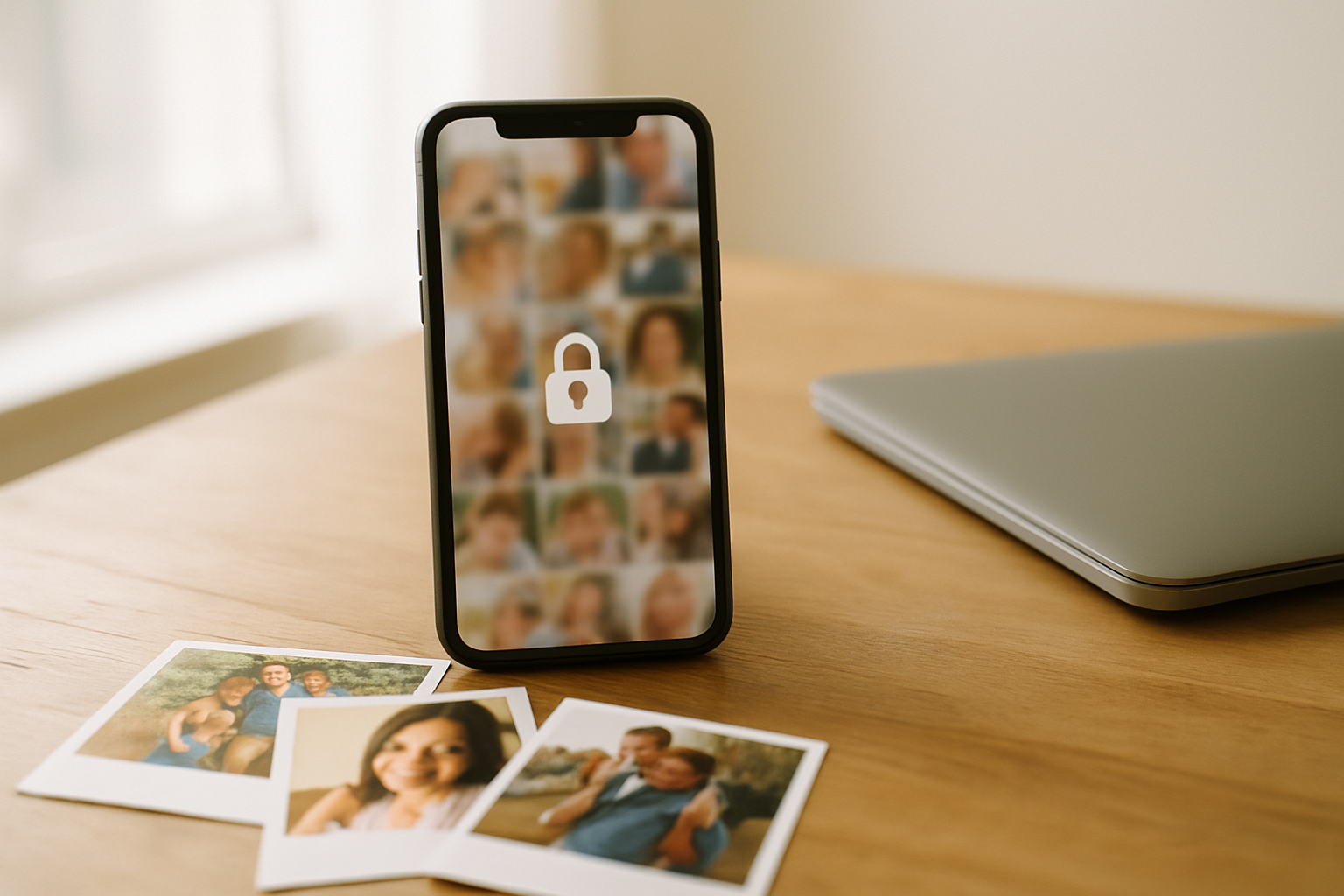
I was looking for a photo the other day of my grandfather holding me as a toddler. I’m in a little red-striped shirt, and he’s laughing at something just out of frame. I typed “me with grandpa in red shirt” into Google Photos, and in less than a second, there it was. It felt like magic.
That magic is powered by artificial intelligence that has analyzed every detail of my family's pictures. And I was fine with that trade-off—convenience for a certain level of data analysis. But then, news broke this week that Google changed a major privacy setting, and that feeling of easy magic was replaced by a sense of unease. It made me reconsider the home I’ve chosen for my family’s most precious digital heirlooms.
This isn't just a minor tweak to a user agreement. It's a fundamental shift in the relationship we have with the platforms that hold our memories. It’s a change that warrants a pause, a deep breath, and a clear-eyed look at the settings that govern our digital lives.
The short answer
Google has reportedly changed a default setting that allows your photos to be used for training their AI models. This means your personal family pictures could be analyzed to improve Google's technology. You can, and probably should, opt out of this by finding the new switch in your Google account's privacy settings. This change highlights the fundamental difference between a free service that uses your data and a truly private archive dedicated solely to preserving your memories.
Understanding the New Default
According to reports from Tom's Guide and Computerworld, Google has made a change to its settings that defaults users into allowing their content, including photos, to be used for training its AI models. This is an evolution of the data analysis they were already doing. Before, the AI was analyzing your photos to provide services to you (like that magic search). Now, your photos are also being used to build and refine future products for Google.
This is happening against a backdrop of increasing concern over data privacy. We see headlines almost daily about data breaches and the misuse of personal information. While this Google change isn't a breach, it is part of a larger trend where our personal data becomes a resource for corporate development. For families, the stakes feel higher. These aren't just data points; they're our children's first steps, our parents' wedding anniversaries, the last picture we have of a loved one.
The Stated Benefit
Google's perspective is that using a wider set of data helps them build better, more helpful products for everyone. More sophisticated AI can lead to more powerful photo editing tools, more accurate search results, and other features that users may genuinely appreciate. In theory, your data helps improve the service.
The Hidden Cost
Your private memories become a raw material. That photo of my grandfather isn't just a moment of personal history; it's a data point on how a human face expresses joy, the texture of a 1980s knit shirt, and the lighting in a suburban living room. The emotional context is stripped away, and the memory is used for a purpose you never intended.
The 'Free' Service Trade-Off
For years, we've implicitly accepted the deal: in exchange for incredibly powerful and convenient tools, we allow large tech companies to use our data. Google Photos, for many, has become the default family archive—a bottomless digital shoebox. But a change like this forces us to confront the true nature of that arrangement.
When a service is free, your data is often the product being sold or leveraged. This business model is fundamentally at odds with the concept of a sacred family archive. We wouldn't want a stranger flipping through our family albums to conduct market research, yet we've become accustomed to a digital equivalent. The question of what happens to your photos when you die becomes even more complicated when you don't truly own the platform they're stored on.
Unmatched Convenience
Let's be honest: the automatic backup, the powerful search, and the seamless sharing are incredibly useful features. They solve real problems for families trying to manage thousands of digital photos across multiple devices.
The Question of Control
The convenience comes at the cost of control. Your archive's purpose is ultimately secondary to the platform's goals. When those goals shift—like a new push to dominate in AI—your memories are enlisted for the cause, with or without your enthusiastic consent.
This isn't about fear-mongering; it's about awareness. It’s about making an intentional choice for your family's legacy, rather than simply defaulting to the easiest option and hoping for the best.
Taking Back Control: A Quick Guide
Fortunately, reports confirm you can opt out of this new AI training default. While we can't provide the exact step-by-step path as it can change, here is the general process you should follow to find and disable the setting. I recommend doing this on a desktop computer, where the interface is often clearer.
A 5-Minute Privacy Checkup
Go to Your Main Google Account
Don't start in the Google Photos app. Open a web browser and navigate to your main Google Account management page (myaccount.google.com). This is the central hub for all your settings.
Find 'Data & Privacy'
Look for a section in the main navigation, usually on the left-hand side, labeled 'Data & privacy.' This is where Google consolidates most of the controls related to how your information is used across its services.
Locate the AI Opt-Out
This is the key step. You will need to look carefully for a setting related to AI model training or improving Google services. It may be under a sub-heading. Read the descriptions for each toggle. The one you're looking for will explicitly mention using your content to train and improve Google's AI technologies. Turn it off.
Review Other Permissions
While you're in your account settings, take a few extra minutes to perform a 'Privacy Checkup,' a tool Google provides. This is a good time to see which third-party apps have access to your account and review other data settings. Think of it as digital spring cleaning. It's a great first step in creating a more private, secure family archive.
What Does 'Private by Design' Mean?
This whole situation highlights a fundamental conflict of interest. When a company's business relies on data, its privacy features will always be balanced against its business needs. The alternative is to choose a service where privacy isn't a feature, but the entire foundation — the same pattern playing out with Apple's iOS 27 AI changes, and one we cover across our roundup of private family photo sharing apps.
That's why we built Memory Murals. We wanted a space for our own families that was completely insulated from these kinds of trade-offs. A private archive's only job should be to protect and preserve memories, not to mine them for insights.
Our Privacy Promise
At Memory Murals, our business model is simple: you pay a subscription ($99.99/year), and we provide a secure, private service. We will never sell your data, show you ads, or use your family's photos and stories to train AI models. Your archive is yours alone, protected with AES-256 encryption at rest and TLS in transit. That is the core of our mission, as we explain in why privacy is the heart of Memory Murals.
'Private by design' means the business model ensures your interests are the priority. It means you are the customer, not the product. When you upload that photo of your grandfather, its only purpose is to exist within your family's story, for you and the people you choose to share it with. If you're looking for a dedicated home for your family's legacy, built on that foundation of privacy, you can start building your own Memory Mural today.
That photo of my grandfather is safe in my Memory Mural now. Looking at it there feels different. It feels quieter, more protected. I know its value isn't being measured in terabytes or its usefulness to an algorithm. Its only job is to remind me of his laugh and the feeling of that little red-striped shirt.
Some things aren't meant to be data points. They're just meant to be remembered. The platforms we choose for them should respect that.
Get 50 questions to ask your parents — before the stories are gone
The exact prompts families use to draw out the stories nobody ever wrote down. Free, straight to your inbox.
No spam. Unsubscribe anytime.
Frequently asked questions
What did Google change about its photo privacy settings?
According to reports, Google changed a default setting to allow user photos to be included in training its artificial intelligence models. This means that unless you actively opt out, your images could be used to help develop future Google AI features. The change was made to gather more diverse data for improving their technology and affects how your personal data is used internally.
How do I opt out of Google using my photos for AI?
You can opt out by checking your Google account's privacy settings. While the exact path may vary, look for sections related to data and privacy or AI features. According to reports from Tom's Guide and Computerworld, there is a switch you can turn off to prevent your photos from being used for AI model training. It's best to do this from a web browser.
Are my Google Photos public now?
No, this change does not make your photos public. The setting allows Google to use your photos internally for training its AI systems. Your photos are not shared with other users or made visible on the open web. However, it does mean your private data is being used for corporate purposes, which is a privacy concern for many families.
Why do companies use personal photos to train AI?
Companies use vast datasets of personal photos to train AI models to better recognize objects, faces, scenes, and contexts. This helps improve features like photo search ('find pictures of my dog at the beach'), automatic categorization, and editing tools. Using real-world photos provides the variety and complexity needed for the AI to learn effectively and power new features.
What is a private alternative to Google Photos?
A private alternative is a service designed with a 'privacy-first' model, meaning your data is never sold or used for training AI. Apps like Memory Murals offer a private space for your family archive, with your data encrypted in transit and at rest and never sold or used to train AI. The business model is based on subscriptions, not data monetization, ensuring your memories remain yours alone and are never analyzed for other purposes.
About the author
Patrick Moore, Founder of Memory Murals
Patrick Moore is the founder of Memory Murals. He built it after realizing how much of his own family's history had quietly slipped away — to help families preserve their stories, voices, and photos while they still can.
Related Stories

Insights
Why Privacy is the Heart of Memory Murals
In an age of oversharing, Memory Murals was built on privacy. Learn why your family's story deserves a space free from ads, algorithms, and public scrutiny.
Patrick Moore • December 10, 2025
How-To Guides
How to Create a Private, Secure Digital Family Archive (2026 Step-by-Step)
Most family photos today live somewhere a stranger's algorithm can scan them or a forgotten password can lock them away forever. Here's how to build a private archive only the people you choose can see — and that doesn't belong to anyone but you.
Patrick Moore • May 27, 2026

Insights
Google Photos Changes Mean Your Pictures Disappear Faster
A recent Google Photos change halves the time you have to recover deleted photos, from 60 days to just 30. This seemingly small update has big implications for your family's digital legacy, making accidental deletions more permanent. We'll explore what this means and why a dedicated archive offers better protection.
Patrick Moore • September 8, 2026
See the version we built.
Voice-first, multi-contributor, and priced on one page — $12.99/mo, $99.99/yr, or a $7 weekend pass. Free for 7 days.