
Your Deleted Photos Disappear Faster Now
A recent Google Photos change halves the time you have to recover deleted photos, from 60 days to just 30. This seemingly small update has big implications for your family's digital legacy, making accidental deletions more permanent. We'll explore what this means and why a dedicated archive offers better protection.
Patrick Moore, Founder • September 8, 2026

It’s a familiar ritual for anyone with a smartphone: swiping through the camera roll, tapping ‘delete’ on blurry shots, duplicates, and screenshots to free up space. You do it quickly, almost automatically, knowing there’s a safety net. If you accidentally trash a keeper, you can always visit the ‘Trash’ or ‘Recently Deleted’ folder and pull it back from the brink.
For years, that safety net has been comfortably wide. You had weeks, even a couple of months, to realize a precious photo was missing and go rescue it. But what happens when that window of opportunity suddenly gets cut in half?
For the millions of families who use Google Photos as their default digital shoebox, that’s not a hypothetical question. A recent policy change is making accidental deletions much more permanent, much faster. It’s a small tweak on a settings page that has big implications for the future of our family memories.
The short answer
A recent Google Photos update halves the time you have to recover deleted items from the Trash, from 60 days down to just 30. This change, reported by outlets like PhoneArena, means accidentally deleted family memories become permanent losses much faster. For families building a digital legacy, this highlights the risk of relying on a free service whose policies can change without notice, making a dedicated, private family archive a more secure alternative.
What Exactly Is Changing?
According to recent reports, Google is reducing the time that deleted photos and videos remain in the Google Photos Trash folder. Previously, items would sit there for 60 days before being permanently erased. The new policy cuts that time down to 30 days.
On the surface, 30 days might still sound like a lot of time. But our digital lives are busy and chaotic. We don’t always notice a photo is missing right away. Think about holiday photos—you might not look back at them until months later when you’re putting together an album. Or consider a shared family account where a well-meaning relative “cleans up” some photos, not realizing their value to someone else. The mistake might not be discovered for weeks.
The 60-day window provided a generous buffer for human error. The new 30-day window demands much more vigilance. It fundamentally changes the role of the Trash folder from a long-term safety net to a short-term holding pen. For memories meant to last a lifetime, this is a risky shift.
The Google Photos Approach
Designed for convenience and daily management, Google Photos offers powerful AI search and easy sharing. However, it's part of a massive ecosystem where policies are optimized for the platform's efficiency and business goals, which can change at any time. You are a user of a service, not necessarily the sole controller of your legacy.
The Dedicated Archive Approach
A service built specifically for preservation prioritizes stability, privacy, and user control. Policies are designed for permanence, not frequent updates. The service's mission is aligned with your goal: to keep irreplaceable memories safe for generations. You are the customer, and your family's story is the focus.
The “Oops” Moment Just Got More Permanent
This policy change is a stark reminder that when we use free, ad-supported platforms to hold our most precious heirlooms, we are building on rented land. The landlord can change the terms of the lease at any time. While convenient, these services are not true archives. An archive is built on a foundation of permanence and preservation, principles that often run counter to the fast-moving world of big tech.
A family's photo collection is more than just data; it's a digital estate plan for your memories. It’s the visual record of your life, meant to be passed down. Relying on a platform whose core business isn't preservation introduces a level of risk that many families haven't considered. What happens if another policy changes storage limits, file access, or privacy settings? Each change can chip away at the integrity of your family's story.
This isn't about fear-mongering; it's about awareness. It’s about understanding the difference between temporary storage and a permanent home for your history.
A Note on Locked Folders
Remember that photos and videos moved to your Google Photos 'Locked Folder' are treated differently. If you delete these items, they are permanently deleted immediately and do not go to the Trash at all. There is no recovery window for these, so exercise extreme caution.
Control, Context, and Continuity
So what’s the alternative? It’s shifting your mindset from simply “backing up photos” to actively “building an archive.” This means choosing a platform where preservation is the primary goal, not an incidental feature. At Memory Murals, this is the entire reason we exist.
A true digital archive offers three things that a simple storage service cannot guarantee:
-
Control: When you choose a dedicated service, you are the customer. The terms are built around protecting your content because your content is the product you're entrusting to us. This creates a more stable, predictable environment for your most important files. You have more control over how your private family archive is created and secured.
-
Context: A photo of your grandmother is nice. A photo of your grandmother paired with a recording of her telling the story of that day is a legacy. Google Photos is a sea of images; an archive is a collection of stories. It’s built to preserve not just the picture, but the meaning behind it—the who, what, where, and why that brings an old photo to life.
-
Continuity: A dedicated archive is designed with the explicit purpose of being passed down. The features, policies, and business model are all oriented toward long-term survival and transferability. It’s not an add-on; it’s the entire mission.
Built for Permanence
You're in Control
Context is Key
Private by Design
This recent change from Google Photos is a perfect opportunity to evaluate how you're protecting your family's digital heirlooms. It's not about abandoning convenient tools for everyday snaps. It’s about being intentional. It’s about identifying the truly irreplaceable photos and stories and giving them a home built to last.
Your family’s stories deserve a safe place
Photos, voice recordings, and the stories behind them — private, ad-free, free to start.
Start preserving memories freeFree plan available • No credit card required
We can't stop the digital world from changing, but we can choose where we build the things we want to endure. The convenience of free services is tempting, but it always comes with a hidden cost—usually in the form of control and stability.
Your family’s history is too important to be left to the shifting winds of corporate policy. It deserves a foundation. It deserves a home built with the sole purpose of preservation. It deserves to be an archive, not just a folder of files.
Get 50 questions to ask your parents — before the stories are gone
The exact prompts families use to draw out the stories nobody ever wrote down. Free, straight to your inbox.
No spam. Unsubscribe anytime.
Frequently asked questions
What is the new Google Photos deleted photo policy?
The latest Google Photos update reduces the time deleted photos and videos stay in the Trash folder from 60 days to just 30 days. After this 30-day period, they are permanently deleted from Google's servers. This change means users have half the time they previously had to recover accidentally deleted memories. It's a significant shift for anyone relying on the Trash folder as a temporary safety net for their pictures.
How long do I have to recover deleted photos from Google Photos?
You now have 30 days to recover deleted photos and videos from your Google Photos Trash. Previously, this window was 60 days. Once the 30 days are up, the files are permanently erased and cannot be restored. For items in your "Locked Folder," they are deleted permanently immediately and do not go to the Trash at all, so be extra cautious with those files.
Why is a shorter photo recovery window a risk for families?
A shorter recovery window increases the risk of permanent memory loss. A family member might accidentally delete a crucial album, and the mistake might not be discovered for over a month, especially if they are less tech-savvy. With the new 30-day limit, those photos would be gone forever. This makes relying on a single, cloud-based service with shifting policies a potential threat to preserving a family's digital legacy.
Is Google Photos a safe place for a permanent family archive?
While convenient, Google Photos is designed for photo management, not permanent archival. Its primary business is data, and its policies can change unexpectedly, as seen with the new deletion window. A true digital archive prioritizes long-term preservation, privacy, and user control above all else. For irreplaceable family memories, a dedicated service designed for legacy is a safer, more stable choice.
What's the difference between photo storage and a digital archive?
Photo storage services like Google Photos are built for easy access, sharing, and AI-powered organization. A digital archive, like Memory Murals, is built for preservation. It prioritizes context, security, and permanence. Archives are designed to protect not just the photo, but the story behind it, ensuring it can be passed down through generations with its meaning intact, independent of changing tech company policies.
About the author
Patrick Moore, Founder of Memory Murals
Patrick Moore is the founder of Memory Murals. He built it after realizing how much of his own family's history had quietly slipped away — to help families preserve their stories, voices, and photos while they still can.
Related Stories
Insights
What Happens to Your Family Photos When You Die?
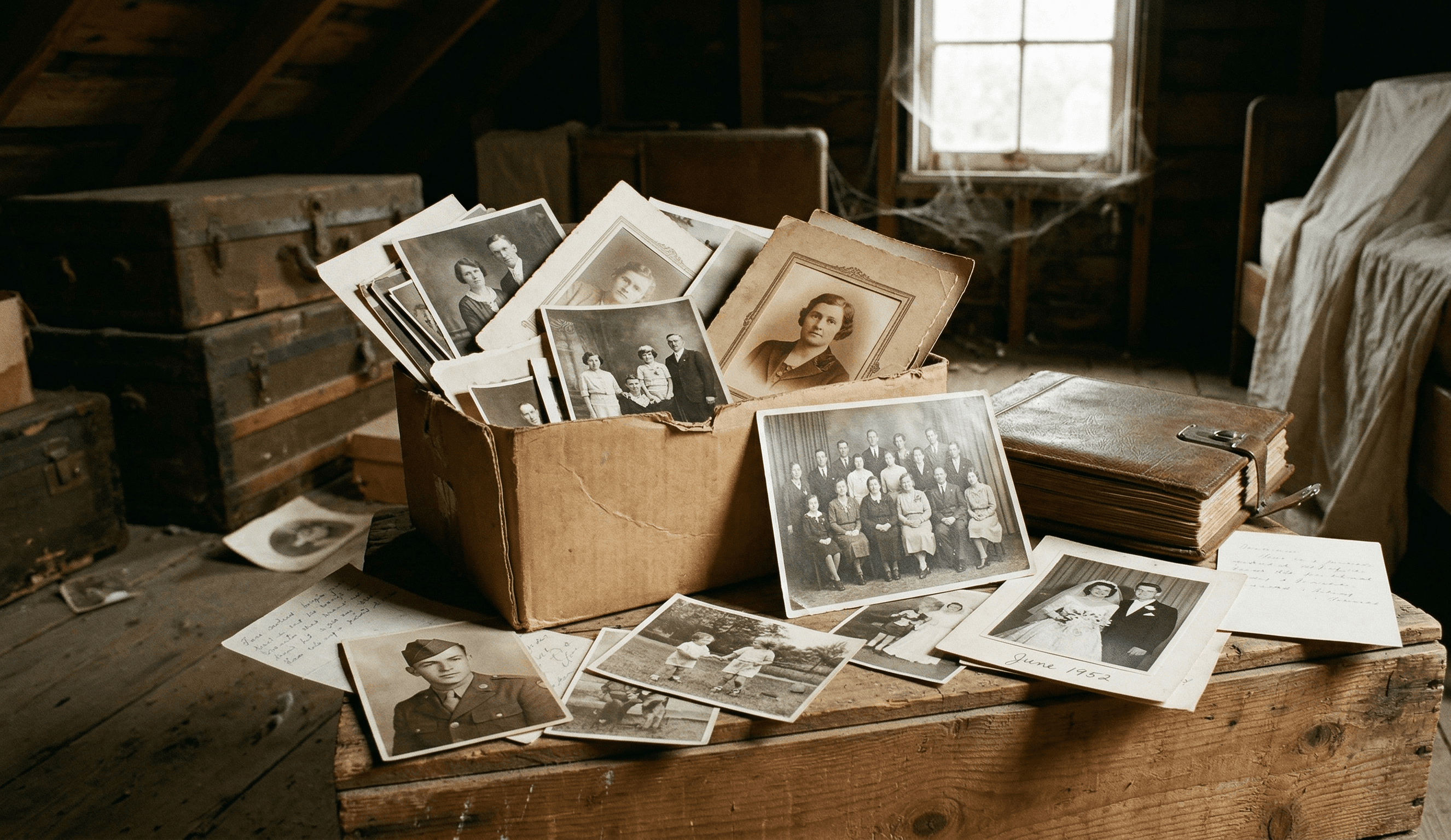
When someone dies, their iCloud, Google Photos, and social media don't transfer to family. One woman spent years fighting Apple for her husband's wedding photos. Here's what actually happens to your digital memories — and how to make sure your family never loses them.
Patrick Moore • April 8, 2026
How-To Guides
How to Create a Private, Secure Digital Family Archive (2026 Step-by-Step)
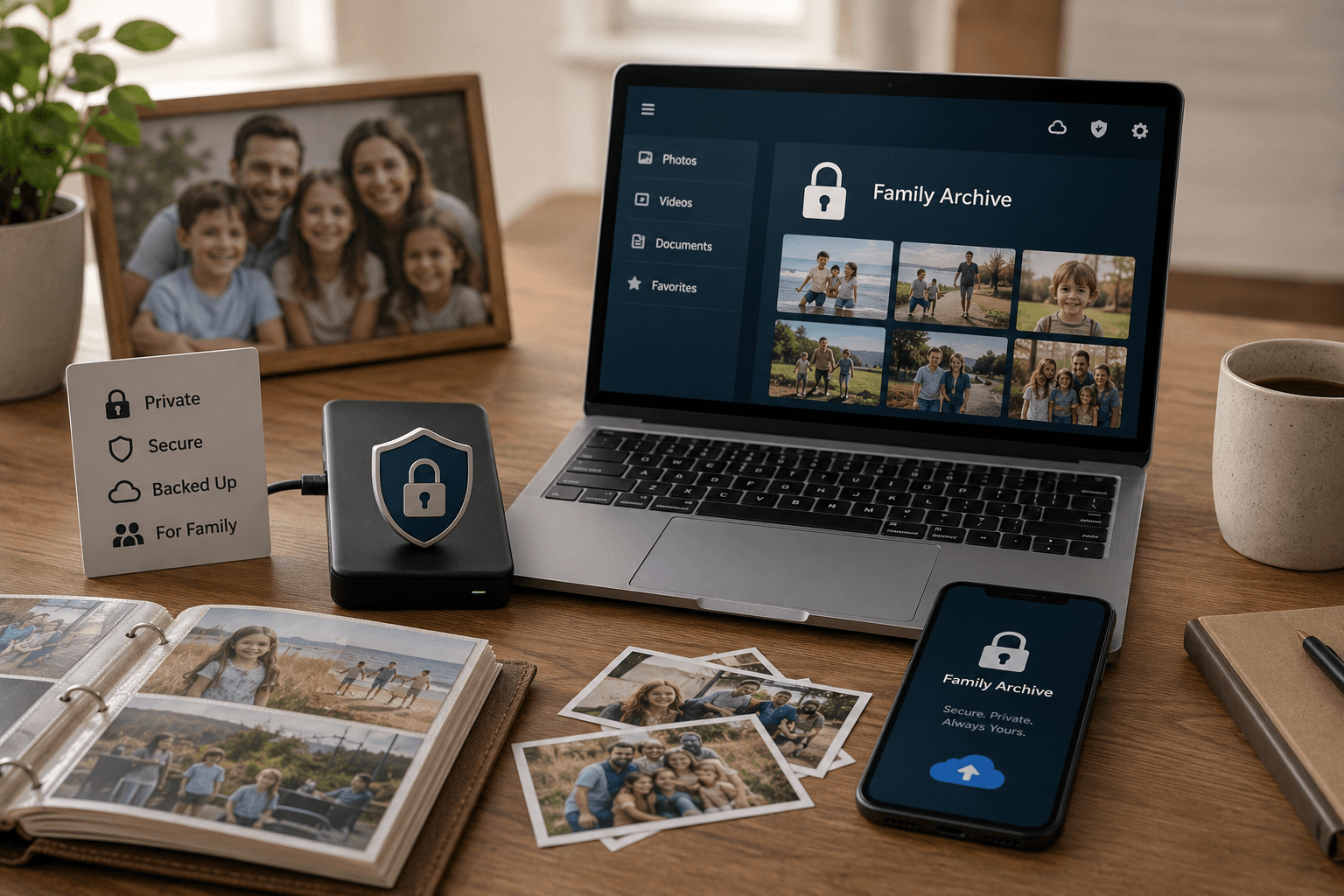
Most family photos today live somewhere a stranger's algorithm can scan them or a forgotten password can lock them away forever. Here's how to build a private archive only the people you choose can see — and that doesn't belong to anyone but you.
Patrick Moore • May 27, 2026

Insights
Swsh App's Pivot: Why Your Family Photos Need a Private Sanctuary
The recent news about Swsh, a popular college photo-sharing app, pivoting to become an AI-powered data business is a stark reminder. This post breaks down why that matters for your family's memories and illustrates the hidden risks of sharing on 'free' platforms.
Patrick Moore • June 17, 2026
See the version we built.
Voice-first, multi-contributor, and priced on one page — $12.99/mo, $99.99/yr, or a $7 weekend pass. Free for 7 days.