
Create a Photo Book Online: Step-by-Step Guide (2026)
Learn how to create a photo book online step-by-step. Discover design tips, printing options, and why families are choosing Memory Murals instead.
Patrick Moore, Founder • March 9, 2026
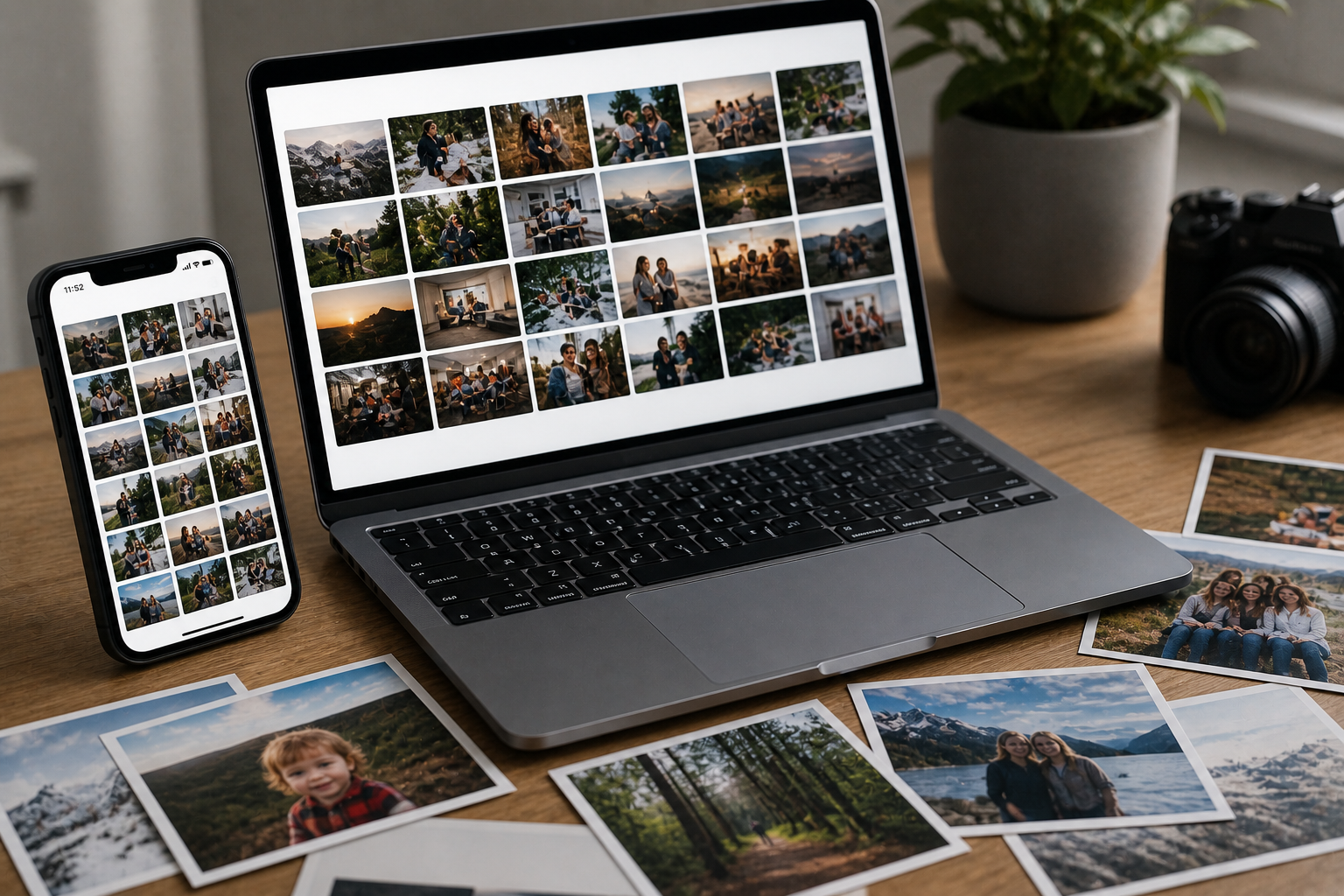
I've done it more times than I can count. Spent an entire Saturday picking photos, dragging them into layouts, tweaking fonts. Ordered the book. It arrived looking gorgeous. I flipped through it twice, showed it to my mom, and then it went on the shelf.
That shelf is where photo books go to retire.
Don't get me wrong -- there's still something satisfying about a printed photo book. But I think most of us know deep down that the process doesn't quite match the outcome. So here's the full walkthrough on how to actually make a good one, plus an honest look at what photo books can't do and what you might want instead.
How to Create a Photo Book Online: The Complete Process
Making a photo book online isn't complicated, but the details matter. The platform you pick, how you organize your photos, what paper you choose -- all of it affects whether you end up with something you're proud of or something that feels like a missed opportunity.
Upload Your Photos
Choose a Layout or Template
Add Captions or Text
Select Your Book Size and Cover
Review and Order
Receive Your Keepsake
Step 1: Choose Your Photo Book Platform Wisely
This first decision shapes everything. Different platforms have wildly different editors, template libraries, and print quality. I've tried most of them.
Shutterfly
Mixbook
Snapfish
Canva
Blurb
Compare budget, template quality, customization options, paper finishes, and how the editor actually feels to use. Some of these editors are genuinely frustrating.
Step 2: Upload and Organize Your Photos
This step makes or breaks the final product. Most services let you upload from your device, Google Photos, iCloud, Dropbox, or social media.
Be Ruthless
Resolution Matters
Pre-Sort Before Uploading
Backup Your Selections
Step 3: Choose and Customize Your Layout Templates
Templates guide where your photos and text land on each page. Think of them as the skeleton of your book.
Hero Layouts
Collage Layouts
Story-Style Layouts
Keep a consistent look throughout. Leave some white space so key photos can breathe. And resist the urge to use every template option available -- restraint looks better than variety here.
Step 4: Add Text and Captions to Tell Your Story
Photos capture what happened. Captions capture why it mattered.
Skip the Obvious
Add Context
Capture the Feeling
Keep captions short enough that they complement the photos rather than compete with them. And proofread. Seriously. Typos in a printed book are permanent.
Step 5: Select Paper and Cover Materials for Longevity
The materials you pick affect how the book feels in your hands, how long it lasts, and whether it looks like a keepsake or a pamphlet.
Softcover
Hardcover
Lay-Flat
Glossy vs. Matte
Heavyweight Paper
Perfect Bound
Smyth Sewn
For weddings, milestone birthdays, or anything that really matters -- spend the extra money on better materials. You won't regret it.
Step 6: Review, Print, and Ship
You're almost done. But this is where mistakes happen if you rush.
Check Cropping
Watch for Resolution Warnings
Proofread Everything
If you're particular about color accuracy, some printers let you soft-proof with their color profile. Once everything looks right, place your order and note the delivery estimate.
Creating the Perfect Photo Book Online
Choose Your Platform
Compare Shutterfly, Mixbook, Snapfish, Canva, and Blurb based on budget and what kind of control you want
Curate and Upload
Pick only high-resolution, meaningful photos. Organize them by date or theme before you start designing
Design Your Layout
Use consistent templates and give your best photos room to breathe -- less is more
Add Context
Write captions that capture the why and the feeling, not just the who-what-where
Select Quality Materials
Go hardcover with heavyweight paper and lay-flat binding for anything important
Review and Order
Proofread, check cropping, verify page order, then ship it
The Problem with Traditional Online Photo Books
Here's the thing nobody talks about. You pour hours into making a beautiful photo book. It arrives. You flip through it, maybe show it to a few people. And then it disappears onto a shelf.
This isn't your fault. It's the medium.
The Paradox of Digital Preservation
We take billions of photos but struggle to give them context. Your most meaningful moments deserve more than a static page -- they need stories, voices, and a space that grows over time. Learn more about the Digital Orphan Crisis.
A physical photo book is inherently a finished product. That's both its strength and its biggest weakness.
Limited Engagement
Physical Deterioration
Accessibility Barrier
Shallow Storytelling
One-and-Done
Photo books aren't worthless. They're great for capturing a single event or milestone. But if what you actually want is ongoing memory preservation that grows with your family, a printed book will always fall short.
Expert Tips for Designing a Beautiful Photo Book Online
Even with those limitations, a well-made photo book is still a nice thing to have. Here's how to make yours better:
Use High-Resolution Images
Tell a Chronological Story
Don't Overcrowd Pages
Write Captions That Matter
Upgrade Materials for Big Moments
Stay Consistent
When a Photo Book Isn't Enough: Embracing a Living Legacy
Photo books are great at freezing a single moment. A wedding. A vacation. A baby's first year. But once it's printed, that project is finished.
Life isn't finished.
New memories happen every week, and most of them never make it into another album. We end up in this strange cycle where we take more photos than any generation in history but preserve less context about what those photos actually mean. [Explore the Photographic Paradox]
That's why families are looking for something different. Not just storage -- something that actually grows. A place where stories don't get archived and forgotten, but keep building over time.
Moving Beyond the Shelf
Traditional photo books often end up tucked away after one viewing. Memory Murals provides an ongoing space where memories, stories, and voices actively grow and stay accessible. Start your free 7-day trial.
Memory Murals is built for exactly this. Instead of a one-time book project, it's an ongoing family archive where you can combine photos, written stories, and audio recordings -- so the meaning and emotion behind each moment doesn't fade. It grows with you. [Compare Digital vs. Physical Memory Books]
Memory Murals vs. Traditional Photo Books
The core difference is simple: photo books are static. Memory Murals is alive.
Both aim to capture memories. But they go about it very differently.
| Feature | Physical | Digital |
|---|---|---|
| Visibility | Physical albums that often end up stored on a shelf. You need to be in the same room to see them. | Accessible anytime, from any device. Pull up a memory on your phone during a family call or revisit stories while traveling. |
| Process | Manually arranging photos page by page. It's time-consuming and often feels repetitive. | Focus on the memory itself -- add a photo, write the story, record your voice. Less time designing layouts, more time preserving what matters. |
| Storytelling Depth | Mostly images with limited space for text. Hard to capture rich narratives or emotional context. | Add written memories, audio recordings, guided Legacy prompts, and timeline entries. The full story gets preserved, not just a picture of it. |
| Structure & Organization | Organized by static pages in a fixed, linear order. | Organized dynamically through timelines, interconnected Life Threads, and rich memory entries. Moments stay connected, searchable, and meaningful. |
| Longevity & Growth | Captures a fixed set of memories from one event. Once printed, it's done. | Grows continuously. Add new memories, update stories, and deepen context as life keeps happening. |
| Accessibility & Sharing | Limited to whoever is physically present. If the book is lost or damaged, the memories go with it. | Securely shareable with family members. Collaborative storytelling. Safely stored and backed up. |
Visibility
- PhysicalPhysical albums that often end up stored on a shelf. You need to be in the same room to see them.
- DigitalAccessible anytime, from any device. Pull up a memory on your phone during a family call or revisit stories while traveling.
Process
- PhysicalManually arranging photos page by page. It's time-consuming and often feels repetitive.
- DigitalFocus on the memory itself -- add a photo, write the story, record your voice. Less time designing layouts, more time preserving what matters.
Storytelling Depth
- PhysicalMostly images with limited space for text. Hard to capture rich narratives or emotional context.
- DigitalAdd written memories, audio recordings, guided Legacy prompts, and timeline entries. The full story gets preserved, not just a picture of it.
Structure & Organization
- PhysicalOrganized by static pages in a fixed, linear order.
- DigitalOrganized dynamically through timelines, interconnected Life Threads, and rich memory entries. Moments stay connected, searchable, and meaningful.
Longevity & Growth
- PhysicalCaptures a fixed set of memories from one event. Once printed, it's done.
- DigitalGrows continuously. Add new memories, update stories, and deepen context as life keeps happening.
Accessibility & Sharing
- PhysicalLimited to whoever is physically present. If the book is lost or damaged, the memories go with it.
- DigitalSecurely shareable with family members. Collaborative storytelling. Safely stored and backed up.
What Makes Memory Murals Different
If you landed on this page searching for how to create a photo book online, chances are what you really want is to preserve meaningful moments. Memory Murals approaches that goal from a completely different angle. Instead of arranging photos on pages, you're capturing the complete story -- the context, the emotion, the voices behind each memory.
Timeline Organization
Life Threads
Legacy Prompts
Audio Memories
AI Sidekick
Family Collaboration
How to Create Your Memory Mural (Step-by-Step)
Switching from photo books to a living family archive is easier than it sounds.
How to Create Your Memory Mural
Create Your Account
Download the app or visit the web app. Create an account or activate a gifted one.
Start Your Timeline
Add your first important life moments. Here are 5 gentle ways to start.
Add Photos, Stories, or Voice
Upload photos, type out memories, or hit record to capture voices and the context behind each moment.
Use Legacy Prompts
Answer guided questions designed to pull out experiences, values, and wisdom you might not think to share otherwise.
Build Life Threads
Group related memories so moments from the same chapter of life stay connected.
Keep Adding Over Time
Unlike a finished photo book, this grows with you. Add new memories whenever they happen.
Want a quick overview of the whole product? See How It Works.
Frequently Asked Questions
How is Memory Murals different from a traditional online photo book?
A: A photo book is a one-time project. You arrange photos, print it, and it's done. Memory Murals is an ongoing digital space where you can keep adding memories, stories, voice recordings, and photos over time. It grows with your family instead of sitting finished on a shelf.
What types of content can you add inside Memory Murals besides photos?
A: Written stories, audio recordings of voices and anecdotes, video clips, guided Legacy prompts, and timeline entries. The idea is to capture the full story behind each moment -- not just what it looked like, but what it felt like and why it mattered.
Can Memory Murals be given as a gift to family members?
A: Yes. You can purchase an account for someone else. It's a gift that keeps giving -- they get a private, organized space to preserve their own memories and family history over time.
What is the main benefit of using Memory Murals instead of solely creating a photo book online?
A: A photo book is frozen in time. Memory Murals lets you keep adding to it. New memories, new stories, new context -- it all accumulates into a living record of your family's life instead of a single snapshot that rarely gets updated.
Is Memory Murals private and secure for my family's memories?
A: Yes. Everything is encrypted and protected with strict privacy controls. You decide who can view and contribute. Your family's stories stay private. [Understand why privacy is the heart of Memory Murals]
Don't Just Store Your Memories -- Cultivate Them
Your family's stories deserve more than a static page on a shelf. Memory Murals gives you a living space to continuously add, revisit, and share memories for generations. Start your free 7-day trial.
About the author
Patrick Moore, Founder of Memory Murals
Patrick Moore is the founder of Memory Murals. He built it after realizing how much of his own family's history had quietly slipped away — to help families preserve their stories, voices, and photos while they still can.
Related Stories
Comparisons
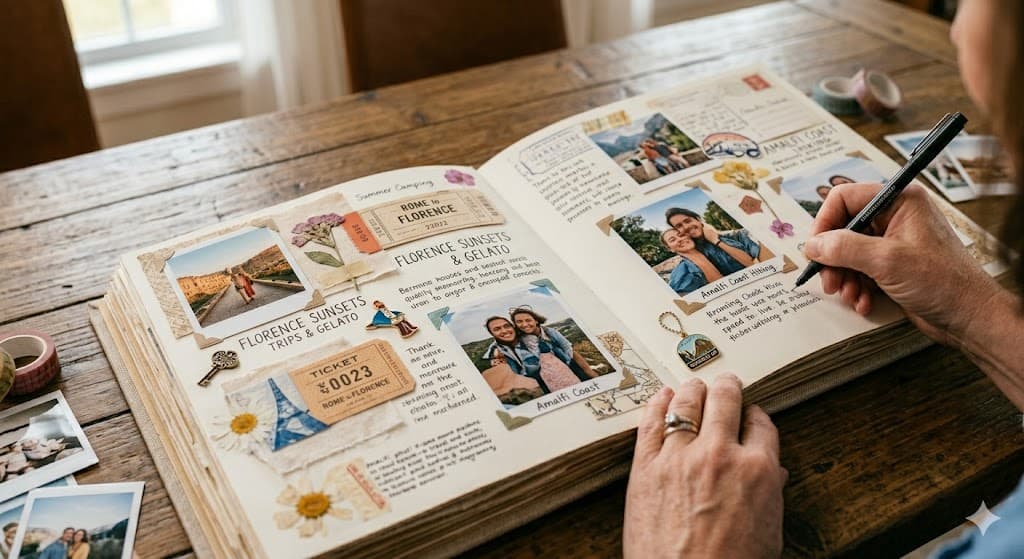
Digital vs Physical Memory Books: Which Preserves Your Family's Legacy Longer?
Deciding between digital and physical memory books for your family's stories? Explore which method offers greater longevity and preserves more of your precious moments.
Patrick Moore • March 27, 2026
Comparisons
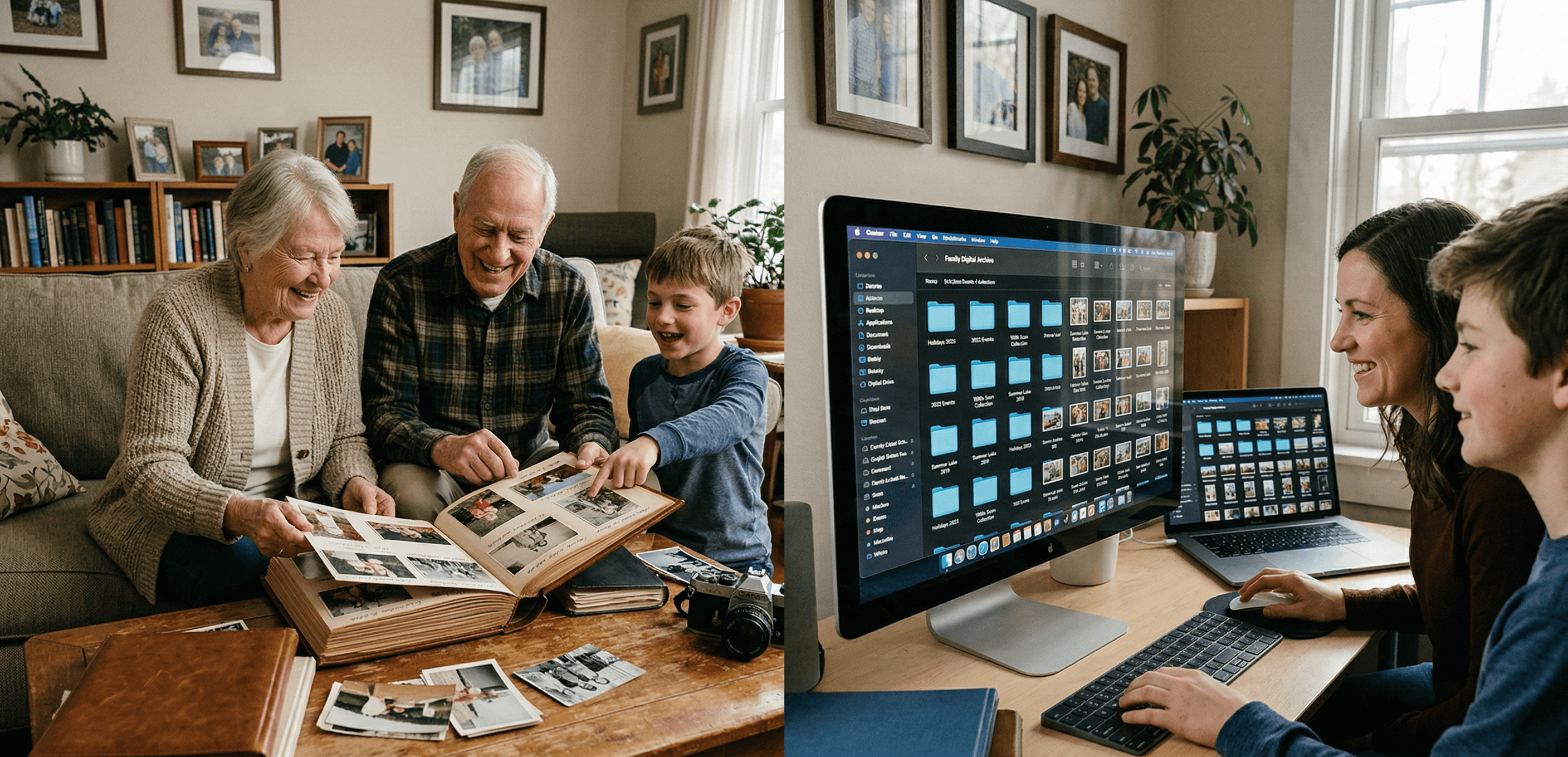
Digital Family Archive vs Photo Albums: Why the Shoebox Under Your Bed Isn't Enough Anymore
Your family photos are fading, your stories are unrecorded, and your kids can't find anything. Here's why a digital family archive does what photo albums never could — and how to build one without losing what makes physical keepsakes special.
Patrick Moore • April 3, 2026

Comparisons
We Tested 11 Family Archive Apps — Here's What Actually Works (2026)
Most family archive apps fall into two traps: they're either too clinical or too focused on death. We tested everything from AI biographers to memorial sites to find what actually works for living families.
Patrick Moore • April 13, 2026