Digital Photo Frames for Grandparents
Looking for the perfect digital photo frame for your grandparents? We compare top options like Aura and Skylight, focusing on what truly matters: ease of setup, simple photo sharing for the whole family, and a beautiful display. Discover how to choose a frame that bridges distances and keeps them connected.
Patrick Moore, Founder • July 16, 2026
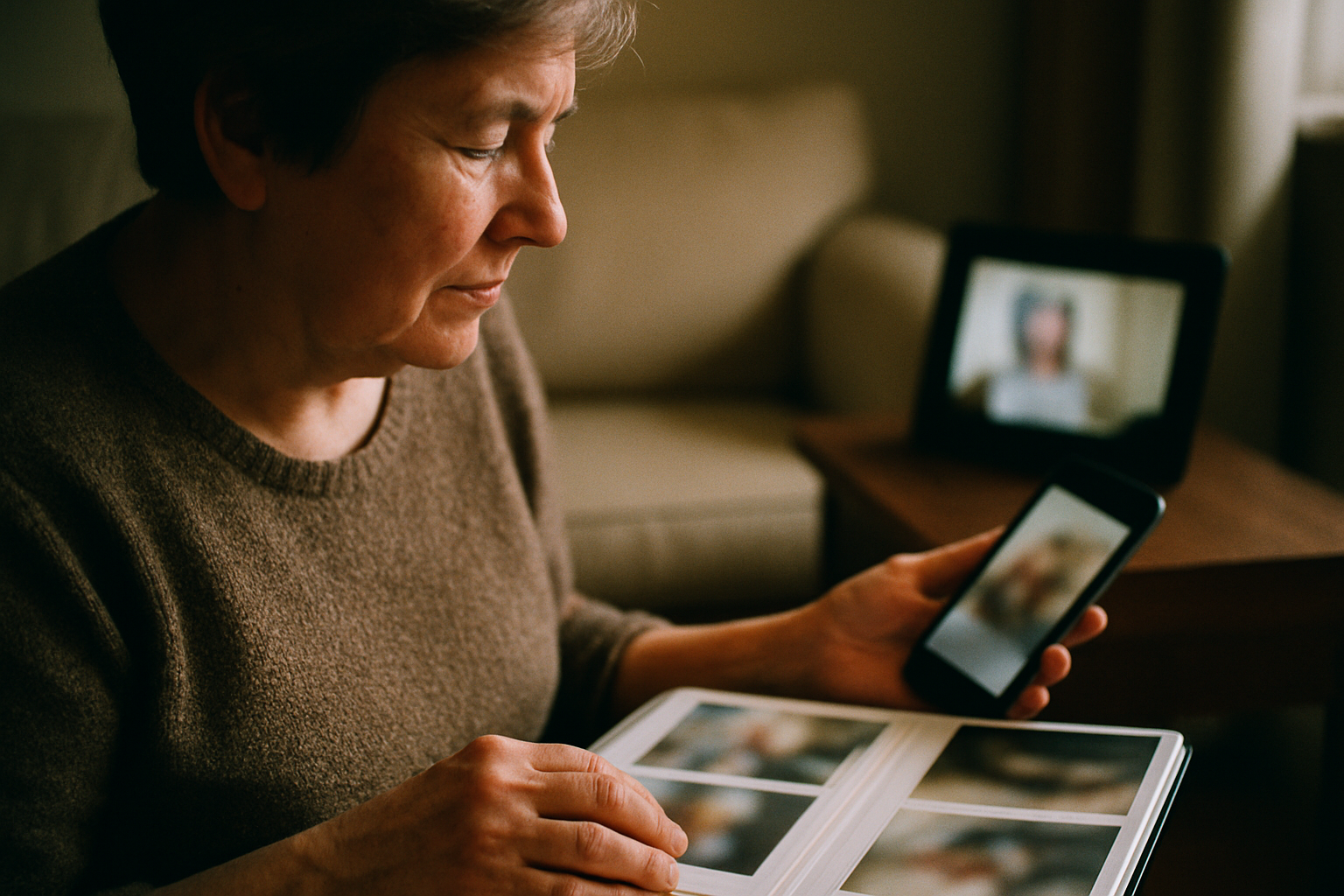
There’s a specific, quiet joy in seeing a new photo of a grandchild. It might be a blurry action shot from a soccer game, a formal school picture, or a candid snap of them asleep in the car. For a grandparent living miles away, these little pixels are a lifeline, a tangible connection to the daily rhythm of a family they adore.
But that connection is often filtered through the tiny, complicated screen of a smartphone. They have to find the right text message, pinch to zoom, and then the moment is swiped away. The photo exists, but it doesn't live anywhere in their home. It doesn't become part of the scenery, a gentle, ambient reminder of the people they love most.
This is the promise of a digital photo frame: to turn that stream of digital moments into a physical presence. It’s a window into the family’s life that sits on the mantelpiece or kitchen counter, updating itself with new memories without requiring them to tap, swipe, or log in. It’s a simple concept, but choosing the right one can feel surprisingly complex.
The short answer
For grandparents, the best digital photo frame is one that requires zero technical skill on their part. Top contenders like the Aura Carver and Skylight Frame excel here. Look for features like a simple setup process (ideally one you can do for them beforehand), an easy way for all family members to send photos via an app or email, and a bright, clear screen that looks good from any angle. The goal is a seamless experience where new photos just magically appear.
Beyond the Pixels: Key Features to Look For
A great digital frame isn't just about screen resolution. For this specific gift, the user experience for both the giver and the receiver is paramount. It needs to be a bridge, not another piece of frustrating technology. When we were designing Memory Murals, we spent countless hours thinking about how families share memories across generations, and the same principles apply here.
Effortless Setup
The ideal frame has a “gift setup” feature, allowing you to connect it to Wi-Fi and pre-load it with photos before you even wrap it. The grandparent should just have to plug it in.
Simple Photo Sharing
How do photos get to the frame? The best options use either a collaborative smartphone app (like Aura) or a unique email address (like Skylight). The whole family should be able to contribute easily.
Screen Quality & Size
Look for an HD screen with good brightness and wide viewing angles. This ensures the photos are crisp and visible even from across the room, which is crucial for aging eyes.
No Hidden Fees
Be aware of subscription models. Some frames require a paid plan to unlock features like video playback or increased storage. Frames with a higher upfront cost often have no ongoing fees.
Aura Frames: The Premium Pick
Aura has built a reputation as the “Apple” of digital frames. They focus on elegant design, high-quality materials, and a dead-simple user experience. Their frames are often praised for their stunning, crystal-clear displays that automatically adjust brightness to the room.
The core of the Aura experience is its app. You invite family members to become contributors, and everyone can upload photos and videos from their phones. There are no storage limits and no subscription fees, which is a major plus. The gift setup feature is particularly thoughtful, letting you prepare the frame with photos and a personal message before it's even opened.
Stunning Display
Users consistently report that Aura's screen quality is best-in-class, making photos look like printed art.
Unlimited Storage & No Fees
The one-time purchase price covers unlimited photo and video storage for the whole family, forever.
Collaborative & Easy
The app makes it simple for kids, grandkids, and cousins to all share memories to one central frame.
Higher Upfront Cost
Aura frames are a premium product with a price tag to match. They are among the more expensive options.
Requires App & Wi-Fi
The entire experience is managed through the smartphone app and requires a constant Wi-Fi connection.
Skylight Frame: The Simplicity Champion
Skylight's claim to fame is its incredible simplicity. Each frame gets its own unique, easy-to-remember email address. To add a photo, you just attach it to an email and send it. Within about a minute, it appears on the frame. This is a brilliant solution for less tech-savvy family members who are comfortable with email but might not want to download another app.
The frame itself features a responsive touch screen, allowing the grandparent to swipe through photos, pause on a favorite, or delete one they don't want. The base model is photo-only, but their optional Skylight Plus subscription adds the ability to play videos, add text captions, and store photos in the cloud. You'll want to check their current pricing for that service.
Email-to-Frame Simplicity
Anyone can send photos without needing an app, making it accessible to the entire extended family.
Intuitive Touch Screen
For many seniors, a touch screen is a familiar interface, making it easy to interact with the photos.
More Affordable Entry Point
The initial cost of the frame is generally lower than premium competitors like Aura.
Subscription for Key Features
Video, captions, and cloud backup are locked behind the optional paid “Plus” plan.
Screen Quality Varies
While good, the screen resolution and color accuracy may not be as high-end as more premium frames.
A Stream of Photos vs. a Collection of Memories
A digital frame is a phenomenal gift. It creates a living, breathing connection. But it's important to understand what it is and what it isn't. It's a display. A beautiful, ever-changing window. It is not, however, an archive.
The photos scroll by, one after another—a slideshow of moments stripped of their context. Who is that in the background of the wedding photo? What was the story behind Dad's hilarious 1980s haircut? What was Grandma saying just before that picture was snapped? The frame shows the what, but the why and who are often lost.
A constant stream of new photos can also unintentionally bury the old ones. The foundational memories that shaped your family risk getting lost in the shuffle of today's snapshots. This is the gap we built Memory Murals to fill. A frame is for the daily update; a family archive is for the permanent story.
Your family’s stories deserve a safe place
Photos, voice recordings, and the stories behind them — private, ad-free, free to start.
Start preserving memories freeFree plan available • No credit card required
Memory Murals is the private, permanent home for your family's most important memories. It’s where you pair that great photo from the frame with a voice recording of your dad telling the story behind it. It's where you can add text, dates, and names, creating a rich, multimedia archive that will last for generations. The frame is the broadcast; Memory Murals is the library. It’s how you ensure the stories aren’t lost, which becomes especially critical when you want to preserve stories after a dementia diagnosis.
How to Gift and Set Up a Digital Frame
Giving a digital frame isn't just about handing over a box. A little prep work can transform it from a piece of tech into a cherished object from the moment it's plugged in.
A Thoughtful Gifting Process
Pre-load it with Memories
Never give an empty frame. Use the gift setup feature to load it with 20-50 photos from across the family. Include old scanned photos and new candids to create a rich starting collection.
Do the Tech Setup Yourself
Before you give it, connect it to their home Wi-Fi network. This is the single biggest hurdle. If you're shipping it, you may need to walk them through this step over the phone.
Onboard the Family
Send a group text or email to all the key family members. Explain how to send photos to the frame, whether it's via the app or the frame's email address. Encourage everyone to send a photo on day one.
Pair it with a Deeper Gift
Consider the frame as part of a larger memory-keeping project. When you give the frame, you can also give Memory Murals as a gift, explaining that it's a place to save the stories that go with the photos they'll be seeing.
A Window, Not the Whole House
It's helpful to think of a digital frame as one piece of your family's memory ecosystem. It serves a beautiful and specific purpose: connection in the present moment. It keeps grandparents in the loop on the big events and the small joys, like sharing baby milestones with grandparents in near real-time.
1,000s
Photos on a frame
A beautiful, ever-changing stream of moments.
1 Story
Behind each photo
The context that gives each moment its meaning.
But that beautiful stream flows by quickly. The deeper work of preservation—of saving the voices, the names, and the full stories—requires a dedicated home. A place where memories can be organized, enriched, and secured for the long term. A place you can start your family archive with confidence.
Ultimately, the best digital photo frame is the one that gets used. The one that successfully closes the distance between your daily life and your grandparent's living room. It's not about the tech specs or the brand name. It’s about the feeling they get when they walk by and see a new smile, a new moment, a new piece of their family's story waiting for them. It’s a quiet, constant message that says, “We’re thinking of you.”
Get 50 questions to ask your parents — before the stories are gone
The exact prompts families use to draw out the stories nobody ever wrote down. Free, straight to your inbox.
No spam. Unsubscribe anytime.
Frequently asked questions
What is the easiest digital photo frame for a senior to use?
The easiest digital frames for seniors, like the Skylight Frame, often use a dedicated email address. Family members simply email photos to the frame, and they appear automatically, avoiding complex apps. Look for frames with minimal setup, large touch screens or no buttons at all, and clear instructions. The key is removing any technical burden from the grandparent.
Can multiple family members send pictures to one digital frame?
Yes, most modern Wi-Fi digital photo frames are designed for collaborative sharing. Brands like Aura and Nixplay use a smartphone app where you can invite multiple family members to contribute. Others, like Skylight, allow anyone with the frame's unique email address to send photos. This makes it a shared family album that everyone can update easily.
Do digital photo frames require a monthly subscription?
It depends on the brand. Premium frames like Aura typically include all features, including unlimited cloud storage, in the initial purchase price. Other popular brands like Skylight may offer an optional subscription service to unlock advanced features like video playback and cloud backup. Always check the specific model's pricing structure before buying.
Do you need Wi-Fi for a digital photo frame?
For frames that receive photos instantly from family over the internet, yes, a stable Wi-Fi connection is required in the grandparent's home. This allows the frame to download new pictures sent from apps or email. Some older frames work by loading photos from a USB drive or SD card, but these miss the benefit of real-time, remote sharing.
About the author
Patrick Moore, Founder of Memory Murals
Patrick Moore is the founder of Memory Murals. He built it after realizing how much of his own family's history had quietly slipped away — to help families preserve their stories, voices, and photos while they still can.
Related Stories

Lists & Roundups
Best Gift for Grandparents Who Have Everything: 15 Meaningful Ideas They'll Actually Love in 2026
Struggling to find the perfect gift for grandparents who seem to have it all? Discover 15 deeply meaningful ideas they'll cherish long after 2026.
Patrick Moore • March 27, 2026
Gift Guides
Simple Memory Gifts for Tech-Shy Seniors & Grandparents
Shopping for a parent who finds smartphones frustrating? This guide explores meaningful memory gifts for tech-shy seniors, focusing on options that are simple to use and don't require complex setups. Discover gentle ways to help them share their stories without the digital headache.
Patrick Moore • July 3, 2026

Comparisons
FamilyAlbum vs. Memory Murals: Best App for Sharing with Grandparents?
Choosing the right app to share family photos with grandparents can be tough. FamilyAlbum is a popular, free choice for daily updates, but is it the best for preserving legacy? We compare FamilyAlbum vs. Memory Murals on ease of use for seniors, privacy, and the crucial ability to save stories and voices.
Patrick Moore • September 25, 2026
See the version we built.
Voice-first, multi-contributor, and priced on one page — $12.99/mo, $99.99/yr, or a $7 weekend pass. Free for 7 days.