
How to Save Audio Messages on iPhone (Before They Vanish)
By default, an iPhone audio message deletes itself two minutes after you listen to it. Here's how to keep the one you're worried about, stop it happening again, and get the recording somewhere safer than a text thread.
The Memory Murals Team • October 18, 2026

To save an audio message on iPhone, play it, then tap Keep underneath it before the two-minute countdown runs out. Then press and hold the message and choose Save to Voice Memos so you have a copy outside the text thread. To stop it happening again, go to Settings → Apps → Messages, tap Expire under Audio Messages, and choose Never. On older versions of iOS, Messages is directly in the Settings list instead of under Apps.
That's the whole fix. The rest of this guide covers why the setting exists, what Keep actually does, how to get the recording onto a computer, and how to handle the one message you really can't afford to lose.
The short answer
Keep it, copy it, change the setting. Tap Keep under the audio message, touch and hold it and choose Save to Voice Memos, then go to Settings → Apps → Messages → Expire (under Audio Messages) → Never. Audio messages that expire before you keep them can't be recovered.
Audio message or voicemail? Check first
People search "save a voice message on iPhone" for two different things, and the steps are completely different.
Audio message (this guide)
A recording someone sent you inside Messages. It looks like a waveform bubble in a text conversation, and blue bubbles mean it came over iMessage. After you play it, a Keep option appears under it. This guide is about these.
Voicemail (a different guide)
A message someone left when you missed their call. It's in the Phone app under the Voicemail tab and lives on your carrier's servers, not in Messages. It runs on a different clock, so follow our guide to backing up iPhone voicemails to your computer.
Why iPhone audio messages delete themselves
Audio messages were designed like a quick voice note: listen, reply, move on. To save space, iPhone treats them as disposable by default. Apple's iPhone User Guide says audio messages are removed from the conversation about two minutes after you send them or listen to them, unless you tap Keep. That applies to the ones you send as well as the ones you receive.
Two details catch people out:
- The timer starts when you play it, not when it arrives. An audio message you've never opened is still in the thread, and the countdown hasn't begun.
- Expired means gone. Apple says audio messages that expire before being saved aren't recoverable.
2 min
Default lifetime
How long a played audio message stays before iPhone removes it, unless you tap Keep
0
Recovery options
Apple says audio messages that expire before being saved aren't recoverable
1 setting
The permanent fix
Settings → Apps → Messages → Expire → Never
How to keep a single audio message
Keep an iPhone audio message and save a copy to Voice Memos
Stops one audio message from expiring and makes a separate copy you control.
- 1
Open the conversation
Open Messages and go to the conversation with the audio message.
- 2
Play the message
Tap play. The roughly two-minute countdown starts once you've listened.
- 3
Tap Keep
Tap Keep under the message. It now stays in the conversation on your iPhone instead of expiring.
- 4
Save a copy to Voice Memos
Touch and hold the audio message and choose Save to Voice Memos. A copy now exists outside Messages, so deleting the conversation won't take it with it.
- 5
Rename the copy
Open Voice Memos. The new recording is at the top. Tap its name and give it something you'll recognize in ten years, like Mom, birthday message, March 2026.
If the sender can't send it again
If this message is from someone you can't hear from again, change the Expire setting to Never before you press play (next section). Then a slip — a phone call coming in, the screen locking, getting distracted — can't cost you the recording.
How to stop all audio messages from expiring
This is the setting most people wish they'd changed years ago.
Turn off audio message expiry
Open Settings
Open the Settings app, scroll down and tap Apps, then Messages. On older versions of iOS, Messages is directly in the Settings list.
Find Audio Messages
Scroll down to Audio Messages and tap Expire.
Choose Never
Select Never. From now on, audio messages stay in your conversations without needing a Keep tap.
One related setting to check while you're there: Keep Messages, under Message History on the same screen. Apple's guide says that if it's set to anything other than Forever, your conversations, including all attachments, are automatically removed after that period. That's another reason the Voice Memos copy matters. Audio storage adds up if you keep everything, so the realistic habit is Never on Expire, plus a Voice Memos copy of the messages you'd grieve to lose.
How to move a saved audio message to your computer
A message in a text thread, even a kept one, lives on one phone and depends on one conversation never being deleted. Once it's in Voice Memos you can move it anywhere.
To a Mac: AirDrop
In Voice Memos, tap the recording, tap More (•••), then Share, and choose your Mac under AirDrop. If you're asked for a format, pick the standard audio file (.m4a), not the editable one.
To a Mac or iPad: iCloud
Go to Settings → [your name] → iCloud → See All and turn on Voice Memos. Your recordings then appear in Voice Memos on your Mac and iPad automatically when they're signed in to the same Apple Account.
To a Windows PC: email
Tap More (•••) → Share → Mail and send it to yourself, then download the attachment on the PC. If you use a cloud storage app such as Google Drive or OneDrive on your iPhone, you can share to that instead.
Many at once
In Voice Memos, tap Select, choose several recordings, and tap Share to send them together. That's faster when you're saving a whole run of messages from one person.
The two-copy rule
One copy on the phone is not a backup. As soon as the recording is in Voice Memos, put a second copy somewhere that isn't that phone: an email to yourself, a cloud drive, or a family archive. Phones get lost, reset, and traded in.
What to do if the audio message already expired
Be ready for the honest answer: on that iPhone, an expired audio message is gone. Apple's guide says audio messages that expire before being saved aren't recoverable, so be wary of any app that promises otherwise.
Where to look anyway:
- The sender's phone. The person who sent it may still have it in their copy of the conversation. Ask them to tap Keep and send it again.
- Your other Apple devices. Apple says an audio message is removed from the conversation on your iPhone only. If you use Messages on an iPad or Mac with the same Apple Account, check the conversation there.
- The transcript. In supported languages, recent versions of iOS show a transcript with each audio message. If the audio is gone but you can still see the words, take a screenshot. It isn't the voice, but it's something.
Saving audio messages from someone you've lost
When someone dies, a lot of attention goes to voicemails, but many of us have more of their voice in Messages: a "happy birthday, sweetheart" left at 7am, a rambling update about the garden, a few seconds of laughter. Those recordings sit on your phone, in your conversation with them, and they follow the rules above.
If you're in that situation, do this tonight:
- Change Expire to Never before you play anything.
- Open the conversation and play each audio message. Tap Keep, then Save to Voice Memos.
- Rename every copy with the date and what it was about.
- Send the whole set somewhere that isn't your phone.
Then look for their voicemails too; those live on the carrier's servers and run on their own clock. Our guide to saving the voicemails worth keeping before they're lost walks through that side.
Give the recording a home, not just a folder
A file called "New Recording 14.m4a" in a Downloads folder is safer than an expiring text, but nobody will find it in twenty years, or know why it mattered. What makes a voice recording precious is the context: who it was, when, what was going on, and why you kept it.
That's what Memory Murals is built for. You can add the audio file to a memory alongside the photos from that day, write down the story behind it, tag the people in it, and invite family to listen. Saved audio messages, voice memos and WhatsApp voice notes all upload as-is. And if you want more of their voice while you still can, you can record their stories in the app, with prompts to get them talking. We wrote a gentle guide to recording a parent's voice before it changes if that's where you are.
Keep their voice with the story behind it
Add saved audio messages, voice memos and voice notes to a private family archive, with the photos and the story of why it mattered.
Start your family archive freeFree plan available • No credit card required
Get 50 questions to ask your parents — before the stories are gone
The exact prompts families use to draw out the stories nobody ever wrote down. Free, straight to your inbox.
No spam. Unsubscribe anytime.
Frequently asked questions
Where do saved audio messages go on iPhone?
It depends which save you used. Tapping Keep under an audio message leaves it inside the Messages conversation, where it stays until you delete the conversation or your Keep Messages setting removes it. Long-pressing the message and choosing Save to Voice Memos makes a separate copy in the Voice Memos app, which you can rename, share, back up, and move to a computer. Do both for any message that matters.
Can you get back an audio message that already expired?
Not on that iPhone. Apple's iPhone User Guide says audio messages that expire before being saved aren't recoverable. Two places are still worth checking. Apple says the message is removed from the conversation on your iPhone only, so look in the same conversation on your iPad or Mac. And the person who sent it may still have it, so ask them to send it again. That's why changing the setting matters more than any recovery trick.
Do audio messages expire if I haven't listened to them yet?
On a received message, the two-minute countdown starts after you play it, not when it arrives. So an audio message you have never opened is still sitting in the thread. If it came from someone you can't hear from again, change the Expire setting to Never first, then play it, then tap Keep and save a copy to Voice Memos.
How do I save a voice message from WhatsApp?
WhatsApp doesn't delete voice messages two minutes after you play them the way iPhone Messages does, but a voice message can still vanish if it was sent as view once or the chat has disappearing messages turned on. WhatsApp's help center says voice messages can only be saved inside WhatsApp, and recommends forwarding the voice message to yourself by email to keep a copy. To save every voice message in a chat at once, open the chat, tap the contact or group name, choose Export Chat, then Attach Media, and email it to yourself. The files are .opus audio, which Memory Murals can store and play.
Related Stories
How-To Guides
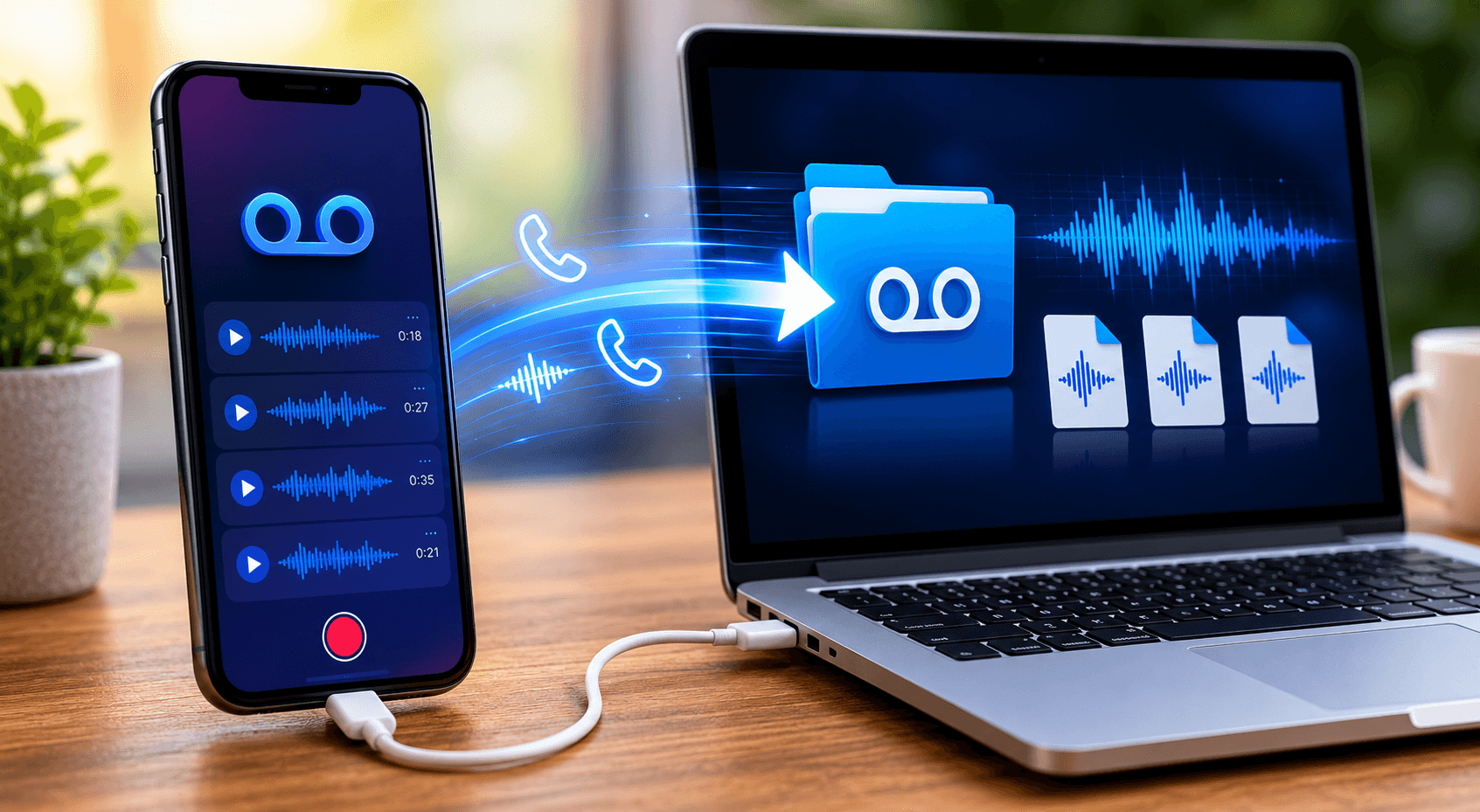
How to Back Up iPhone Voicemails to Your Computer (Step-by-Step, 2026)
iPhone voicemails live on your carrier's server, not your phone — which means they can disappear without warning. Here's exactly how to back them up to your Mac or PC in under ten minutes, with the iOS 18 share workflow, the iCloud caveats, and the third-party tools that actually work in 2026.
The Memory Murals Team • May 15, 2026
How-To Guides
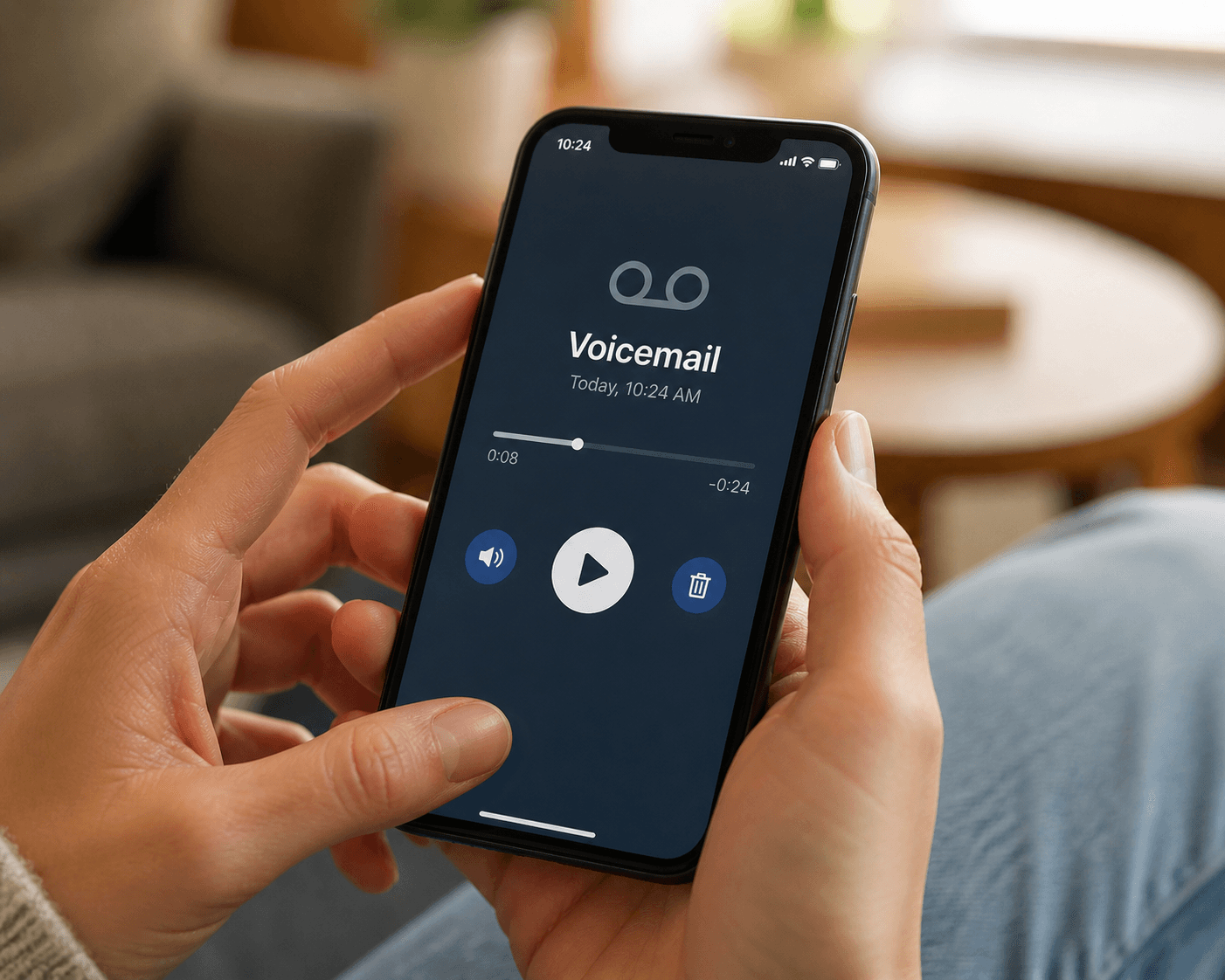
How to Save the Voicemails Worth Keeping (Before Your Phone, Carrier, or Number Loses Them)
There are voicemails on your phone right now that you'd cross a city to recover if you lost them — your kid's voice from a phase that's already over, a partner singing into the answering machine, a grandparent's holiday call. Here's how to save them in five minutes, before your phone, your carrier, or your number takes them away.
The Memory Murals Team • May 3, 2026

How-To Guides
How to Transfer Voice Memos From iPhone to a Computer
Voice Memos has no Export All button and no Windows app, which is why so many recordings never leave the phone. Here are the methods Apple actually documents for getting them onto a PC or a Mac, and how to keep the important ones safe.
The Memory Murals Team • October 17, 2026
Now give it somewhere to live.
The file you just saved outlasts nothing on its own. Put it where your family can still find it in thirty years.