
Canceling iCloud+? What Happens to Your Photos
Thinking of canceling your iCloud+ plan to save a few dollars? It's a common thought, but it's crucial to understand what happens next. Your photos, videos, and backups are at risk of permanent deletion. Here’s how to protect your family's memories before you downgrade.
Patrick Moore, Founder • August 30, 2026
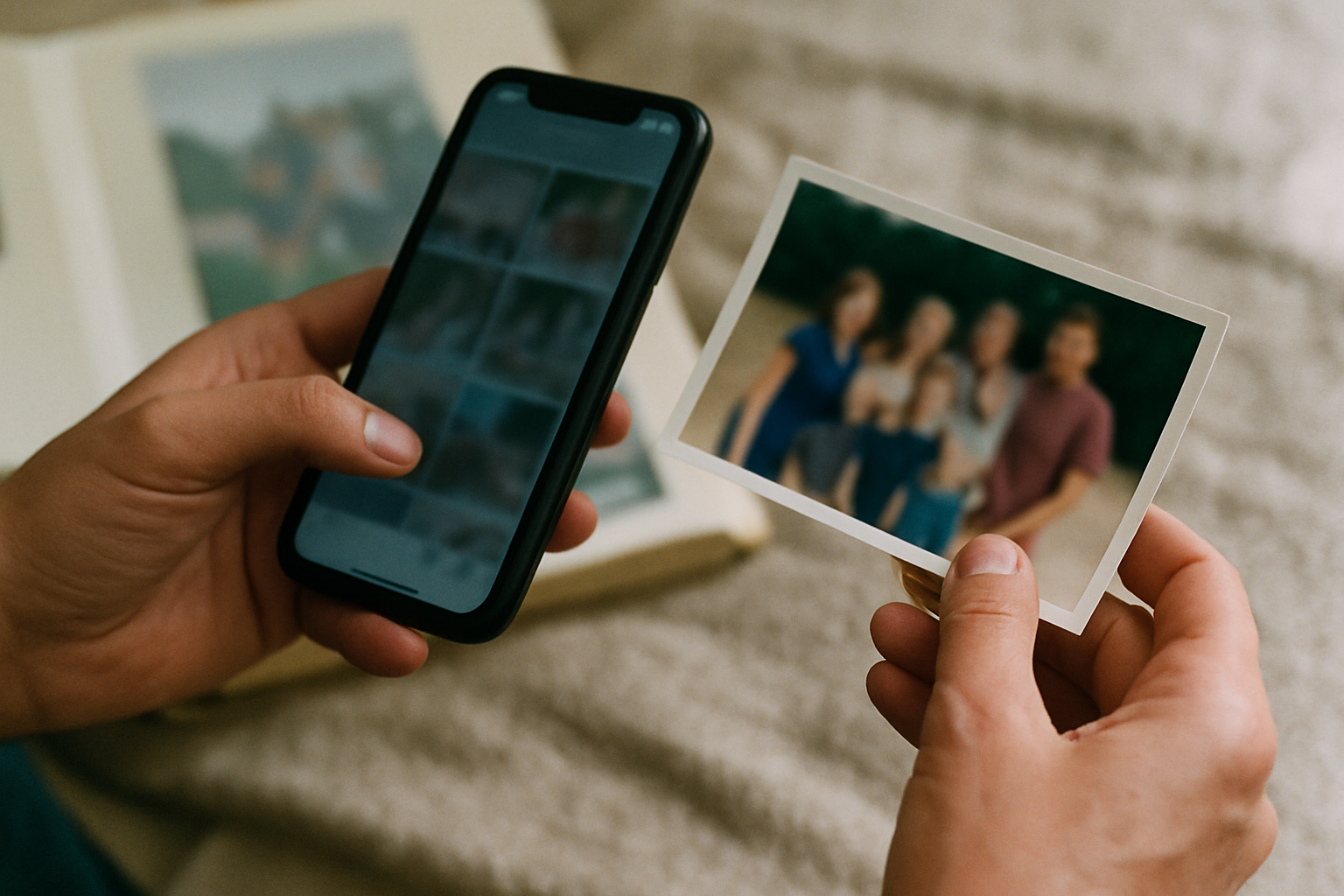
It’s a notification every iPhone user knows and dreads: “iCloud Storage Is Full.” It pops up at the worst times, preventing backups and halting photo uploads. The monthly fee for iCloud+ might be small, but it’s one more subscription in a sea of them, and the temptation to just cancel it is real.
But a quiet question follows that thought: if I stop paying, what happens to the last decade of birthday photos, the videos of my daughter’s first steps, the entire visual record of my family’s life?
It’s a service that feels so integrated into our devices that it’s easy to forget our access to our own memories is tied to a recurring payment. Understanding the consequences of canceling is the first step toward taking true ownership of your family’s legacy.
The short answer
When you cancel iCloud+ and your stored data exceeds the free 5GB limit, Apple gives you a 30-day grace period to download your files. After that, Apple begins deleting your data, including photos, videos, and device backups. This deletion is permanent and cannot be undone. To avoid losing precious memories, you must download them and move them to another storage solution before this grace period expires.
What Really Happens When You Stop Paying for iCloud
Canceling your iCloud+ subscription isn't like flipping a switch that instantly deletes everything. Instead, it’s a downgrade. You’re moved from your paid plan (whether it’s 50GB, 200GB, or more) back down to the standard, free 5GB plan that every Apple ID comes with.
Here’s what happens immediately:
- Syncing Stops: If the data you have stored in iCloud—photos, files, backups, and more—is over 5GB, all syncing services that rely on iCloud will stop working. New photos won't upload from your phone, documents on iCloud Drive won't update across devices, and your iCloud Mail account may stop sending or receiving messages.
- Backups Fail: Automatic device backups, one of the most critical and unsung features of iCloud, will cease. If your phone were lost, stolen, or broken tomorrow, you wouldn't have a recent backup to restore from, potentially losing contacts, messages, and app data.
Then, the clock starts ticking.
The 30-Day Countdown
Apple gives you a 30-day grace period to address the storage issue. During this time, your data is still there, and you can access and download it. But after those 30 days, Apple has the right to permanently delete anything over the 5GB limit to free up server space. There is no recovery from this deletion.
This policy turns your collection of family memories into something of a hostage. To keep them safe within Apple's ecosystem, you have to keep paying. While convenient, this model creates a dependency that many families are, quite rightly, starting to question.
Why It's More Than Just Photos
While the photo library is often the primary concern, it’s crucial to remember that iCloud is a sprawling service. Canceling your plan puts more than just your pictures at risk. Think about everything else that might be stored there:
- Full Device Backups: The complete snapshot of your iPhone or iPad.
- iCloud Drive: Important documents, PDFs, and work files.
- Messages: Years of text message history, including attached photos and videos.
- Voicemails: Potentially irreplaceable messages from loved ones.
- App Data: Saved games, app settings, and health data.
This is why treating iCloud as a permanent family archive can be so precarious. Its primary job is to sync and back up devices, not to preserve a legacy. The two goals are fundamentally different.
The Convenience of iCloud
It's built into every Apple device and works seamlessly in the background. Photos sync automatically, and device backups happen without you having to think about it. For simple, hands-off syncing, the convenience is undeniable.
The Cost of Dependency
Your access is conditional on a monthly payment. Privacy is also a concern; while data is encrypted, standard iCloud Photos are not end-to-end encrypted by default. Crucially, it's a storage locker, not a storytelling platform—it holds the photos but none of the context or stories behind them.
Why a Private Family Archive is a Smarter Strategy
A true family archive should be independent, private, and built for preservation, not just for device syncing. This is the core philosophy behind why we built Memory Murals. It's not a replacement for a service that backs up your entire phone; it’s a dedicated, secure home for the memories that matter most.
Think of it this way: iCloud is your phone's temporary insurance policy. A private archive like Memory Murals is your family's permanent library. It's a place where you intentionally curate the photos, videos, and stories that define your family, safe from the whims of subscription models or the risk of accidental deletion. You can learn more about this approach in our guide to creating a private and secure family archive.
By separating your most precious memories from your day-to-day device backup, you take back control. You ensure that the story of your family is preserved with the context it deserves, accessible to future generations without being tied to a specific phone or tech company.
Your family’s stories deserve a safe place
Photos, voice recordings, and the stories behind them — private, ad-free, free to start.
Start preserving memories freeFree plan available • No credit card required
How to Securely Move Your Photos from iCloud
If you're ready to declare independence and build a more resilient family archive, it’s essential to follow a careful process. Don't just cancel your subscription and hope for the best.
A Step-by-Step Guide to Migrating Your Memories
Don't Cancel Your Plan... Yet
The most important step is to secure your data before you make any changes to your iCloud+ subscription. Keep your plan active until you have confirmed that all your important photos and files are safely downloaded and stored elsewhere.
Request a Copy of Your Data
Go to Apple's Data and Privacy portal (privacy.apple.com) and sign in. From there, you can request a complete copy of your data. Be specific and select "iCloud Photos" to get your entire library. Apple will prepare the download, which can take a few days, and then email you a link.
Download and Organize
Once you receive the download link, save the files to a trusted computer or external hard drive. The files will likely be organized in folders by date, which can be a good starting point. This is your local backup, the foundation of the family backup system.
Curate and Upload Your Archive
Now for the meaningful part. Go through your downloaded photos and select the ones that truly tell your family's story. Upload these to your new private archive in Memory Murals. As you do, take the time to add the names, dates, and stories that turn a simple photo into a cherished memory.
Confirm, Then Cancel
Only after you have double-checked that your most important memories are secure in their new home should you proceed with downgrading your iCloud+ plan. You can now do so with the peace of mind that nothing of value will be lost.
Your family’s history is too important to be an accidental casualty of a full inbox or a forgotten payment. Services like iCloud are powerful tools for modern life, but they make for fragile archives. The real question isn't just about what happens to your photos when you stop paying, but what happens to your photos when you die.
Building a dedicated, private archive is an act of intention. It’s a declaration that your memories are more than just data; they are a legacy. Once you have your photos safely downloaded, you can begin building that permanent home for them at app.memorymurals.com/signup, ensuring your story is safe for generations to come.
Get 50 questions to ask your parents — before the stories are gone
The exact prompts families use to draw out the stories nobody ever wrote down. Free, straight to your inbox.
No spam. Unsubscribe anytime.
Frequently asked questions
What happens to my photos if I cancel my iCloud+ subscription?
When you cancel iCloud+ and downgrade to the free 5GB plan, your photos and videos stop syncing if they exceed that limit. Apple provides a 30-day grace period for you to download your data. After 30 days, Apple will begin permanently deleting any content over the 5GB limit, including photos, videos, and backups. This deletion is irreversible, so it's critical to save your files elsewhere beforehand.
Will I lose my photos if I don't pay for iCloud storage?
Yes, you risk permanently losing them. If your photo library and other data exceed the free 5GB tier, and you stop paying for an iCloud+ plan, Apple will eventually delete the excess data after a 30-day grace period. Any photos stored only in iCloud, and not locally on a device, will be gone for good. You must download a copy of your library to prevent this.
How long do I have to save my photos after downgrading iCloud?
Apple gives you a 30-day grace period after you cancel your paid iCloud+ plan. During this month, you can access and download all your photos, videos, and files, even if they exceed the new 5GB storage limit. However, once this period ends, Apple reserves the right to delete any data that doesn't fit within the free plan. It is crucial to act within those 30 days.
How do I download all my photos from iCloud to my computer?
The most comprehensive way is to use Apple's Data and Privacy portal at privacy.apple.com. Sign in with your Apple ID and select "Request a copy of your data." You can choose to download just your iCloud Photos. Apple will prepare the files and email you a download link, which can take a few days. This ensures you get a complete copy of everything stored in iCloud Photos, not just what's on one device.
Is there a way to keep my photos without paying for iCloud?
Absolutely. You can download your entire photo library from iCloud to a personal computer or an external hard drive. Once they are saved locally, you can cancel your iCloud+ plan without risk. For better long-term preservation and sharing, consider uploading your most important memories to a dedicated private family archive service, which offers a secure, permanent home for your photos independent of your device backups.
About the author
Patrick Moore, Founder of Memory Murals
Patrick Moore is the founder of Memory Murals. He built it after realizing how much of his own family's history had quietly slipped away — to help families preserve their stories, voices, and photos while they still can.
Related Stories
How-To Guides
How to Create a Private, Secure Digital Family Archive (2026 Step-by-Step)
Most family photos today live somewhere a stranger's algorithm can scan them or a forgotten password can lock them away forever. Here's how to build a private archive only the people you choose can see — and that doesn't belong to anyone but you.
Patrick Moore • May 27, 2026

Insights
The Family Backup: Why the Most Important Data in Your Life Isn't on Your Phone
You back up your photos, your contacts, your passwords. But the most irreplaceable data in your life — your family's stories — has zero redundancy. Here's how to fix that.
Patrick Moore • March 31, 2026
Insights
Meta's New Photo Rule: How to Keep Family Memories Truly Private
Meta's latest policy update raises questions about how our family photos are used online. Can they use your pictures without permission? We break down what the new rule means for your privacy and show you how to create a truly private, ad-free home for your most precious memories.
Patrick Moore • June 19, 2026
Preserve your family's memories in one private place.
Start free in minutes. No credit card required.