Is Self-Hosting Your Photos Worth It?
The dream of a private, self-hosted photo library is tempting for families seeking control over their memories. But is the technical reality worth the effort? We explore the hidden costs of DIY solutions and why a dedicated family app might be the simpler, safer path.
Patrick Moore, Founder • September 5, 2026
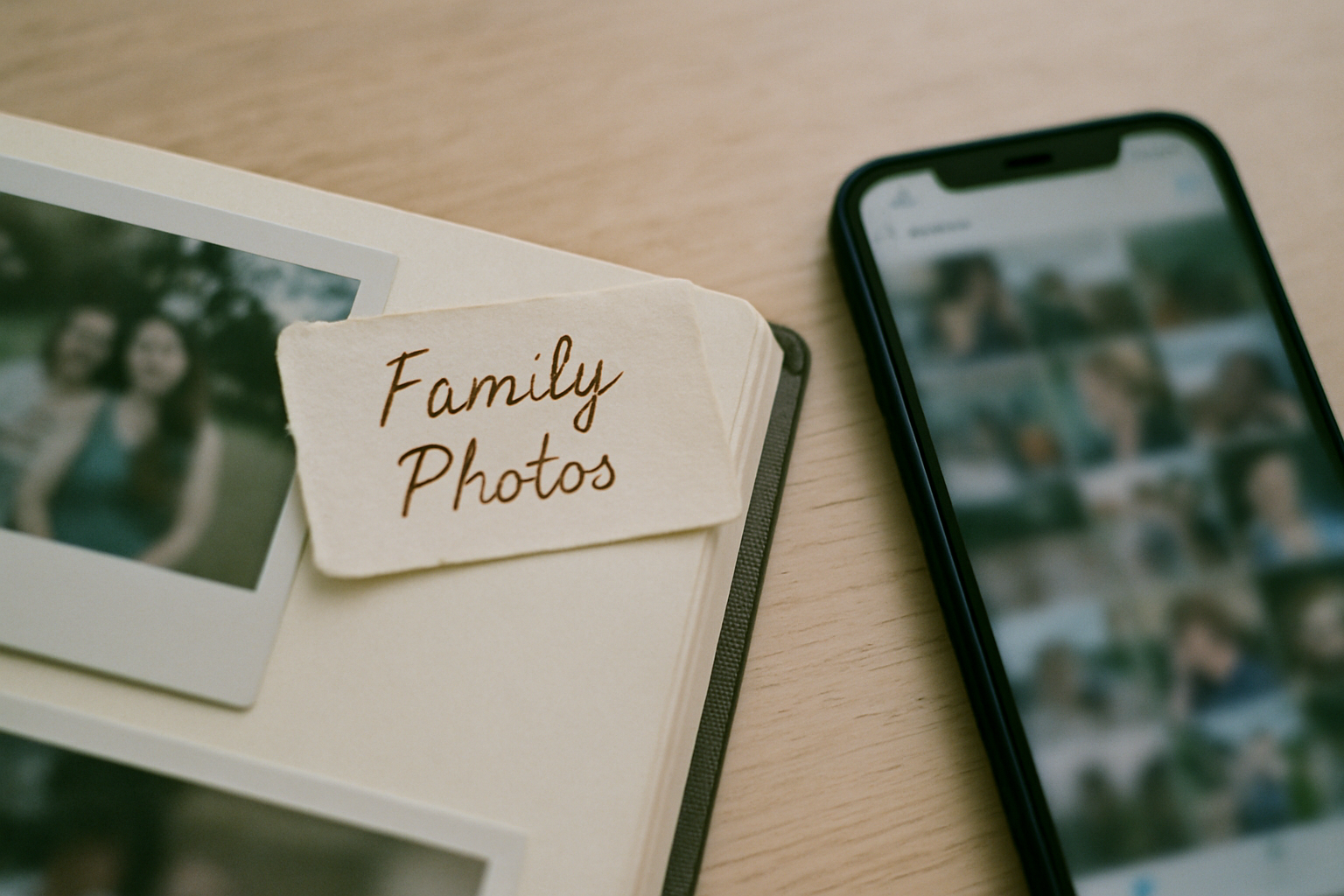
There’s a quiet hum of anxiety many of us feel about our digital lives. We scroll through decades of family photos on our phones—birthdays, graduations, a blurry shot of grandpa laughing—and realize they don't truly feel like ours. They live on servers owned by massive companies, governed by privacy policies we’ve never read, potentially used to train the next generation of AI.
This feeling has sparked a movement. As publications like Android Police have noted, a growing number of technically-inclined people are exploring ways to build their own private cloud, a personal Google Photos alternative. The dream is powerful: a digital sanctuary for your family's memories, completely under your control, safe from prying eyes.
It’s a noble goal, one that we deeply respect. The desire for data sovereignty, for a private space that is truly private, is the very reason we built Memory Murals. But we’ve also learned that the path of self-hosting, while appealing, is filled with hidden complexities and demands. The goal, after all, isn't to become a part-time IT administrator. It’s to preserve your family’s story.
The short answer
Self-hosting photos offers ultimate control but demands significant technical skill, time for maintenance, security management, and upfront hardware costs. For most families, this DIY approach is impractical. Private family archive apps like Memory Murals provide a simpler, more secure alternative, balancing data privacy and control with the convenience of a managed service. They offer enterprise-grade security and features designed for storytelling, making them a better fit for families who just want to preserve memories without becoming system administrators.
What Does "Self-Hosting" Even Mean?
In simple terms, self-hosting means you own and operate the hardware and software that stores your data. Instead of uploading your photos to iCloud or Google Photos, you save them to a device in your own home—typically a Network-Attached Storage (NAS) device. A NAS is essentially a small, specialized computer packed with hard drives, connected to your home network.
You access your photos through your own Wi-Fi or, with some technical setup, securely over the internet. It’s your own private cloud. The appeal is obvious and powerful.
The Dream of Data Sovereignty
Why would someone go to all this trouble? The motivations are completely understandable.
- Privacy: This is the big one. When you self-host, your photos aren't being scanned to sell you ads or train a corporate AI model. You decide who sees them, full stop.
- Control: Terms of service can't suddenly change. A company can't decide to compress your images, discontinue a feature you love, or shut down entirely, taking your memories with it.
- Cost (Maybe): The idea of a one-time hardware purchase instead of a lifetime of monthly subscription fees is very attractive.
Total Control & Privacy
You own the hardware, the software, and the data. No third party can access your memories without your permission. It's the ultimate expression of digital ownership.
No Subscription Fees (Theoretically)
After the initial investment in a NAS and hard drives, you escape the recurring monthly fees charged by cloud storage providers. Your storage is your own.
The Hidden 'Time Tax'
Setup, software updates, security patches, troubleshooting errors, and monitoring for failing hard drives—it all takes time. It's less a one-time project and more a permanent hobby.
Security is Your Responsibility
You are the sole defender against hardware failure, data corruption, ransomware, and hacking attempts. A simple network misconfiguration could accidentally expose your entire family library to the internet.
The Technical Hurdles are Real
The gap between the dream of self-hosting and the reality can be vast. Getting a system up and running requires navigating a series of technical challenges. You'll need to research and select the right NAS, choose the correct type and number of hard drives, and then configure them in a RAID array to protect against a single drive failing.
Then comes the software. You'll need to install and configure an application like PhotoPrism or Nextcloud, set up user accounts, and then figure out how to make it accessible from outside your home network. This often involves tricky network configurations like port forwarding and dynamic DNS—concepts that are unfamiliar to most people.
And the work doesn't stop there. Like any computer, your server will require constant maintenance: installing security patches, updating the operating system, and ensuring all the software components are playing nicely together. If something breaks, there's no customer support line to call. It's just you, a search engine, and a long night of troubleshooting.
The Backup Blind Spot
Here is the single most common and dangerous misconception about self-hosting: a NAS is not a backup.
A RAID configuration in a NAS protects you if one hard drive dies. It does nothing to protect you from:
- Accidental deletion of a folder
- Software bugs that corrupt your data
- A power surge that fries the electronics
- Theft, fire, or flood that destroys the entire device
To be truly safe, you still need a comprehensive backup strategy, often following the 3-2-1 rule: three copies of your data, on two different types of media, with one copy off-site. This means you'll likely need to subscribe to another cloud service just for backing up your self-hosted server, adding another layer of cost and complexity.
A Single Point of Failure
Your home is a single location. A self-hosted archive, without a robust and automated off-site backup plan, is often far more vulnerable than a professionally managed cloud service. Enterprise-grade services store your data in multiple, geographically separate data centers. This built-in redundancy protects against the very physical disasters—fire, flood, theft—that would completely wipe out a home-based system.
The Middle Ground: Private, Purpose-Built Apps
If the privacy risks of Big Tech are unacceptable and the technical burden of self-hosting is too high, what's the solution? This is where a new category of service comes in: the private, purpose-built family archive.
We built Memory Murals to be this middle ground. We provide the security, redundancy, and ease-of-use of a cloud service, but with a business model and a mission that is 100% aligned with your family's privacy. Our sole purpose is to protect your memories, not monetize your data.
When you use a dedicated service, you offload all the technical headaches. We manage the servers, apply the security patches, monitor the hardware, and handle the multi-region backups. All that complexity is made invisible, so you can focus on what actually matters: capturing and enriching your family's stories. You get the peace of mind of a professional system without needing an engineering degree to run it.
Your family’s stories deserve a safe place
Photos, voice recordings, and the stories behind them — private, ad-free, free to start.
Start preserving memories freeFree plan available • No credit card required
What to Look For in a Private Family App
Choosing a service to trust with your family's legacy is a big decision. If you're exploring options beyond the DIY route, here are the key principles to look for:
A Clear Privacy Policy
The service should state, in plain English, that they will not sell your data or use your photos and stories to train AI models. Privacy should be the foundation of their business. We wrote a whole post about why privacy is the heart of Memory Murals because it’s that important.
A Sustainable Business Model
Free services are rarely free. If you aren't paying for the product, you are the product. A straightforward subscription fee aligns the company’s interests with yours. Their revenue comes from keeping you happy and your data safe, not from finding other ways to use your information.
Easy and Complete Data Export
True ownership means you can always leave. A trustworthy service will provide a simple way to download your entire archive—not just the photos, but all the stories, dates, tags, and audio you've added. Your legacy shouldn't be locked in a digital silo.
A Focus on Legacy
Is the service just a photo bucket, or is it designed to last for generations? Look for features that help you create a digital estate plan and designate who can manage the archive in the future. The goal is to build a collection that outlives a single account holder.
The desire to pull our family memories out of the hands of Big Tech is a good one. It’s a recognition that these moments are too precious to be treated as raw data for an algorithm.
For the technically adventurous, self-hosting can be a rewarding project. But for the vast majority of families, the goal isn't the project itself—it's the outcome. It's the peace of knowing your history is safe, accessible, and private. The real freedom isn't running your own server; it's the freedom from worrying about it.
Finding a trusted partner to handle the infrastructure lets you get back to the work that only you can do: telling your family's story. And you can start building that story today, knowing it's in a place built to protect it.
Get 50 questions to ask your parents — before the stories are gone
The exact prompts families use to draw out the stories nobody ever wrote down. Free, straight to your inbox.
No spam. Unsubscribe anytime.
Frequently asked questions
Is it cheaper to self-host your photos?
Initially, self-hosting seems cheaper because you avoid monthly fees. However, upfront hardware costs for a NAS and hard drives can be hundreds or thousands of dollars. Ongoing expenses like electricity and robust off-site backup services can make it more expensive than a dedicated app subscription. You also have to factor in the significant, un-costed time required for setup and maintenance.
What is the most secure way to store photos?
The most secure method combines multiple layers. For a DIY setup, this means a local device with redundancy, plus encrypted off-site backups. Professionally managed services like Memory Murals offer this by default, using enterprise-grade security with data encrypted in transit (TLS) and at rest (AES-256) across multiple geographic locations, which is more robust than most home setups can achieve.
What's the main disadvantage of using Google Photos?
The primary disadvantage of Google Photos is privacy. Your family's memories are controlled by a large tech company whose business model is data-driven. Their terms of service can change, and your photos may be used to train their AI models. While convenient, you give up significant control over how your most personal data is used, which is a major concern for many families.
Can I get my data out of a private family app?
A reputable private family app should always allow you to export your data. True ownership means you have the freedom to leave. Before choosing a service, verify that they offer a comprehensive export feature that includes not just your photos and videos, but also all the valuable context you've added, like captions, stories, dates, and tags. This ensures your archive remains yours.
What is a NAS and do I need one for family photos?
A NAS, or Network-Attached Storage, is like a mini-server for your home network that holds hard drives. It lets you create your own personal cloud. While it's a popular tool for self-hosting photos, you don't need one. For most families, a NAS is overly complex, requiring technical setup, ongoing maintenance, and a separate backup plan. A dedicated private app is a much simpler and often safer alternative.
About the author
Patrick Moore, Founder of Memory Murals
Patrick Moore is the founder of Memory Murals. He built it after realizing how much of his own family's history had quietly slipped away — to help families preserve their stories, voices, and photos while they still can.
Related Stories

Insights
Why Privacy is the Heart of Memory Murals
In an age of oversharing, Memory Murals was built on privacy. Learn why your family's story deserves a space free from ads, algorithms, and public scrutiny.
Patrick Moore • December 10, 2025

Comparisons
The Best Private Family Photo Sharing Apps in 2026 (Honest Facebook Alternatives)
Most families already know they want off Facebook. The real question is where to go. We compared the 8 most popular private family photo sharing apps — honestly, with the tradeoffs that actually matter.
Patrick Moore • April 10, 2026

Insights
Google Photos Changes Mean Your Pictures Disappear Faster
A recent Google Photos change halves the time you have to recover deleted photos, from 60 days to just 30. This seemingly small update has big implications for your family's digital legacy, making accidental deletions more permanent. We'll explore what this means and why a dedicated archive offers better protection.
Patrick Moore • September 8, 2026
See the version we built.
Voice-first, multi-contributor, and priced on one page — $12.99/mo, $99.99/yr, or a $7 weekend pass. Free for 7 days.