
iPhone Scam Alert: Protect Your Photos
News is circulating about a new iPhone scam that could put your most precious memories at risk. This guide explains what we know, what to watch out for, and the simple steps you can take to protect your family photos and personal information.
Patrick Moore, Founder • October 8, 2026
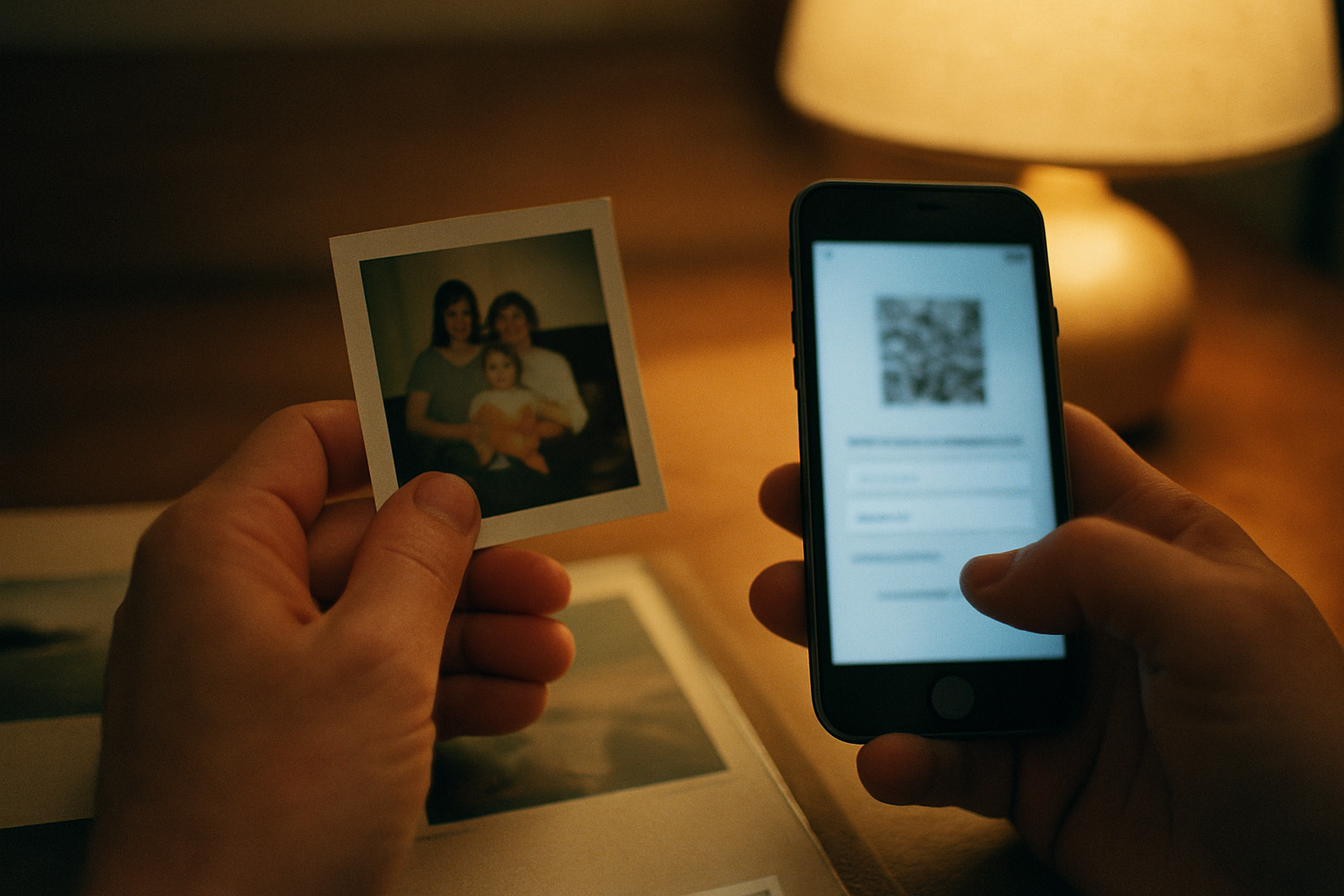
Your phone isn’t just a device. It’s a time capsule, a keeper of inside jokes, a library of the faces you love most. It holds the blurry photo of your daughter’s first steps, the video of your parents singing "Happy Birthday" off-key, and the last voicemail you saved from your grandfather.
These digital fragments are priceless. They are the texture of a life lived, stored conveniently in the palm of your hand. We trust our devices to keep these memories safe, integrating them so seamlessly into our lives that we rarely think about their vulnerability.
But when news breaks about a new scam targeting the very device we trust with our legacy, it’s a jarring reminder. A threat to your phone feels like a threat to your memories themselves. The question becomes not just about cybersecurity, but about preservation. How do we protect the stories and moments that matter most?
The short answer
A new scam targeting iPhone users threatens access to personal data, including photos and passwords. To protect yourself, be wary of unsolicited messages or pop-ups, never share your Apple ID password or verification codes, use strong, unique passwords, and enable two-factor authentication. Consider storing your most irreplaceable memories in a dedicated, private archive separate from your primary device for an added layer of security.
A New Warning for iPhone Users
Recently, reports have begun to circulate about a new scam aimed at iPhone users. According to news outlets like MLive.com, the scheme could potentially compromise deeply personal data, including the family photos and private passwords stored on your device.
At this stage, Apple has not released specific details about the mechanics of the threat, which is common in the early days of a security story. What we know is the broad shape of the warning: bad actors are attempting to gain access to the information you hold most dear. This isn't about fear, but about awareness. It’s a prompt to pause and ensure our digital houses are in order.
Your iPhone is the central hub of your modern life. It’s your bank, your filing cabinet, your photo album, and your primary communication tool. A compromise doesn't just mean financial risk; it means a potential stranger scrolling through your child's baby pictures or reading your private messages. For anyone preserving a family's history, the stakes feel incredibly high.
The Scammer's Playbook
While the exact method of this new scam is still being analyzed, the playbook for tricking people into giving up access to their accounts is well-established. Scammers rely on psychology, not just sophisticated technology. They create a sense of urgency or fear to make you act before you can think.
Common tactics include:
- Phishing and Smishing: These are fraudulent attempts to get you to reveal sensitive information. Phishing often comes as an email that looks like it’s from Apple, asking you to “verify your account.” Smishing is the same concept, but it arrives as a text message (SMS), often with an alarming message like, “Your Apple ID has been locked due to suspicious activity. Click here to unlock.”
- Social Engineering: This is the art of manipulation. A scammer might call you pretending to be from Apple support, or even find personal details about you online to make their story more believable. Their goal is to build just enough trust to convince you to share a password or a two-factor authentication code.
- Malicious Pop-ups: You might encounter a pop-up while browsing that claims your device is infected with a virus and urges you to download a “security” app that is actually malware.
Red Flags to Watch For
No matter the method, the warning signs are often the same. Be immediately suspicious of any message that has poor grammar or spelling, creates an artificial sense of panic, asks you to click a strange link, or requests your password or verification codes. Apple and other legitimate companies will never ask you for this information in an email or text.
How to Protect Your Family Photos & Passwords
Knowledge is the first step, but action is what truly protects you. Taking a few moments to review your security settings today can provide lasting peace of mind. Here is a straightforward process to secure your digital memories.
Essential iPhone Security Steps
Review Your Apple ID Security
Two-factor authentication (2FA) is your single most powerful defense. It means that even if someone steals your password, they can't access your account without a second code from one of your trusted devices. Check your iPhone's Settings app under your name/Apple ID to ensure this feature is turned on. If it isn't, enable it immediately.
Strengthen Your Passcode
If you're still using a simple 4 or 6-digit PIN, consider upgrading to a more complex alphanumeric passcode. A longer code with a mix of letters, numbers, and symbols is exponentially harder for anyone to guess or break. It's a small inconvenience for a major security boost.
Be Skeptical of All Unsolicited Messages
This is more of a habit than a setting. Treat any unexpected text, email, or pop-up with healthy skepticism. Never click on links from unknown senders. If you receive a warning about your Apple ID, don't use the link provided. Instead, go directly to Apple's official website in a browser to check your account status.
Keep Your Software Updated
Those software update notifications can feel like a chore, but they are essential. Apple frequently releases updates to iOS that patch security vulnerabilities. Keeping your iPhone's software current is one of the easiest ways to protect yourself from the latest known threats.
Separate Your Archive From Your Device
For your most irreplaceable memories—the photos, videos, and stories that form your family's legacy—consider giving them a dedicated home. Relying solely on your phone's camera roll means your archive is exposed to the same risks as your daily-use device. A private, secure family archive creates a vital separation. You can learn more about how to create a private, secure family archive that stands apart from your everyday tech.
Beyond Your Camera Roll: The Power of a Private Archive
Your iPhone's camera roll is designed for convenience. A family archive is designed for permanence and privacy. The two serve very different purposes. While it’s wonderful to have photos at your fingertips, a device that is constantly connected to the internet, running dozens of apps, and receiving messages from unknown numbers is inherently more exposed.
This is why we built Memory Murals. We believe that a family’s most cherished stories deserve a space built with a single purpose: to keep them safe. Our entire philosophy is centered on why privacy is the heart of Memory Murals. We don't have social media features, we don't use your data for advertising, and we don't train AI models on your family's faces and stories. All your data is encrypted in transit (TLS) and at rest (AES-256).
Creating a dedicated archive is also a core part of building a digital estate plan for your family memories. It ensures that the legacy you've carefully preserved isn't lost if a single device is lost, stolen, or compromised. It's an intentional space, separate from the digital noise, where your family's history can be honored and protected.
These security threats will always evolve, and new scams will replace old ones. The solution isn’t to disconnect from the world, but to be intentional about where we place our most valuable memories. Your daily life can happen on your phone; your legacy can live somewhere safer.
If you're ready to create that safe space for your own family's stories, you can start your private archive today. It’s a quiet, protected home for the moments that matter most, today and for all the tomorrows to come.
Get 50 questions to ask your parents — before the stories are gone
The exact prompts families use to draw out the stories nobody ever wrote down. Free, straight to your inbox.
No spam. Unsubscribe anytime.
Frequently asked questions
What is the new iPhone scam I'm hearing about?
Reports indicate a new scam is targeting iPhone users, potentially aiming to steal personal data like photos and passwords. While specific details are still emerging, the threat underscores the importance of strong digital security practices. The core risk involves scammers trying to trick you into revealing your Apple ID credentials or other sensitive information, giving them access to your device and the data stored on it.
How can I protect my iPhone photos from being hacked?
To protect your photos, start by using a strong, unique passcode and enabling two-factor authentication on your Apple ID. Be cautious of phishing links in texts or emails. Avoid connecting to unsecured public Wi-Fi networks. For your most irreplaceable images, consider backing them up to a separate, secure service designed for privacy, which insulates them from a compromise of your primary device.
Can someone access my photos through my Apple ID?
Yes, if someone gains access to your Apple ID and password, they could potentially access your iCloud Photos, messages, backups, and more. This is why protecting your Apple ID credentials is so critical. Using two-factor authentication adds a vital layer of security, as a hacker would need both your password and physical access to one of your trusted devices to log in.
What's the safest way to store family photos?
The safest way is to follow the 3-2-1 backup rule: three copies of your data, on two different types of media, with one copy off-site. For a simple and secure solution, use a dedicated private archive service that prioritizes user privacy. This separates your most cherished memories from your daily-use devices and social media accounts, which are more frequent targets for scams and data breaches.
Will two-factor authentication stop this iPhone scam?
Two-factor authentication (2FA) is one of the most effective defenses against unauthorized account access. While no single measure is foolproof against every type of scam (especially those involving social engineering), 2FA makes it significantly harder for a hacker to access your account even if they manage to steal your password. It is a critical security feature that everyone should enable on their Apple ID.
About the author
Patrick Moore, Founder of Memory Murals
Patrick Moore is the founder of Memory Murals. He built it after realizing how much of his own family's history had quietly slipped away — to help families preserve their stories, voices, and photos while they still can.
Related Stories
How-To Guides
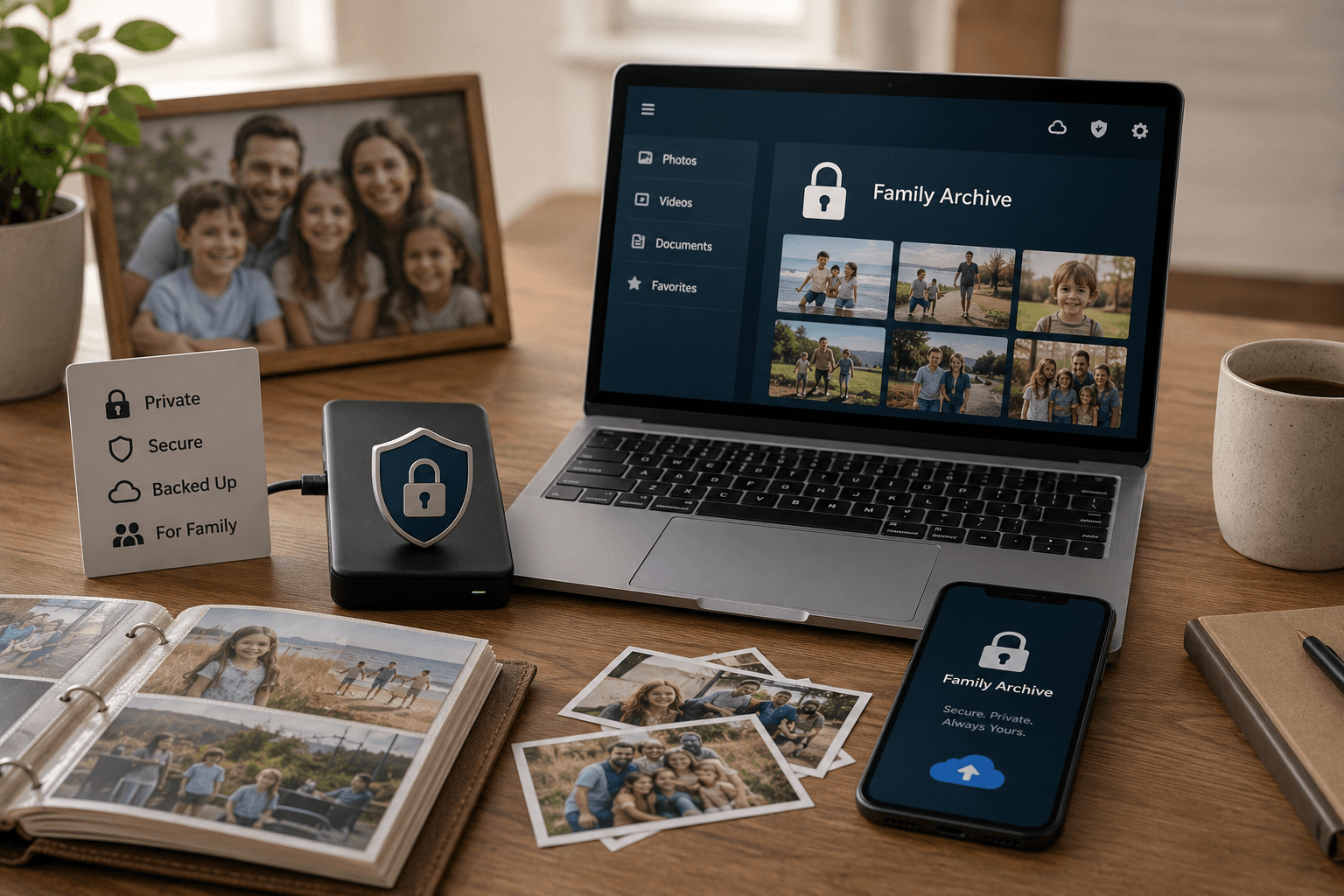
How to Create a Private, Secure Digital Family Archive (2026 Step-by-Step)
Most family photos today live somewhere a stranger's algorithm can scan them or a forgotten password can lock them away forever. Here's how to build a private archive only the people you choose can see — and that doesn't belong to anyone but you.
Patrick Moore • May 27, 2026

Insights
Why Privacy is the Heart of Memory Murals
In an age of oversharing, Memory Murals was built on privacy. Learn why your family's story deserves a space free from ads, algorithms, and public scrutiny.
Patrick Moore • December 10, 2025
Insights
New Mexico Sues Meta for $40B: What It Means for Your Family Photos
A massive $40B lawsuit by New Mexico against Meta raises urgent questions about data privacy. If you use platforms like Facebook or Instagram to store family memories, what does this legal battle mean for the safety and ownership of your most precious photos and stories?
Patrick Moore • October 2, 2026
Preserve your family's memories in one private place.
Start free in minutes. No credit card required.