
Gemini Spark & Your Mac Files: A Guide to Photo Privacy
Recent headlines reveal Google's Gemini Spark AI can access files on your Mac. This raises crucial privacy questions for families whose computers hold decades of photos and personal memories. Learn what this means and how to protect your family's digital legacy.
Patrick Moore, Founder • July 2, 2026

Your Mac is more than a machine. Over the years, it becomes a sort of digital junk drawer, a time capsule of your family’s life. Tucked away in folders are photos from a decade of birthdays, blurry videos from school plays, scanned copies of your parents’ wedding announcement, and the voicemails you saved from your grandmother.
These files aren’t just data. They are the texture of your family’s story. They’re private, personal, and often irreplaceable.
So when headlines emerge about new AI tools gaining access to the files on your computer, it’s natural to feel a sense of unease. A recent report from the International Business Times notes that Google’s new AI, Gemini Spark, can be given access to your Mac files. This development blurs the line between your private digital space and the vast data networks of big tech.
For families, the question isn’t just about technology—it’s about trust. What does it mean when an AI can see the most personal parts of your life, and what can you do to protect them?
The short answer
Recent reports state Google's Gemini Spark can access local files on your Mac. For families, this means the AI could potentially view, index, or use your private photos and documents for its own training or processes. This raises significant privacy concerns, prompting many to re-evaluate how they store sensitive memories and seek out private, purpose-built archives where access is strictly controlled by the family itself, not by a large tech company's AI.
Understanding the News
The core of the story is simple: Google's Gemini Spark, a powerful AI assistant, has a new capability on macOS. The headline asks a direct question: Should you trust it? That’s a question we can’t answer for you, but we can help you think through the implications.
What the news doesn't detail are the specific controls, the exact data Google will use, or how it will be protected. This lack of clarity is common with new technology, but it places the burden of caution on you, the user. In an era marked by frequent data breaches at major companies, skepticism about data access is healthy.
This isn't about fear-mongering; it's about being intentional. The convenience of an AI that can organize your files or find photos for you is tempting. But that convenience comes with a trade-off, and it's essential to understand what you might be giving up in return.
The Blurred Line Between Your Cloud and Your Computer
For a long time, we’ve held a simple mental model: files on our computer’s hard drive are ours, while files in the cloud are theirs (or at least, stored on their servers). An application like Gemini Spark complicates this. It's a tool that lives on your Mac but is connected to Google's massive brain in the cloud. It acts as a bridge, potentially allowing the logic and data-gathering priorities of a global tech company to reach into the folders you thought were private.
Let's look at the pros and cons of this kind of AI integration.
The Potential Upside: Convenience
An AI with file access could, in theory, automatically tag your photos, identify people, transcribe old scanned letters, or find every picture of your daughter's first year of life without you lifting a finger. It promises a world where your digital mess is magically organized.
The Potential Downside: Privacy
The risk is that your most personal data—photos of your children, private financial documents, scans of love letters—becomes raw material for a corporate AI. It could be used for training models, targeted advertising, or other purposes you never intended, with little transparency or control.
This isn't a hypothetical concern. We've seen other major tech companies incorporate user photos into advertising for their products. When you use a "free" service from a company whose business is data, the product being sold is often you. The question becomes: are your family's most intimate moments for sale?
Why Your Family Archive Deserves a Dedicated Home
The photos and stories on your computer are not just another dataset. They are your legacy. They're the evidence of a life lived, the digital inheritance you'll pass down to your children and grandchildren. They deserve more than to be collateral in a tech company's AI strategy.
This is why we built Memory Murals on a different foundation. We believe that a family's story should belong to the family, period. It's a principle that shapes every decision we make, from our privacy policy to our business model. You can read more about why privacy is at the heart of Memory Murals.
Unlike platforms that offer free storage in exchange for data, Memory Murals is a subscription service. Our responsibility is to you, our members, not to advertisers or data brokers. We're not building a massive AI to understand the world; we're building a quiet, secure home to protect yours.
Privacy by Design
Your memories are never used to train AI models or for advertising. Our business is preserving your family's legacy, not monetizing it.
Family-Controlled Access
You and only you decide who gets to see your family's archive. There are no algorithms or public settings that could expose your private moments.
Built for Stories, Not Just Data
Memory Murals is designed to connect your photos and videos with the voices and stories that give them meaning, creating a rich, multi-generational tapestry.
Secure and Protected
We take the security of your memories seriously. All your data is protected with industry-standard encryption in transit (TLS) and at rest (AES-256).
If you're looking for a genuine alternative to big tech photo platforms, a place built on the principle of privacy, Memory Murals is here for you.
Your family’s stories deserve a safe place
Photos, voice recordings, and the stories behind them — private, ad-free, free to start.
Start preserving memories freeFree plan available • No credit card required
Practical Steps to Safeguard Your Files Today
Regardless of what tools you use, you can take immediate steps to better protect the memories on your Mac. Being proactive is the best defense for your family's digital footprint.
A Quick Privacy Checklist
Audit Your App Permissions
On your Mac, go to System Settings > Privacy & Security. Carefully review which apps have "Full Disk Access." This is the highest level of permission, and it should be granted sparingly. If an app doesn't absolutely need it to function, turn it off.
Segment Your Most Sensitive Files
Consider creating a specific folder for your most irreplaceable memories—the digital equivalent of a fireproof safe. You might choose to keep this folder out of any cloud-synced directories (like iCloud Drive, Google Drive, or Dropbox) to ensure it remains strictly local.
Evaluate the Business Model
For any app you use to manage photos or memories, ask one simple question: How does this company make money? If the answer isn't a clear subscription fee, it's likely through data. This is a key difference between a service like Google Photos and a dedicated archive.
Establish a Private Archive
The most effective step is to move your core family memories off general-purpose platforms and into a dedicated, private archive. This creates a clear boundary, ensuring your most cherished files are protected by a service whose entire purpose is their preservation and privacy. Learn more about how to create a private and secure family archive.
Technology will continue to evolve, and AI will become more integrated into our lives. This isn't inherently bad, but it requires a new level of mindfulness. The convenience of automation should never come at the cost of your family's privacy.
Your family’s story is a sacred thing. It’s a narrative written in photos, told in voices, and felt in memories. Choosing where you keep that story is one of the most important digital decisions you can make. It’s about creating a space that respects the sanctity of those moments, a place you can build together, securely and privately. If you're ready to start building that archive, you can begin your Memory Mural today.
Get 50 questions to ask your parents — before the stories are gone
The exact prompts families use to draw out the stories nobody ever wrote down. Free, straight to your inbox.
No spam. Unsubscribe anytime.
Frequently asked questions
What is Google Gemini Spark and why is it a privacy concern?
Google Gemini Spark is an AI assistant that, according to recent reports, can access local files on your Mac computer. The privacy concern for families is that this access could potentially allow Google's AI to view, index, or use private family photos, documents, and other sensitive data stored on your hard drive. The lack of clarity on how this data is used for training or other purposes is a key issue for those wanting to keep their memories private.
Can Google's AI use my personal photos for training?
The terms of service for large AI models are often complex and can change. While Google may have policies in place, giving an AI tool broad access to your local files creates a potential risk that your personal data, including family photos, could be used to train future AI models. For guaranteed privacy, it's best to use services with explicit policies against using customer data for AI training and whose business model doesn't rely on data monetization.
How can I stop Google Gemini from accessing my Mac files?
While specific settings for Gemini Spark haven't been detailed, you can manage general application permissions on your Mac. Go to System Settings > Privacy & Security. Here, you can review which applications have "Full Disk Access" or access to specific folders like Photos, Documents, and Desktop. Be cautious about granting broad permissions to any application, and revoke access for any tool you don't fully trust with your personal data.
What is the most private way to store family photos?
The most private way to store family photos is to use a service specifically designed for secure, private family archiving. Look for platforms that are subscription-based, as this means their business model is aligned with protecting your data, not selling it. Key features to look for include clear privacy policies, family-controlled access, and robust encryption (like TLS in transit and AES-256 at rest). This ensures your memories are not used for advertising or AI training.
About the author
Patrick Moore, Founder of Memory Murals
Patrick Moore is the founder of Memory Murals. He built it after realizing how much of his own family's history had quietly slipped away — to help families preserve their stories, voices, and photos while they still can.
Related Stories

Insights
Why Privacy is the Heart of Memory Murals
In an age of oversharing, Memory Murals was built on privacy. Learn why your family's story deserves a space free from ads, algorithms, and public scrutiny.
Patrick Moore • December 10, 2025
How-To Guides
How to Create a Private, Secure Digital Family Archive (2026 Step-by-Step)
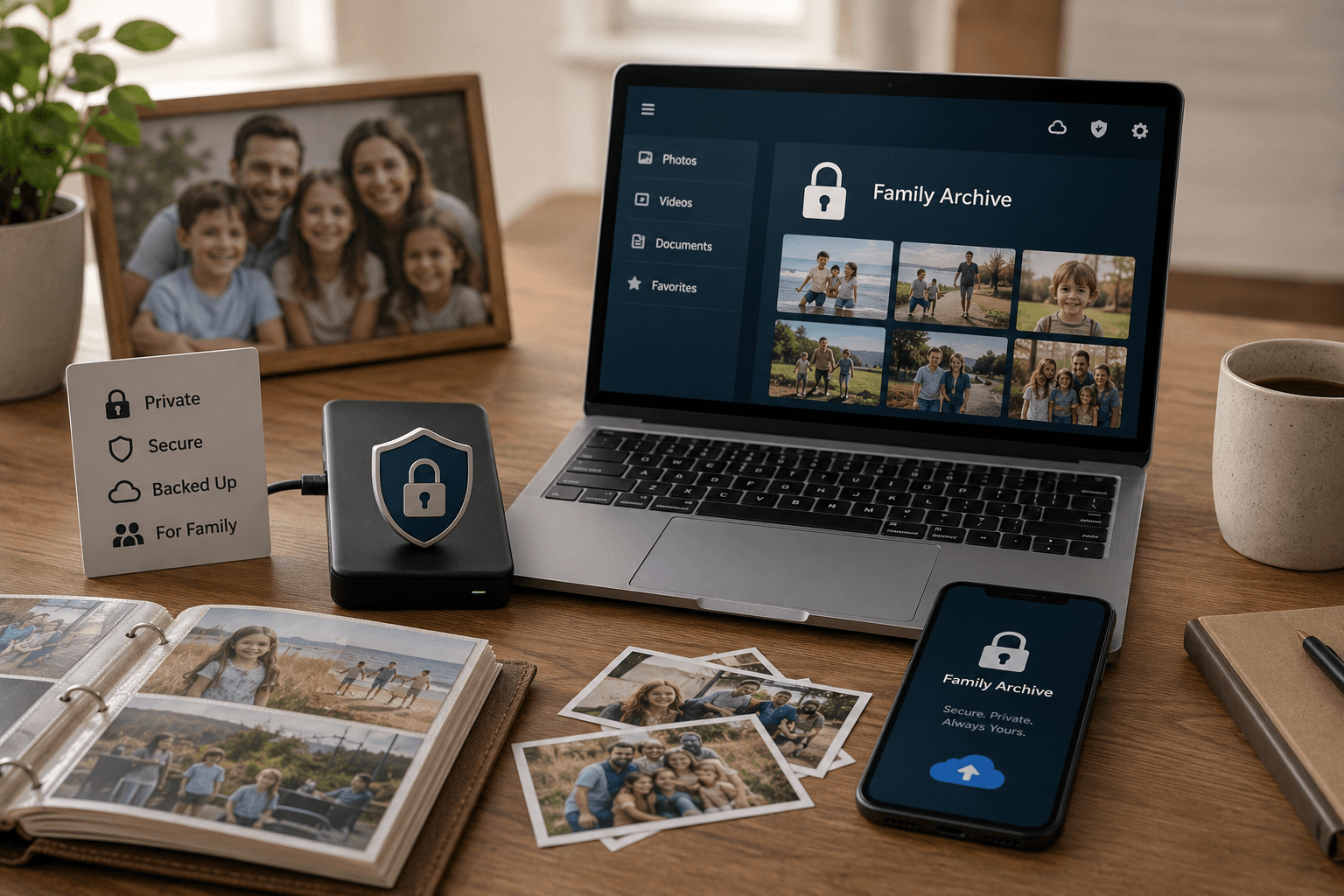
Most family photos today live somewhere a stranger's algorithm can scan them or a forgotten password can lock them away forever. Here's how to build a private archive only the people you choose can see — and that doesn't belong to anyone but you.
Patrick Moore • May 27, 2026
Insights
Cancel iCloud+? What Happens to Your Family Photos & Backups
Thinking of canceling your iCloud+ plan to save a few dollars? It's a common thought, but it's crucial to understand what happens next. Your photos, videos, and backups are at risk of permanent deletion. Here’s how to protect your family's memories before you downgrade.
Patrick Moore • August 30, 2026
Preserve your family's memories in one private place.
Start free in minutes. No credit card required.