
8 Best Tinybeans Alternatives
Searching for a better way to share family photos than Tinybeans? We tested eight leading apps, focusing on privacy, ease of use for grandparents, and features that go beyond a simple timeline. Find the perfect private space for your family's most precious moments.
Patrick Moore, Founder • June 11, 2026

My brother sent me a photo the other day. It was a picture of my nephew, face smeared with chocolate, grinning like he’d just discovered the secret to life. It arrived in a group text, compressed to a blurry square by the messaging app, sandwiched between a scheduling question and a funny meme.
I smiled, saved the photo, and then felt a familiar pang of sadness. This beautiful, fleeting moment was now just another piece of digital detritus in my camera roll, stripped of its context. Who took it? What was the occasion? What was he laughing about a second before? The photo was a fact, but the story was already gone.
That’s the promise of apps like Tinybeans—to capture those moments in a dedicated space. But as our families grow and our digital lives become more complex, we start asking more from these spaces. We want more privacy, more control, and more ways to preserve the whole story, not just the snapshot.
The short answer
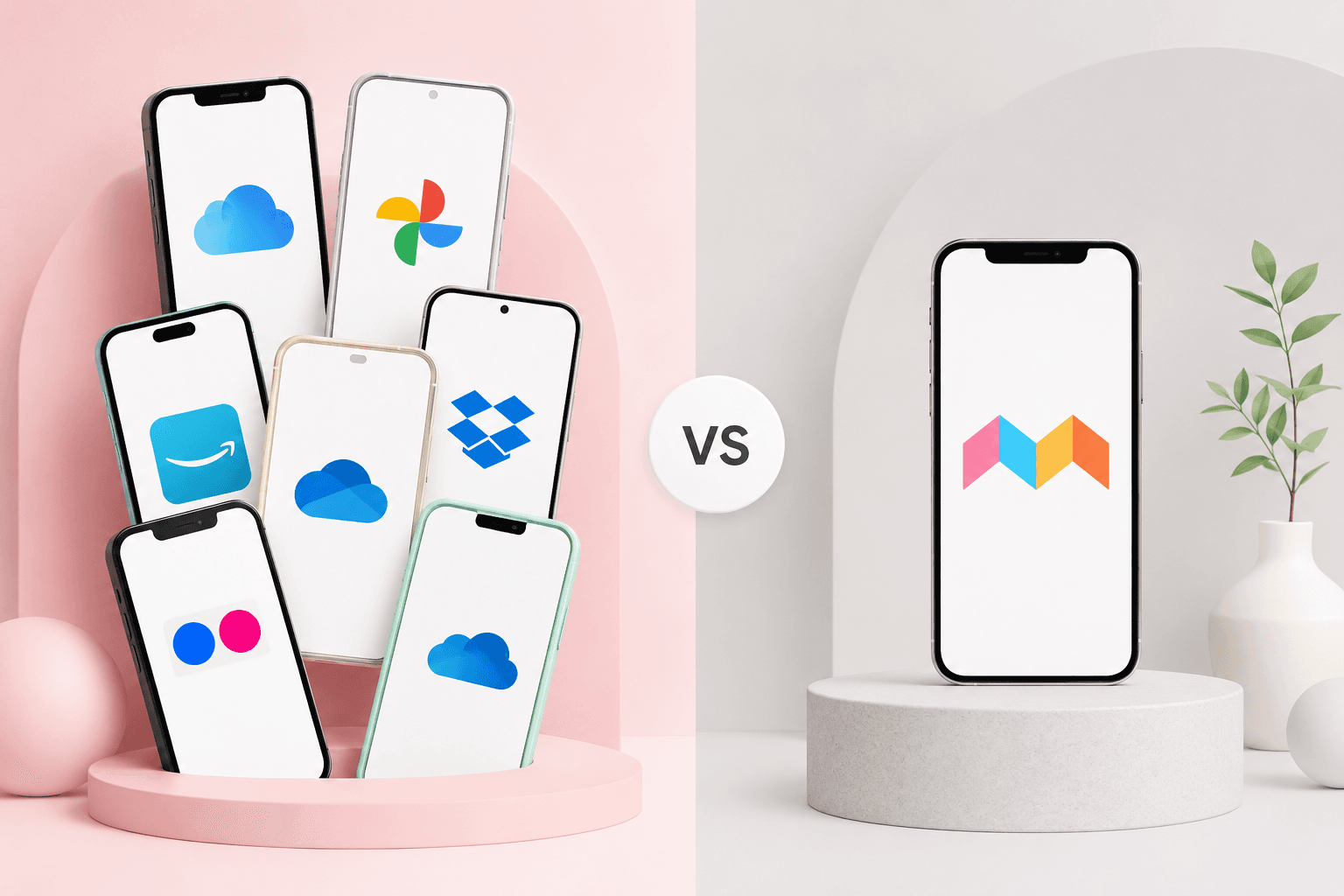
If you're looking for Tinybeans alternatives, the best choice depends on your priority. For the highest level of privacy and creating a permanent multimedia archive with stories, Memory Murals is designed for that purpose. For a simple, free, and grandparent-friendly photo feed, FamilyAlbum is the most popular choice. For a digital scrapbook feel, look at BackThen. For powerful (but not private) organization, Google Photos is a default for many.
What We Look For in a Family Sharing App
When we started building Memory Murals, we talked to hundreds of families about what they truly wanted. It wasn't just a prettier timeline. Their needs boiled down to a few core principles that now form our checklist for any family sharing app.
Ironclad Privacy
Your family's moments are not a product. The app should have a clear business model that doesn't involve selling your data or using your photos to train AI.
Grandparent-Proof Simplicity
If the least tech-savvy person in your family can't use it joyfully and without help, it fails. The best apps feel inviting, not intimidating.
Beyond the Photo Feed
A great app helps you save the story around the photo. Does it allow for audio clips, long-form text, and collaborative storytelling?
A Bridge, Not a Silo
The app should bring your family closer. It must be easy to invite members, control who sees what, and export your data if you ever decide to leave.
1. Memory Murals
Full disclosure: this is our app. We built Memory Murals because we couldn't find an alternative that treated family memories with the reverence we felt they deserved. It's less of a social media feed for your family and more of a private, collaborative digital archive.
Our focus is on combining photos, videos, and—most importantly—voice recordings to tell a complete story. You can record a parent telling the story behind an old photo, or capture your child's tiny voice describing their drawing. It's about building a permanent, searchable Legacy of memories, not just a chronological timeline of snapshots.
Privacy-First Model
Our subscription model ($99.99/year or $12.99/month) means we never, ever sell your data or show you ads. Your family's privacy is the foundation of our entire business.
Multimedia Storytelling
The ability to pair audio stories with photos is unique. It turns a simple photo album into a rich, emotional experience that can be passed down for generations.
Not Free
Because we don't monetize your data, we rely on Premium subscriptions (there's also a free plan with 1 GB and 2 invited family members). This is a deal-breaker for some, but it's the only way to guarantee true privacy.
Newer Platform
We don't have a decade of brand recognition like some others. We're constantly building and adding features based on feedback from our founding members.
2. FamilyAlbum
FamilyAlbum is arguably the most popular free alternative to Tinybeans, and for good reason. It’s incredibly easy to use, and its commitment to providing free, unlimited photo and video storage is a huge draw for young families. The interface is clean and simple, making it a favorite among grandparents. They've built a great product that solves the basic photo-sharing problem very well. You can read a more in-depth FamilyAlbum review here.
3. Google Photos
Google Photos is the default for millions. Its AI-powered search is undeniably magical—type "hugs at the beach" and it will find them. The shared album feature is easy to use and familiar to anyone with a Google account. However, the convenience comes with a significant trade-off.
A Note on Privacy
Google Photos isn't a private memory app; it's a photo product from one of the world's largest data companies. While you can control who sees your albums, your photos are still part of the Google ecosystem, subject to their broad terms of service and data analysis. For families prioritizing privacy, this is a critical distinction.
4. BackThen (formerly 23snaps)
BackThen leans into the digital baby book concept. It’s designed around tracking milestones and creating a beautiful, scrapbook-style timeline of your child's life. You can track height, weight, and other stats, which is fun for new parents. It's a great choice if you want to document all those baby milestones you'll forget if you don't write them down. It has a friendly design and feels more whimsical than some of the more utilitarian options.
5. Lifecake
Owned by the camera company Canon, Lifecake's main selling point is its visual timeline. It organizes photos by child and age, creating a slick, shareable story of their growth. The connection to Canon gives some users confidence in the platform's focus on photo quality. It's a solid, visually appealing option for those who want a simple, beautiful way to see their kids grow up.
6. Cluster
Cluster is less of a family-specific app and more of a general-purpose private group sharing app. This makes it incredibly versatile. It's perfect for creating a dedicated space for a specific event, like a family vacation, a wedding, or a birthday party. You can create multiple "clusters" for different groups or events, keeping everything neatly organized and separate. It's a fantastic tool for when you need to collect wedding photos from guests without Facebook.
7. Amazon Photos
For Amazon Prime members, Amazon Photos is an incredible value proposition. Prime subscribers get unlimited, full-resolution photo storage (video storage is more limited — check Amazon's current terms). Like Google Photos, it has powerful search features. The main drawback is the same: it's part of a massive tech ecosystem that isn't primarily focused on privacy. It's a storage solution first, and a private sharing platform second.
8. SmugMug
SmugMug is a step up in terms of control and professionalism. It's a favorite among photographers for its beautiful galleries, unlimited storage, and robust print-ordering options. For a family, it can be a powerful tool for creating a truly custom, high-quality photo archive. It's more of a blank canvas than the other apps and requires more setup, but the results can be stunning. It's the right choice for families who are serious about photography and want total control over their archive's look and feel.
How to Choose the Right App for Your Family
Feeling overwhelmed? Don't be. Finding the right fit is a simple process of matching your family's unique needs to the right tool.
A Simple 4-Step Process
Define Your 'Why'
Are you looking for a daily update feed for close family, or are you trying to build a permanent archive for future generations? Your primary goal will immediately narrow the field.
Read the Privacy Policy
Don't just skim it. Look for key phrases like "sell your data," "third-party advertisers," or "analyze your content." Choose a service whose business model you are comfortable with.
Do the 'Grandma Test'
Before you commit, invite a key family member who is not tech-savvy. Can they accept the invite, view photos, and leave a comment without your help? Their experience is a great litmus test.
Check the Exit Plan
How easy is it to download all of your photos and videos—with their captions and data intact—if you decide to leave the service? Your memories are yours; make sure you can always take them with you.
That photo of my nephew now lives in our family's Memory Mural. It's paired with a 30-second audio clip from my brother, recorded right in the app, explaining that my nephew had just successfully negotiated for a second brownie by promising to clean his room, a promise he promptly forgot.
It’s no longer just a blurry photo. It’s a complete memory. The tool we use is secondary to the act of preservation itself. The best app is simply the one your family will actually use to close the distance between you. If you're looking to build a collection of stories designed to last for generations, we hope you'll give Memory Murals a try.
Get 50 questions to ask your parents — before the stories are gone
The exact prompts families use to draw out the stories nobody ever wrote down. Free, straight to your inbox.
No spam. Unsubscribe anytime.
Frequently asked questions
What is the best private alternative to Tinybeans?
This depends on your family's needs. For ultimate privacy and multimedia story-building, Memory Murals is a strong choice. If you prioritize a simple, free photo feed that's easy for grandparents, FamilyAlbum is a popular option. Apps like BackThen offer a more traditional scrapbook feel, while Google Photos provides powerful organization tools for those comfortable within its ecosystem. The best alternative is one that respects your privacy settings and matches how your family communicates.
Is there a free app better than Tinybeans?
Many families find FamilyAlbum to be a great free alternative to Tinybeans. It offers unlimited photo and video storage at no cost and is known for its user-friendly interface, which is especially helpful for less tech-savvy relatives. While it has a premium subscription for extra features like longer videos and PC uploads, the core functionality is completely free. Google Photos is another free option, though its privacy model is different as it's part of a larger data-driven company.
What are the main privacy concerns with family photo sharing apps?
Key privacy concerns include data mining, where your photos and information are used for advertising, and unclear ownership policies, where you might unknowingly grant the service a license to use your content. The risk of data breaches is another major concern, as is the potential for your private moments to be shared more widely than you intended. It's crucial to choose an app with a strong privacy policy that doesn't sell or analyze your personal data.
Can grandparents easily use Tinybeans alternatives?
Yes, many alternatives are designed with grandparents in mind. FamilyAlbum is frequently praised for its simple, intuitive interface that non-technical users can navigate easily. Memory Murals also focuses on a clean, accessible design. When choosing an app, look for features like a straightforward invitation process, clear navigation, and the ability to view photos and videos without needing to create a complex account or navigate ads and distracting social media features.
Why would I switch from Tinybeans?
Families often seek Tinybeans alternatives for reasons like enhanced privacy controls, a desire for an ad-free experience, or more robust features. Some users want to move beyond a simple daily timeline to build a more permanent, organized archive with audio stories and richer context. Others might find the interface cluttered or prefer a platform that doesn't push as many paid products like photo books. The goal is usually to find a more private, focused space for family memories.
About the author
Patrick Moore, Founder of Memory Murals
Patrick Moore is the founder of Memory Murals. He built it after realizing how much of his own family's history had quietly slipped away — to help families preserve their stories, voices, and photos while they still can.
Related Stories

Comparisons
The Best Private Family Photo Sharing Apps in 2026 (Honest Facebook Alternatives)
Most families already know they want off Facebook. The real question is where to go. We compared the 8 most popular private family photo sharing apps — honestly, with the tradeoffs that actually matter.
Patrick Moore • April 10, 2026
Lists & Roundups
7 Best FamilyAlbum Alternatives (2026): Free, Paid, and What to Pick
The 7 best FamilyAlbum alternatives in 2026 — Tinybeans, Google Photos, 23snaps, Cluster, FamilyWall, Memorygram, and Memory Murals. Honest picks for free, paid, and what to use when none of them fit.
Patrick Moore • May 2, 2026

Comparisons
Remento Pricing 2026: Understanding the True Cost of Preserving Stories
What Remento actually costs in 2026, what the $99 buys, what happens after year one, and how it compares with StoryWorth and a family archive — every figure checked on Remento's own site.
Patrick Moore • August 19, 2026
See the version we built.
Voice-first, multi-contributor, and priced on one page — $12.99/mo, $99.99/yr, or a $7 weekend pass. Free for 7 days.