
Best Storytelling & Memory Apps for Seniors (2026)
Most apps marketed to seniors are brain training games. What families actually need is a storytelling app — a place where Mom can talk about her childhood, Dad can record the story behind a photo, and the family doesn't lose what's inside their heads. Here are the apps that actually do the job.
Patrick Moore, Founder • April 7, 2026
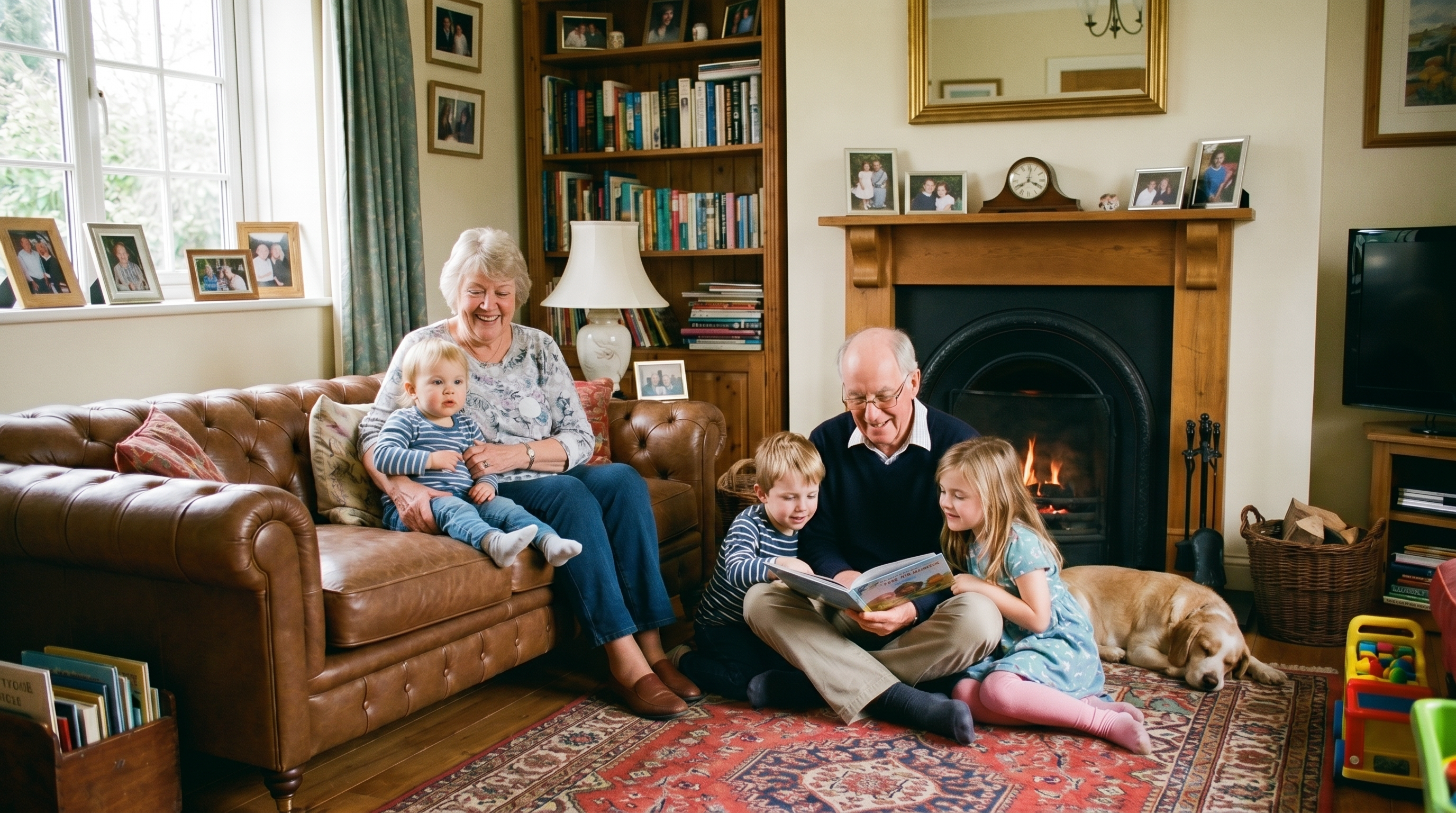
Search "memory app for seniors" and Google hands you a wall of brain training games. Lumosity. Elevate. Peak. Apps designed to sharpen cognitive function through puzzles and word games. Search "storytelling app for seniors" and the results get vaguer — a handful of subscription book services, a few prompt apps for kids, and a lot of confused listicles.
Both searches are after the same thing, and neither result page actually answers it.
What families really mean when they search either phrase is: My mom is getting older. Her stories are starting to repeat, or worse, starting to fade. I need a way to save what she remembers — and what she felt about it — before she doesn't remember it anymore.
That's a different category of app entirely. Not one that exercises the brain through games. Not a once-a-week prompt service that ends in a printed book. A storytelling app — built around voice, simple enough for a 78-year-old, designed so the stories stay inside the family forever.
This guide walks through what families should actually look for, why most "senior apps" miss the point, and the handful of options that genuinely fit the job.
The problem with most apps
Here's what happens when you hand your 75-year-old mother an app:
She looks at it. She taps something. Something unexpected happens. She puts the phone down. She never opens it again.
This isn't a technology problem. It's a design problem. Most apps are built by 28-year-olds for 28-year-olds. The buttons are too small, the text is too light, the navigation assumes you already know what a hamburger menu is, and the onboarding asks you to "connect your social accounts" when you don't have any.
A memory app for seniors needs to be:
- Simple — one main action, clearly labeled, impossible to get lost
- Forgiving — undo everything, save automatically, never lose work
- Voice-first — typing on a phone is hard at any age, but especially at 75. Talking is natural.
- Private — no ads, no social feed, no strangers. Just family.
- Worth their time — the app should feel like it matters, not like homework
The real test
If your parent can open the app, record a story, and close the app without asking for help — it passed. If they need a tutorial, it failed.
What to look for in a memory app for seniors
Before we get into specific apps, here's the checklist:
Voice recording is non-negotiable. Typing a story on a phone is tedious for anyone and miserable for someone with arthritis or low vision. The app should let them tap one button and talk. Everything else — transcription, organization, titling — should happen automatically.
It should keep things in one place. Not photos in one app, stories in another, videos in a third. The whole point is that twenty years from now, everything about grandma's life is in one searchable, organized archive.
Family should be able to see it. What's the point of preserving stories if the family can't access them? The app should let you share memories with specific family members without making anything public.
It should work on any device. Grandma has an Android. Her daughter has an iPhone. Her grandson uses a laptop. The app needs to work everywhere, looking the same, without anyone installing anything special.
No subscriptions she'll forget about. Hidden charges, auto-renewals buried in settings, "your trial expired" messages — all of it erodes trust for seniors who are already skeptical of apps.
Why a storytelling app actually works for seniors (and a generic "memory app" doesn't)
There's a category gap most articles miss. "Memory apps for seniors" mostly means brain training — exercises designed to fight cognitive decline. Useful as a hobby, irrelevant to what most families are actually trying to do. What they need lives in a different category: a storytelling app built around the act of telling, not testing.
Here's why the storytelling framing matters in practice:
Stories give the senior something to do. Brain games are abstract. A puzzle is a puzzle. But "tell me about the day you met Dad" is a request that lights up the part of the brain seniors most want to use — episodic memory, the autobiographical kind. The activity has a purpose: the family wants to hear it.
Stories don't have a wrong answer. A puzzle has a score. A story doesn't. Seniors who get anxious about getting things "right" with technology relax the moment they realize this app isn't grading them.
Stories preserve the person, not just the moment. A photo book holds what people looked like. A storytelling app holds how they thought. The cadence of Mom's voice. The way Grandpa drops a punchline. The phrases that show up in three different stories because they're part of who he is. That's what gets lost when families wait too long.
Stories scale across visits. One photo book is one event. A storytelling habit can run for years — one Sunday at a time, five minutes at a time. The archive grows quietly, without any one moment feeling like a project.
The apps below are the ones that take this category seriously. A few are framed as "memory apps" in their own marketing, but the actual product is a storytelling tool — voice-first, prompt-driven, and built so the stories outlast the storyteller.
Apps worth considering
The shortlist below is filtered for seniors specifically — gentle interfaces, no learning curve. For the wider field, including the AI-interview tools that do the prompting for you, see our test of seven AI memory apps for family stories.
Storyworth
What it is: A service that emails your parent or grandparent one question per week. They reply by email (no app needed). After a year, the answers get compiled into a printed book.
Why it works for seniors: Email is familiar. There's no app to learn. The questions arrive on a schedule, which creates a gentle routine. And the book at the end is a physical, tangible thing — which matters to a generation that values objects over files.
The catch: It's email-only at the base tier. No phone storytelling unless you upgrade. If your mom is a talker, not a typer, this doesn't play to her strengths. It also starts at $69 per person for the year (the color book most families want is $99), and the engagement ends when the book is printed. No ongoing archive.
Best for: Seniors who are comfortable with email and prefer writing to talking.
Remento
What it is: A guided story-recording service. A question arrives by text or email, the person taps the link and talks (no app or login), and Remento turns each answer into a written chapter of a hardcover book. Audio-only is the default feel; video is optional.
Why it works for seniors: The prompts remove the "what do I even say?" barrier, and talking is easier than typing. The original recording is kept, and a QR code in the printed book plays it back.
The catch: It's $99 for the first year (including one printed hardcover), then $99/year or $12/month to keep recording. It's built around one storyteller and one book, and recording needs an internet connection; you can't upload recordings you already have.
Best for: Seniors who like to talk, want a printed book at the end, and have a family member to send the prompts.
FamilyAlbum
What it is: A photo-sharing app popular with young parents for sharing baby photos with grandparents.
Why it works for seniors: Grandparents don't need to upload — they just view. The email notification feature means they don't even need the app installed. They get an email, click, see the photo.
The catch: It's a photo viewer, not a memory tool. Grandma can see photos but can't tell her own stories. No voice recording. No guided prompts. No way to add context to what she's seeing. And the recent addition of ads over family photos has frustrated many users.
Best for: Seniors who just want to view grandkids' photos. Not for preserving their own stories.
Memory Murals
What it is: A private family archive that combines photos, voice recordings, written stories, and AI-powered tools into a timeline. Full disclosure — this is our app.
Why it works for seniors: Voice recording is the core feature. Tap one button, talk about a memory, and the AI transcribes it, generates a title, and files it on your timeline. No typing required. The interface is clean, the text is readable, and there's no social feed or ads. Family members can be tagged in memories and invited to view or contribute without creating their own account — they get a daily email digest with the full memory instead.
The catch: It's newer than the other options, so there's a smaller user base. Premium features (AI transcription, expanded 25 GB storage) require a paid plan ($12.99/month or $99.99/year). And while the interface is simpler than most apps, it's still an app — some seniors will need initial help getting set up.
Best for: Families who want to preserve voice recordings and stories alongside photos, with a senior who prefers talking to typing.
47%
Regret Not Recording
of Americans regret not recording a conversation with a loved one who has since died
In a 2022 YouGov survey of 6,090 U.S. adults, 47% said they regret not recording or documenting a conversation with a loved one who has since died.
How to actually get a senior to use a memory app
The app is the easy part. Getting your parent to use it is the hard part. Here's what works:
Don't present it as technology. Don't say "I found this app." Say "I want to hear the story about when you met Dad. Can I record it?" The app is just the tool. The conversation is the point.
Start with their best story. Everyone has a story they love telling. Start there. Once they see their own words transcribed and saved — once they realize someone cared enough to preserve it — they'll want to do more.
Do the first one together. Sit with them. Open the app. Hit record. Ask a question from our list of questions to ask your mom before it's too late. Let them talk. Show them the result. That first "wow, it saved everything I said" moment is what hooks them.
Make it routine. Sunday phone calls become "Sunday stories." Every visit starts with one recording. The habit matters more than the volume — one story per week for a year is 52 stories. That's a legacy.
Don't correct them. If the dates are wrong, if the details don't match what you remember — let it go. Their version of the story is what matters. You're preserving perspective, not historical accuracy.
Start with one story
Memory Murals is free to try. Record your first memory in under a minute — tap, talk, done. The AI handles the rest. No credit card required. If your parent can make a phone call, they can use this.
The cost of waiting
There's no polite way to say this: every month you wait, some stories disappear. Not because anyone chose to forget them — just because that's how memory works. The details go first. Then the feelings. Then the story itself.
Your mom won't always remember the name of the street she grew up on. Your dad won't always remember the joke his father told at every Thanksgiving. Your grandmother won't always be able to describe, in her own voice, what it felt like the day she became a mother.
These aren't things you can Google later. They exist inside one person, and when that person can't access them anymore, they're gone.
A memory app for seniors isn't about technology. It's about time. And the window is always smaller than you think.
If a parent's memory loss has already shifted from "occasional forgetfulness" into something more, our hub for families inside an active dementia diagnosis is the longer-form companion to this post — practical guides, sensory-prompt examples, and FAQs from caregivers further down the road.
Get 50 questions to ask your parents — before the stories are gone
The exact prompts families use to draw out the stories nobody ever wrote down. Free, straight to your inbox.
No spam. Unsubscribe anytime.
About the author
Patrick Moore, Founder of Memory Murals
Patrick Moore is the founder of Memory Murals. He built it after realizing how much of his own family's history had quietly slipped away — to help families preserve their stories, voices, and photos while they still can.
Related Stories
How-To Guides
You Have the Questions. Here's How to Actually Record the Answers.
Every article gives you a list of questions to ask your grandparents. Almost none of them tell you what to do next. Here's the part nobody writes: how to actually capture the answers so they outlive the conversation.
Patrick Moore • April 11, 2026
Lists & Roundups
25 Questions to Ask Your Mom Before It's Too Late (And Why Each One Matters)
Most of us think we know our mothers. But between the school pickups and the phone calls, there's an entire life you've never asked about. These 25 questions will change that.
Patrick Moore • March 31, 2026
Comparisons
FamilyAlbum vs. Memory Murals: Best App for Sharing with Grandparents?
Choosing the right app to share family photos with grandparents can be tough. FamilyAlbum is a popular, free choice for daily updates, but is it the best for preserving legacy? We compare FamilyAlbum vs. Memory Murals on ease of use for seniors, privacy, and the crucial ability to save stories and voices.
Patrick Moore • September 25, 2026
See the version we built.
Voice-first, multi-contributor, and priced on one page — $12.99/mo, $99.99/yr, or a $7 weekend pass. Free for 7 days.